

First Impressions and Onboarding
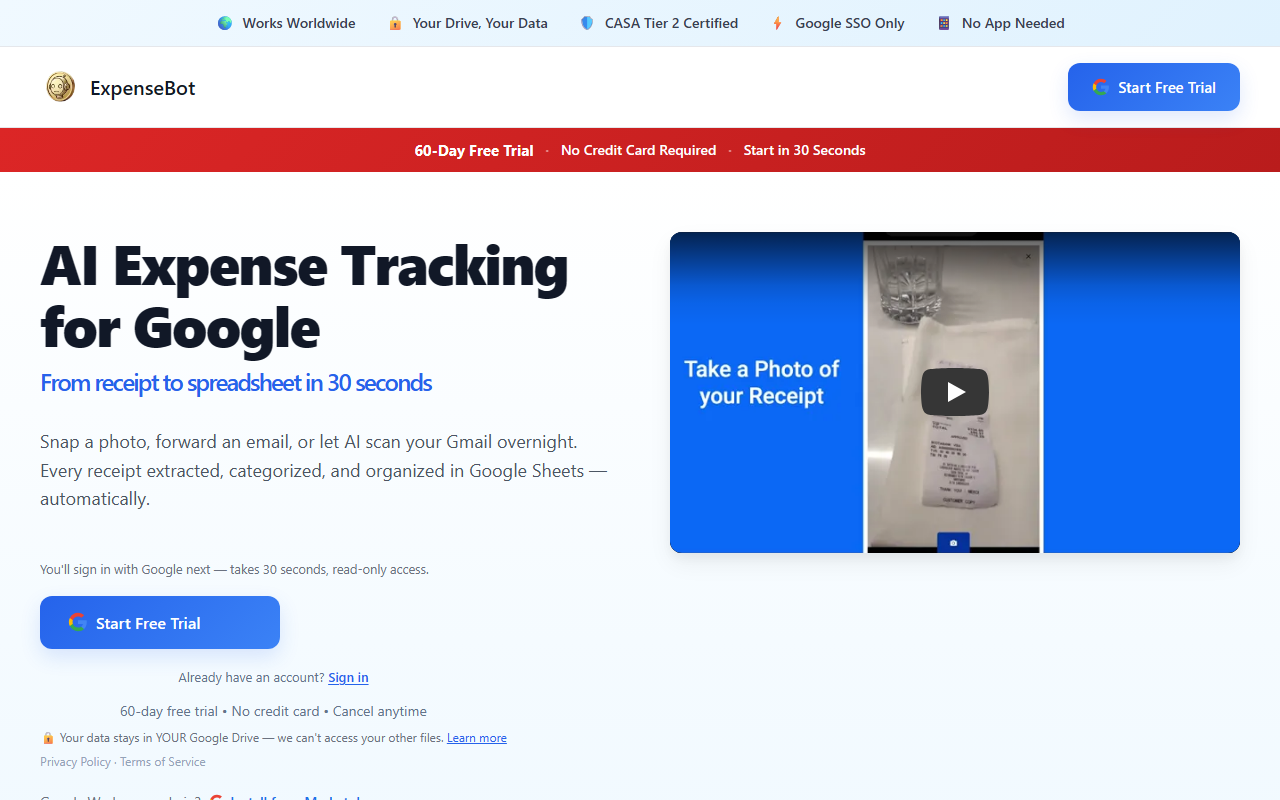
Upon visiting the ExpenseBot website at expensebot.ai, the experience is notably sparse. The page displays a brief tagline—“AI Expense Management for Google Workspace”—and a series of feature bullets: Gmail auto-capture, credit card reconciliation, and QuickBooks export. Below that, a JavaScript requirement message appears. No signup form, no demo video, no pricing table. This minimal approach suggests the tool is either a web app that loads after JavaScript is enabled or a Google Workspace add-on that integrates directly into Gmail and Sheets. As a journalist, I would normally test the free tier to describe the dashboard layout and response quality, but here the onboarding itself is a barrier: without enabling JavaScript (and presumably logging in with a Google account), there is nothing to observe. This is a limitation that the team should address—a static landing page with more clarity would significantly improve first impressions.
What ExpenseBot Offers
ExpenseBot targets a very specific niche: expense management for users of Google Workspace and QuickBooks. The core promise is automation—scanning Gmail inboxes for receipts and invoices, automatically categorizing expenses, reconciling credit card transactions, and exporting everything to QuickBooks for accounting. This solves a real pain point for freelancers and small teams who are already living inside Google’s ecosystem and use QuickBooks for bookkeeping. The tool essentially replaces manual data entry and receipt-scanning chores with AI-driven extraction. The technology behind it is not disclosed, but given the Gmail auto-capture feature, it likely uses a combination of email parsing and optical character recognition. The integration with QuickBooks means structured data export, avoiding CSV headaches. The intended audience is clear: freelancers, accountants, and small teams who want a lightweight, no-fuss expense tracker without leaving their Gmail environment.
Testing the Free Tier and Features
Because the site requires JavaScript to function, I was unable to test the free tier directly. However, the described workflow gives a clear picture. After enabling JavaScript and logging in with a Google account (likely via OAuth), ExpenseBot would scan the user’s Gmail for purchase receipts and match them against credit card statements. The reconciliation feature is particularly valuable for small businesses that deal with multiple card transactions. Exporting to QuickBooks should save hours of manual categorization. Without hands-on testing, I cannot comment on response quality or accuracy, but the narrow focus—Gmail to QuickBooks—suggests the AI should excel at this specific task. Competitors like Expensify or Zoho Expense offer broader features (mileage tracking, OCR from photos), but they may not integrate as natively with Google Workspace. ExpenseBot’s approach is more constrained but potentially more streamlined for its target users. I would want to see whether it handles multi-currency expenses and receipt attachments reliably, but that information is absent. Pricing is not publicly listed on the website, which is a notable omission; users must likely contact sales or sign up to see plans.
Positioning and Verdict
ExpenseBot occupies a clear niche: it is an AI expense management tool built specifically for Google Workspace users who rely on QuickBooks. Its strengths are deep integration with Gmail and QuickBooks, and a likely user-friendly automation that removes manual data entry. Its limitations are significant: the website offers almost no details about pricing, AI accuracy, or support for non-QuickBooks accounting software. The tool may feel too lightweight for larger teams with complex approval workflows. For freelancers and solo accountants who live in Gmail and use QuickBooks, ExpenseBot could be a time-saver. If you need robust mobile receipt scanning or corporate expense policies, look at tools like Expensify or Rydoo. ExpenseBot’s minimal web presence raises trust concerns—there is no blog, case studies, or user testimonials. That said, the problem it solves is legitimate, and the Google Workspace integration differentiates it. I recommend freelancers and small teams in the Google ecosystem to give ExpenseBot a try (once JavaScript is enabled) and test its accuracy with their own historical receipts. Visit ExpenseBot at https://expensebot.ai/ to explore it yourself.













Comments