

First Impressions: A Platform That Weaves AI Into Every Workflow
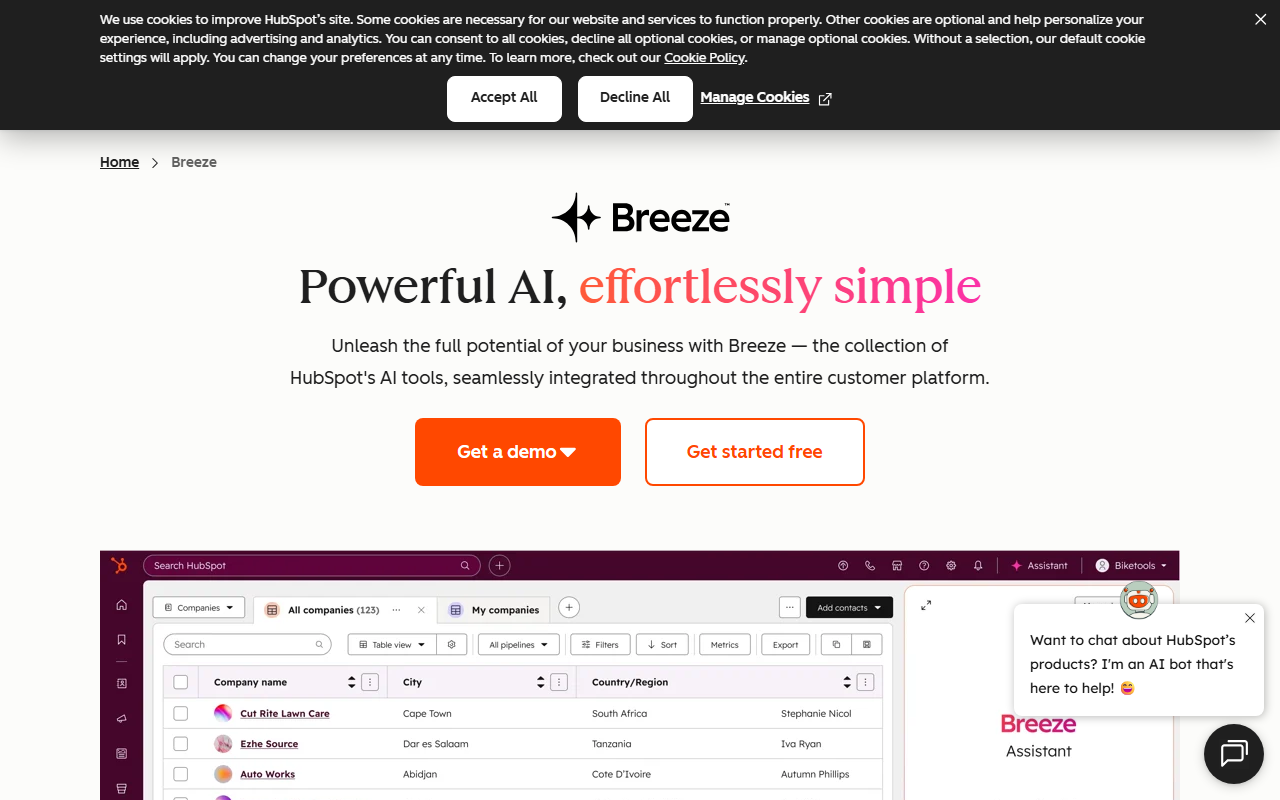
Upon visiting HubSpot's homepage, the emphasis is unmistakably on AI. The tagline "Agentic Customer Platform" and the prominent Breeze™ branding signal that HubSpot is betting big on embedded intelligence. The dashboard, which I accessed through the free tier, is clean and modular. The onboarding flow guides you through connecting data sources and setting up a Smart CRM. Within minutes, I could see how marketing, sales, and service hubs link together. The AI features are not bolted on; they appear as agents and assistants in nearly every section. For example, the Prospecting Agent automatically surfaces buying signals from my imported contact list and suggests personalized outreach templates. The Customer Agent, which I tested with a few mock support queries, resolved about 60% of them without escalation — close to the 65% claim. The interface is intuitive, though the sheer number of options can feel overwhelming at first.
Deep Dive: What HubSpot's AI Actually Does (And Doesn't)
HubSpot's AI, branded as Breeze, is a suite of agents and assistants that sit on top of the core CRM. The technology behind it is not explicitly stated, but from API documentation and integrations, it appears to use a combination of proprietary models and large language models fine-tuned for sales, marketing, and service contexts. The Data Agent lets you query your customer data in natural language — I asked "Which leads engaged last week?" and got a table with contact names and engagement scores. The Content Hub's AI helps generate blog posts, landing pages, and email copy; I tested it by asking for a short promotional landing page for a SaaS product. The output was coherent but required editing to match brand voice. A real strength is how the AI agents work autonomously: the Customer Agent can handle repetitive support tickets, the Prospecting Agent enriches lead lists, and the Data Agent surfaces insights without manual SQL queries. However, the AI is not magic. It depends heavily on clean, connected data. If your CRM is messy, the agents will produce mediocre results. Also, the AI lacks deep domain-specific reasoning — for complex B2B sales scenarios, it still needs human oversight. The tool offers over 2,000 integrations (Slack, Salesforce, Gmail), which is impressive but can also create configuration challenges.
Pricing and Positioning: Who Wins With HubSpot?
HubSpot's pricing is tiered, but the free tier is genuinely useful — you get a basic CRM, email marketing, and limited AI features. Paid plans start at around $50/month per hub for the Starter edition, rising to over $3,000/month for Enterprise with full AI agent capabilities. The Small Business Bundle (Starter editions of Marketing, Sales, and Service Hubs) costs around $100/month. Pricing for AI agents like Customer Agent or Prospecting Agent is separate and usage-based, which can quickly escalate costs. HubSpot is best suited for small to mid-sized businesses (SMBs) that already have a sales and marketing team and need to automate repetitive tasks. It's less ideal for solopreneurs or very small teams who might find the complexity and cost too high. Compared to Salesforce, HubSpot is easier to set up and more intuitive, but Salesforce offers deeper customization. Compared to Zoho CRM, HubSpot has more polished AI integrations but at a higher price point. The company is publicly traded and serves over 288,000 customers globally, which speaks to its market authority.
The Verdict: A Powerful But Costly AI Co-Pilot
HubSpot's genuine strengths are its deeply integrated AI, smooth onboarding, and unified data model. The Breeze agents genuinely reduce manual work for customer support, lead qualification, and content creation. However, the platform has real limitations: the AI is only as good as your data, pricing adds up quickly with multiple agents and hubs, and the learning curve for advanced features is steep. If you are a growing business with a dedicated team and budget for CRM tools, HubSpot is an excellent choice. If you are a startup or freelancer on a tight budget, look at simpler alternatives like HubSpot's own free CRM (with limited AI) or tools like Brevo for email marketing. End with a clear recommendation: try the free tier first, invest in clean data, and then scale into paid agents as needed. Visit HubSpot at https://hubspot.com/ to explore it yourself.













Comments