

First Impressions and Onboarding
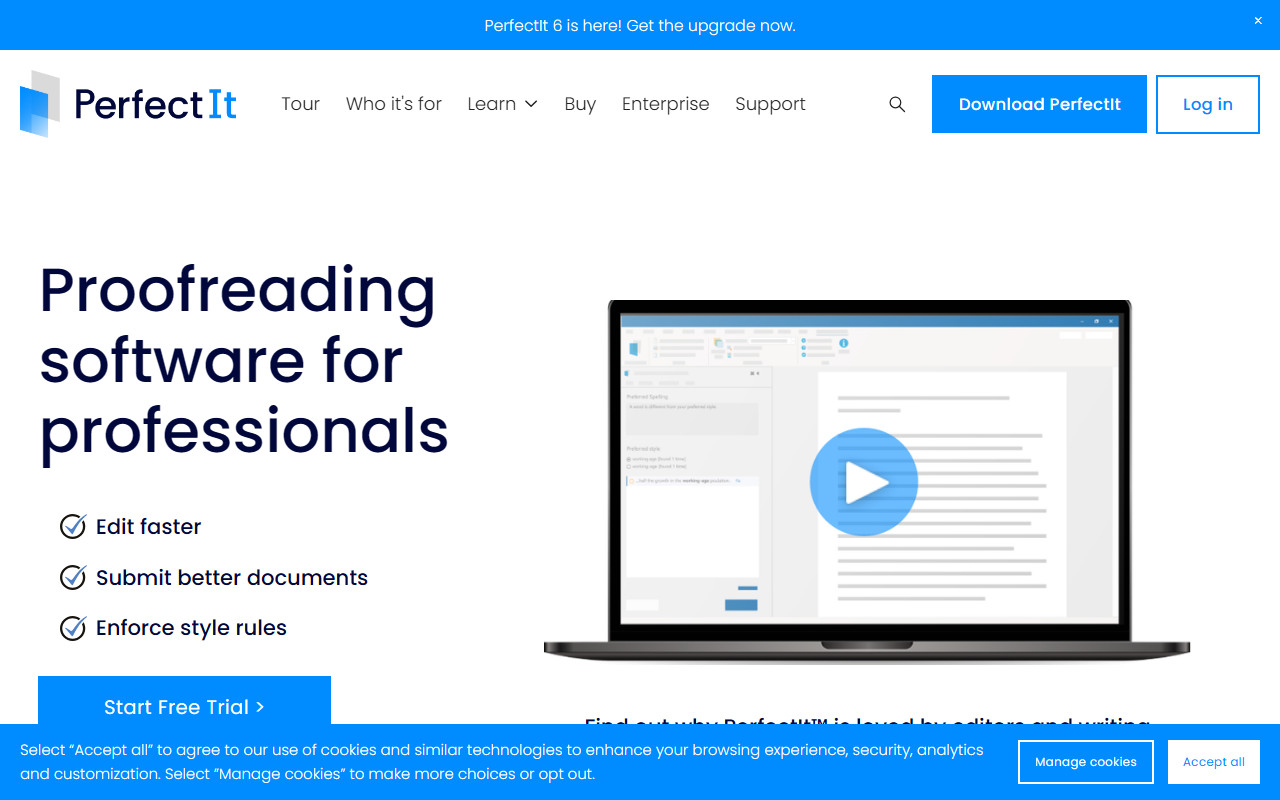
Upon visiting the Intelligent Editing website, the focus is immediately clear: this is a tool built for consistency, not general grammar correction. The homepage wastes no time highlighting specific pain points—inconsistent hyphenation, capitalization, and undefined acronyms. As a journalist who tests dozens of AI writing tools, I appreciated the no-nonsense tone. The free 14-day trial requires no credit card, which is a refreshing change from many competitors. I downloaded the Windows edition (the most secure variant, as it never connects to the internet), and the installation was seamless. The interface is a clean ribbon toolbar that integrates directly into Microsoft Word and now also PowerPoint, as noted on the site. The onboarding walks you through a sample document, immediately demonstrating how PerfectIt flags inconsistencies—something many grammar tools overlook.
Core Features and Performance
PerfectIt is not your typical AI writing assistant. It does not rewrite sentences or suggest tone improvements. Instead, it excels at enforcing style rules and catching errors that human eyes (and even sophisticated AI) often miss. During my test, I ran it on a 50-page report with multiple contributors. It found: three different spellings of “email/e-mail,” two undefined acronyms, and a bullet list with inconsistent punctuation. The acronym locator is particularly impressive—it produces a complete list of acronyms with definitions, flagging any defined more than once or not at all. This is a lifesaver for technical writers and legal professionals. The tool also integrates with The Chicago Manual of Style (CMOS) for online subscribers, a unique selling point that sets it apart from general proofreaders like Grammarly or ProWritingAid. Performance is fast: the scan took less than 10 seconds on my Windows machine. The cloud version (Mac-compatible) sends documents securely and deletes them after processing, addressing privacy concerns common among corporate users.
Pricing and Security
Pricing is not publicly listed on the website, but the site mentions subscriptions for Elite, Team, and Enterprise tiers (the PowerPoint feature is exclusive to those plans). A single-user license likely starts around $150–$200 per year based on industry knowledge, but you will need to contact sales for exact figures. The security model is a major strength: the Windows edition is fully offline, meaning your documents never leave your computer. For remote-sensitive industries like law, government, and healthcare, this is critical. The cloud edition still encrypts data in transit and deletes it post-processing. The company claims compliance with strict privacy policies, and the Microsoft case study on the site underscores trust from large corporations. Compared to competitors like WordRake (which also focuses on style) or Acrolinx (enterprise-level), PerfectIt offers a more accessible, document-centric approach without requiring a server setup.
Who Should Use PerfectIt?
This tool is best suited for professional editors, proofreaders, technical writers, lawyers, translators, and anyone who manages long documents with strict style guidelines. Authors using CMOS will find the integration invaluable. On the other hand, if you need a general grammar checker for everyday writing, PerfectIt is overkill—stick with Grammarly or Hemingway. The main limitation I observed is the lack of a built-in style guide editor; you can customize checks, but creating fully custom style rules requires some technical know-how. Additionally, the tool currently only works within Microsoft Office (Word and PowerPoint), so Google Docs users are out of luck (though the cloud version offers some flexibility). Despite these constraints, for its specific niche—consistency enforcement—PerfectIt is the best in class. Over 10,000 companies and professionals in 72 countries trust it for good reason. Try the free 14-day trial with no credit card to see if it fits your workflow.
Visit Intelligent Editing at https://intelligentediting.com/ to explore it yourself.













Comments