

First Impressions: Interface and Onboarding
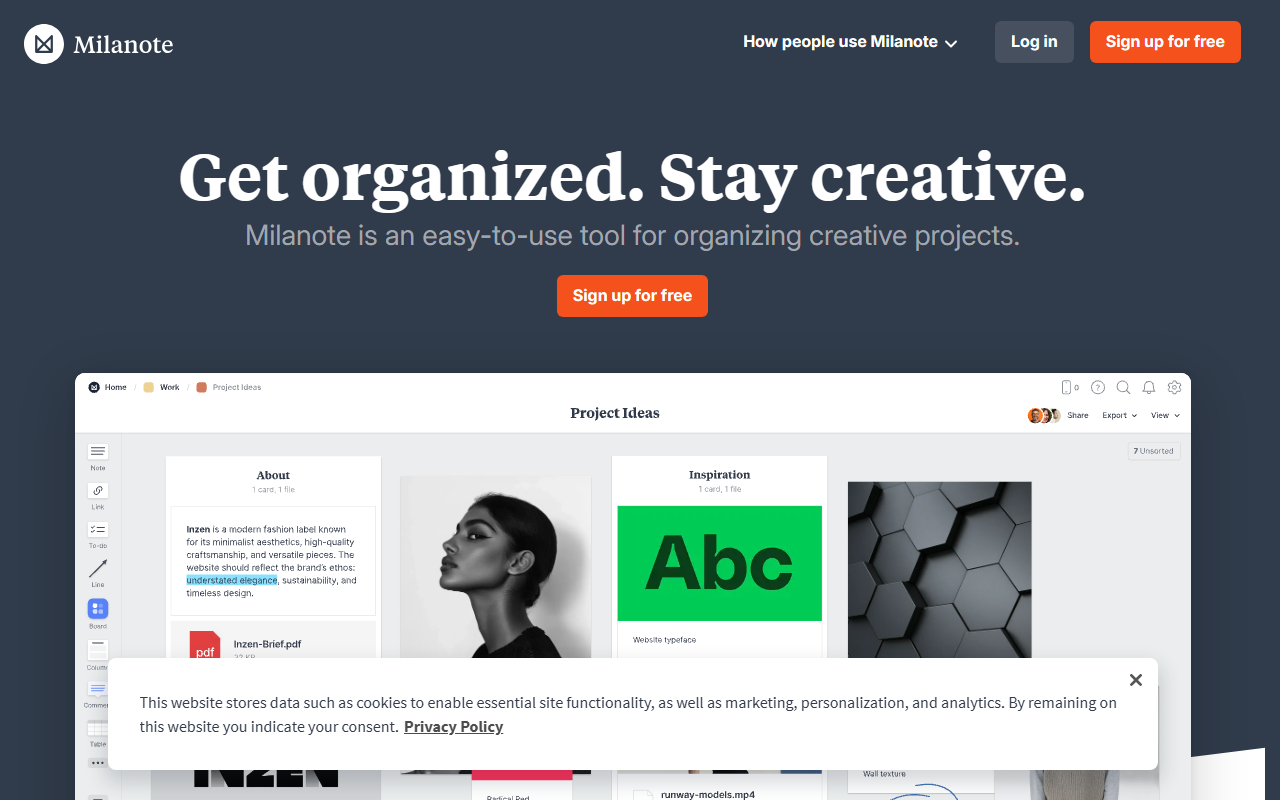
Upon visiting the Milanote website, I was greeted by a clean, designer-friendly landing page that immediately pitches the value proposition: “Get organized. Stay creative.” The sign-up process is straightforward—no credit card required for the free tier. Once inside, the dashboard presents a blank board with a tutorial overlay. Milanote uses a board-and-card metaphor similar to Trello or Miro, but with a focus on visual composition. You can drag notes, images, videos, and links directly onto the board. The text editor is simple but sufficient for jotting down ideas. I tested adding a YouTube video and a local image; both embedded seamlessly. The interface feels responsive, and the learning curve is minimal for anyone familiar with drag-and-drop tools. Notably, Milanote does not advertise any AI features—its core strength is visual project organization, not AI generation. That said, the category label “AI Design” seems misplaced; Milanote is a creative planning tool, not an AI image generator.
Core Functionality: Organizing Creative Projects
Milanote excels at collecting and arranging multimedia content. During my test, I created a moodboard for a photography project: I added notes for shot ideas, uploaded reference images, and linked to a Pinterest board. The ability to nest cards, create columns, and use color-coding makes it easy to see the big picture alongside granular details. The tool is built for visual thinkers—filmmakers, designers, writers, marketers, and more. Each use case (e.g., filmmaking, writing, interior design) has dedicated templates, which I found helpful for getting started. However, there are no AI-driven features like automatic moodboard generation, smart tagging, or image recognition. This is a clear limitation if you expect an AI design assistant. Instead, Milanote focuses on manual curation and collaboration. The mobile app (iOS/Android) is functional for quick idea capture, though the desktop web app offers a richer experience.
Collaboration and Integrations
Collaboration is a standout feature. I invited a colleague to edit a board, and we could simultaneously drag items, leave comments, and reorder sections in real time. The commenting system is thread-based and feels similar to Figma or Notion. Milanote also offers integrations with tools like Slack, Trello, and Google Drive, though the list is not extensive. For power users, the lack of API access or advanced automation is noticeable. Compared to Notion—which combines databases, wikis, and AI writing—Milanote is more visually focused but less versatile. Compared to Miro, Milanote is simpler and more purpose-built for early-stage creative planning rather than complex diagramming. Pricing: I found no publicly listed pricing on the website. After signing up, the free tier allows up to 100 items (notes, links, images) and two active boards. Upgrading to the Pro plan (likely around $9.99/month, though not explicitly stated) removes these limits and adds more collaboration features. I advise checking the pricing page directly, as it may vary by region.
Pricing, Alternatives, and Verdict
Milanote is best suited for creative professionals who need a simple, visual space to brainstorm, moodboard, and plan projects with a team. Solo creatives and small teams will find it especially useful for pre-production work in film, design, writing, and marketing. However, if you require AI-powered design generation (e.g., DALL·E integration, auto moodboards) or a full-fledged project management suite, look elsewhere. Alternatives include Notion (better for databases and AI writing) and Miro (better for diagramming and whiteboarding). Genuine strengths: easy onboarding, beautiful visual interface, real-time collaboration. Real limitations: no AI features, limited integrations, ambiguous pricing, and item limits on the free tier. Overall, I recommend Milanote for anyone in the early creative planning phase who values visual organization over automation. Visit Milanote at https://milanote.com/ to explore it yourself.













Comments