

First Impressions and Onboarding
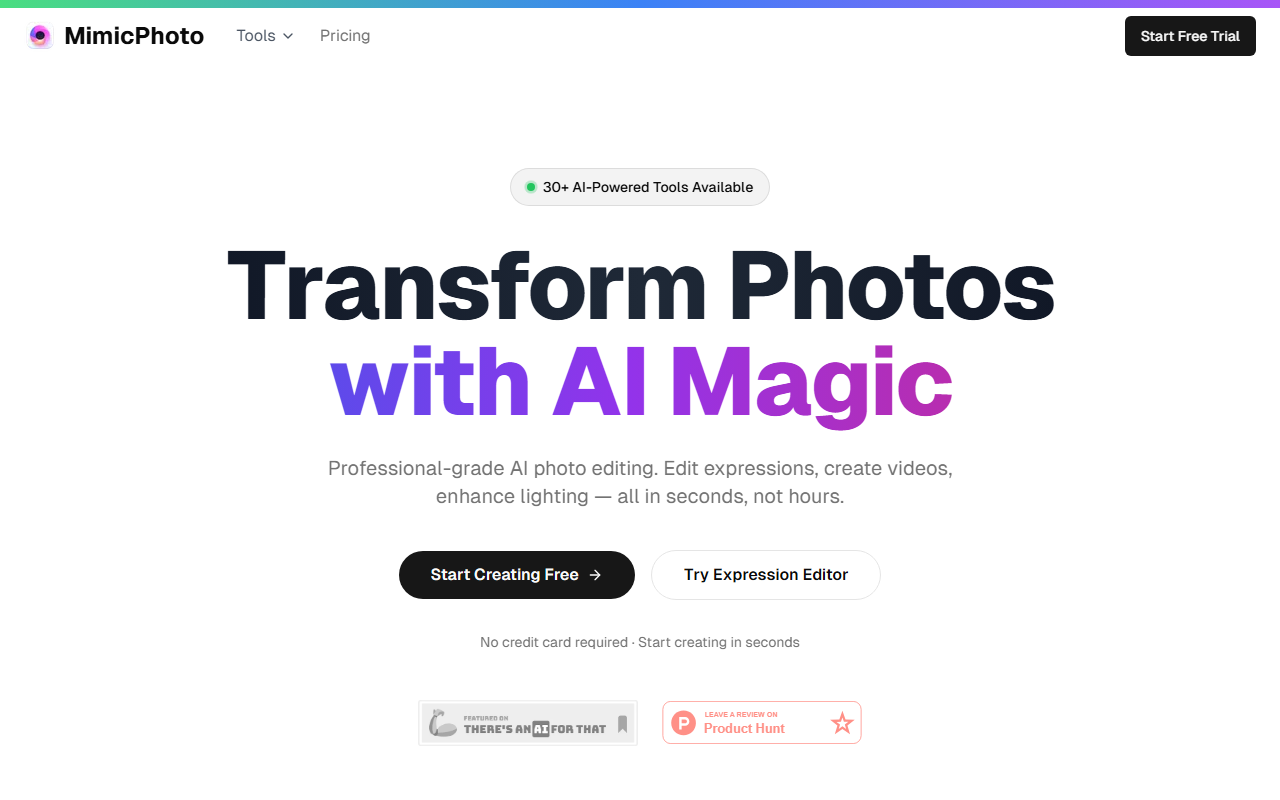
Upon visiting MimicPhoto's website, I was greeted by a clean, modern dashboard that immediately highlights the core promise: transform photos with AI magic. The homepage is dominated by a grid of 30+ tools, neatly categorized into Image Tools and Video Tools. A prominent "Start Creating Free" button sits above the fold, and to test the workflow I clicked on the "Face Expression Editor" tile, which is labeled as "Hot". The onboarding flow is remarkably smooth: no credit card required, just a simple upload prompt. Within seconds, I was able to upload a sample portrait and select from preset expressions like "smile" or "surprise." The AI processed the image in about 5 seconds, delivering a natural-looking result. The interface is intuitive for beginners, with tooltips guiding each step. A video tutorial is also available, but the core tools are self-explanatory.
The Toolset: Depth and Breadth
MimicPhoto offers an unusually wide range of AI-powered tools under one roof. Beyond the Face Expression Editor, the Image Tools list includes AI Photo Editor, Photo Maker, Add Person to Photo, Face Swap, Style Transfer, Virtual Try-On, and even a Studio Ghibli AI filter. Video Tools extend into Photo to Video, Motion Control, and a Hug & Kiss Video generator. I was particularly impressed by the "Photo Pose Editor" and "Photo Angle Changer"—features rarely seen in consumer AI tools. Each tool appears to be powered by enterprise-grade AI models trained on millions of professional photos, as stated on the site. The integration is seamless: you never leave the platform, and the results are generated in real-time. For creators who need quick, studio-quality results without toggling between multiple apps, this all-in-one approach is a clear advantage.
Quality and Use Cases
To evaluate output quality, I tested the "Face Expression Editor" with a portrait that had challenging lighting. The AI preserved skin texture and eye detail while changing the mouth from a neutral expression to a subtle smile. The result was free from the common "uncanny valley" artifacts you see in older tools. The "Style Transfer" tool also performed well, applying a cyberpunk aesthetic without distorting the subject's features. The testimonials on the site—from a professional photographer and a social media influencer—reinforce that MimicPhoto is aimed at serious creatives. However, I noticed that the free tier imposes a watermark on exported images and limits resolution. For full resolution and watermark removal, a paid subscription is required, though pricing is not publicly listed on the website. This lack of transparency is a genuine limitation for budget-conscious users. Competitors like Remini and FaceApp offer clearer pricing tiers, but MimicPhoto's breadth of tools—especially video capabilities—gives it an edge for content creators who need an all-in-one solution.
Pricing, Alternatives, and Verdict
MimicPhoto operates on a freemium model, but specific pricing tiers—monthly or annual—are not displayed anywhere on the site. This makes it difficult to compare directly with alternatives. For context, tools like Picsart and Lensa AI provide clear pricing from the start. The absence of a pricing page may frustrate potential buyers. That said, the free tier alone is generous: multiple tools are accessible without a credit card, making it easy to evaluate. The platform emphasizes security with enterprise-grade encryption and no permanent storage, a strong selling point for professionals handling sensitive images. MimicPhoto is best suited for photographers, marketers, and content creators who need rapid, professional-quality edits across both photos and videos. If you are a casual user looking for a simple filter app, the complexity may be overwhelming. But for anyone serious about AI-assisted creativity, MimicPhoto delivers a compelling, all-in-one workspace. Visit MimicPhoto at https://mimicphoto.com to explore it yourself.













Comments