

First Impressions: A Logo Maker That Actually Thinks Like a Designer
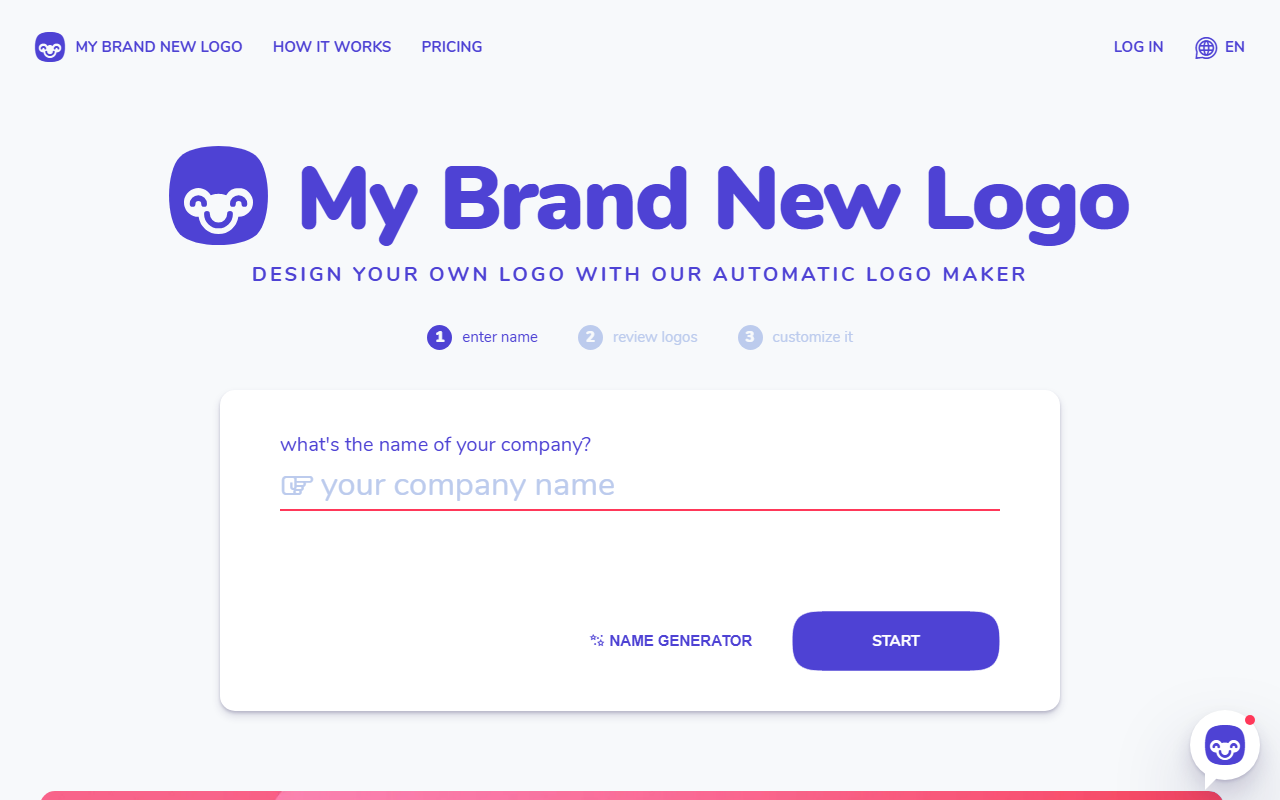
Upon visiting My Brand New Logo, I was greeted with a clean, modern interface that immediately made me want to try it. The homepage features a prominent call-to-action: "design your own logo with our automatic logo maker." The dashboard guides you through a simple 3-step wizard — enter your company name, describe your business in a sentence, pick a color (or let the AI surprise you). I tested the free tier by entering a fictional company name, "Pine & Pixel," and was impressed by how the AI asked follow-up questions, like whether I had a shorter variation of the name. That small touch shows the tool understands design constraints. After I selected "SaaS" as my industry and a green palette, the logo maker generated dozens of options within seconds. Each variation felt distinct, not just color swaps. The editor allowed me to tweak curves on the Smart Shapes, adjust spacing, and change fonts — all in real time. The experience was smooth and intuitive, far better than many template-based competitors I’ve tried.
How It Works and What You Get
My Brand New Logo uses proprietary AI algorithms that mimic a professional designer’s workflow. The tool starts by analyzing your inputs — industry, keywords, color preference — then applies design principles such as balance, symmetry, and typography hierarchy. The result is a set of unique logos, each with no repeats. Notably, the platform avoids the stock-icon feel by using Smart Shapes, which are vector graphics with adjustable curves. You can fine-tune individual nodes, something rarely seen in consumer logo makers. The output files include high-resolution PNG, JPG, and SVG formats — essential for both digital and print use. The SVG format is print-ready, making it viable for business cards and banners. The Social Media Package automatically resizes your logo for Facebook, X (Twitter), YouTube, and Instagram thumbnails. You download an archive with all these variants. The process is entirely free until you decide to purchase; the Professional package costs €49 and grants full commercial copyright, high-res files, and the social media set. There’s also a Basic package (not detailed on the site, but mentioned in FAQs as optional — however, the main pricing shown is €49 for most users). No subscription, no hidden fees. This pay-per-use model is refreshing in a market full of monthly subscriptions.
Market Positioning and Competitors
In a crowded space of AI logo generators — Looka, Hatchful by Shopify, and Canva’s logo maker — My Brand New Logo stands out for its emphasis on professional design principles and vector-based customization. Unlike Looka, which relies heavily on templates, My Brand New Logo generates logos more organically from your inputs. Hatchful is free but limited in customization; Canva’s tool is better for non-designers but lacks deep vector editing. My Brand New Logo strikes a balance: advanced enough for founders who want a unique mark, yet simple enough for anyone. The tool has notable backing from Betalist, Product Hunt, and Y Combinator, indicating strong community validation. User testimonials on the site praise the value-for-money and speed — for example, a CEO of Grow Bucket said he kickstarted his visual branding in 5 minutes. The pricing is competitive: €49 for a full logo package is less than hiring a designer but more than free alternatives. However, the quality and copyright ownership justify the cost for serious startups.
Strengths, Limitations, and Recommendation
Strengths: The algorithm truly generates unique logos — I tested with three different company descriptions and got three distinct styles. The Smart Shapes feature lets you adjust vector curves, offering professional-level control. The social media auto-resizing is a huge timesaver. The free-to-create model encourages experimentation without commitment. The design principles embedded in the AI (balance, color theory) ensure outputs look polished even for non-designers.
Limitations: At €49, it’s more expensive than completely free alternatives like Hatchful or Canva. The tool lacks a standalone API or integration with design software like Figma. The website doesn’t show the exact number of available fonts or shapes, so you may feel limited if you want extreme variety. Also, the AI’s reliance on your input keywords means vague descriptions can lead to mediocre results. Finally, the “surprise me” color option sometimes picks odd combinations — I got a neon pink and lime green output that was unusable.
Who should try it: Solopreneurs, startup founders, or small business owners who need a professional-looking logo quickly and don’t want to learn design software. Also great for non-designers who want a vector-based logo with commercial rights. Who should look elsewhere: If you have a brand identity already established with a designer, or if you need a full branding suite (business cards, letterheads, etc.), you might need a more comprehensive service. Also, if your budget is zero, use Hatchful.
My recommendation: start with the free generation to see if the style matches your vision. If it does, the €49 package is a solid investment. For the price, My Brand New Logo delivers a unique, high-quality logo with minimal effort. Visit My Brand New Logo at https://mybrandnewlogo.com/ to explore it yourself.













Comments