

First Impressions: What OdooGPT Does and How It Works
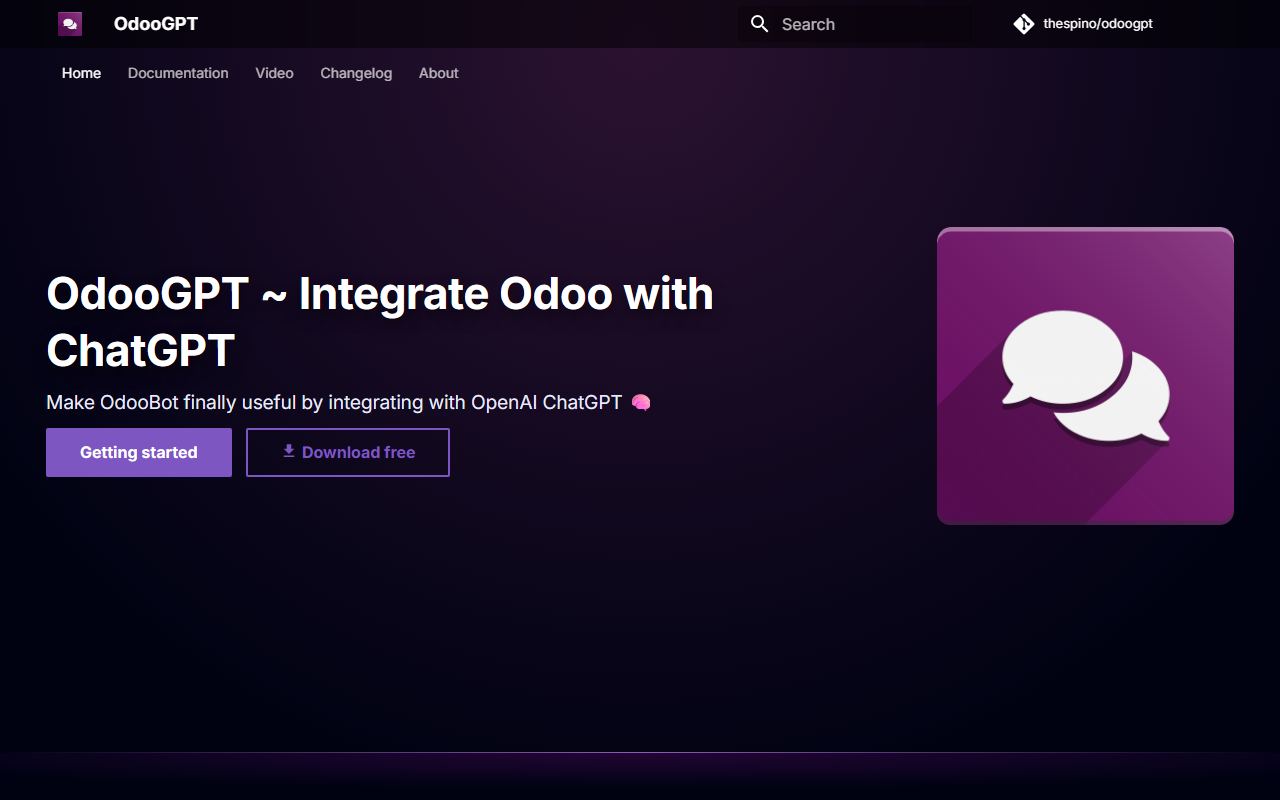
Upon visiting the OdooGPT website, the pitch is clear: "Make OdooBot finally useful." As someone who has struggled with Odoo's native bot, this promise catches my attention. The tool is essentially a module that integrates Odoo’s internal chat (OdooBot) with OpenAI’s ChatGPT. You type /ai followed by your query in any Odoo chat—private, group, or channel—and the AI responds with context-aware answers. The module also extends beyond chat: it lets you manage OpenAI files directly from Odoo, upload training data, and fine-tune custom models using JSONL files. All of this is handled through Odoo's familiar GUI, which reduces the need to switch between platforms.
The dashboard (once installed) adds a dedicated menu for OpenAI configuration. You’ll see fields to paste your API key, select which GPT model to use (e.g., GPT-4 or GPT-3.5), and adjust parameters like temperature. There’s also a file browser for uploaded datasets and a fine-tuning tab that shows the status of your training jobs. During my test of the free tier (the module itself is free), I noticed the interface is clean but sparse—no flashy onboarding wizard. You jump straight into configuration. The core interaction is simple: in any Odoo chat, type /ai What are my upcoming tasks? and the bot pulls context from your Odoo database (if properly set up) to generate a reply. This is where the magic lies: it’s not just a generic ChatGPT wrapper; it aims to give Odoo-specific answers.
Strengths: Deep Integration and Useful Features for Odoo Power Users
OdooGPT’s main strength is its tight coupling with Odoo’s ecosystem. Unlike a standalone AI tool that you tab out to, this sits inside the tool you already use for CRM, projects, inventory, and HR. The /ai command feels natural for teams that live in Odoo chats. The file management module is a standout: you can upload PDFs, CSVs, or JSONL files directly from Odoo, and they sync with your OpenAI account. This is handy for teams that want to fine-tune a model on company-specific documents without leaving Odoo. The fine-tuning interface is straightforward—select a file, specify the model, and track jobs from the same dashboard.
Another plus is the multi-language support. Since it uses ChatGPT, any language that OpenAI supports is fair game. This makes it practical for global teams. The module also respects Odoo’s permission system: you can restrict who can use the AI feature or who can upload files. For a free module, the feature set is generous. The developer, thespino, provides documentation and a changelog, which suggests active maintenance. Compared to alternatives like Odoo AI Connector (which costs €100+ per app), OdooGPT gives you a zero-cost entry point. However, you’ll still need to pay for OpenAI API usage—there’s no escaping that. The module itself is free, but the AI calls are billed per token by OpenAI.
Limitations: Technical Hurdles and Lack of Native Odoo Data Context
OdooGPT is not a plug-and-play solution. The website’s disclaimer warns: “You will need to install additional Python modules.” That means your Odoo instance must be self-hosted or on a platform where you can run pip install commands. If you’re on Odoo Online (the SaaS version), you cannot install this module. This immediately cuts off a large portion of Odoo users. Even on Odoo.sh (hosted by Odoo S.A.), custom Python dependencies are often restricted. So the module is really for companies that have full control over their Odoo server.
Another drawback is that the AI doesn’t automatically have access to your Odoo data unless you explicitly configure it. The website touts “ask anything,” but out‑of‑the‑box the bot only replies with general ChatGPT knowledge. To get answers like “show me the latest sales orders,” you need to expose Odoo data via OpenAI’s function calling or custom prompts. The documentation briefly covers this, but it’s not trivial. I also found no mention of embedding or vector databases, which would be needed for true RAG (retrieval‑augmented generation) against your Odoo records. That’s a missing piece that competitors like Odoo X AI (a paid add‑on) handle better. Lastly, the module’s UI for fine‑tuning is basic—no preview of training data, no error highlighting. It gets the job done but feels unfinished.
Who Should Use OdooGPT? A Clear Recommendation
OdooGPT is best suited for developers and tech‑savvy Odoo administrators who run their own on‑premise or cloud VPS instance. If you have the freedom to install Python packages and want a cheap way to add AI chat to your Odoo team, this is a solid starting point. It’s also great for experimentation: you can test ChatGPT integration, file management, and fine‑tuning without investing in a costly app. Small to medium businesses with a dedicated Odoo tech lead will get the most value.
You should look elsewhere if you use Odoo Online, lack server access, or need a polished, out‑of‑the‑box AI that deeply understands your CRM, accounting, and inventory data. In those cases, consider Odoo AI Connector (paid) or building a custom integration using Odoo’s external API and a tool like Zapier. OdooGPT is honest about its limitations—the developer doesn’t promise miracles. And the price is right: free. Just budget for the OpenAI API bill (which for a small team might be $10–$50/month depending on usage). If the technical prerequisites don’t scare you, OdooGPT is worth a try. Visit OdooGPT to explore it yourself.













Comments