

First Impressions and Onboarding
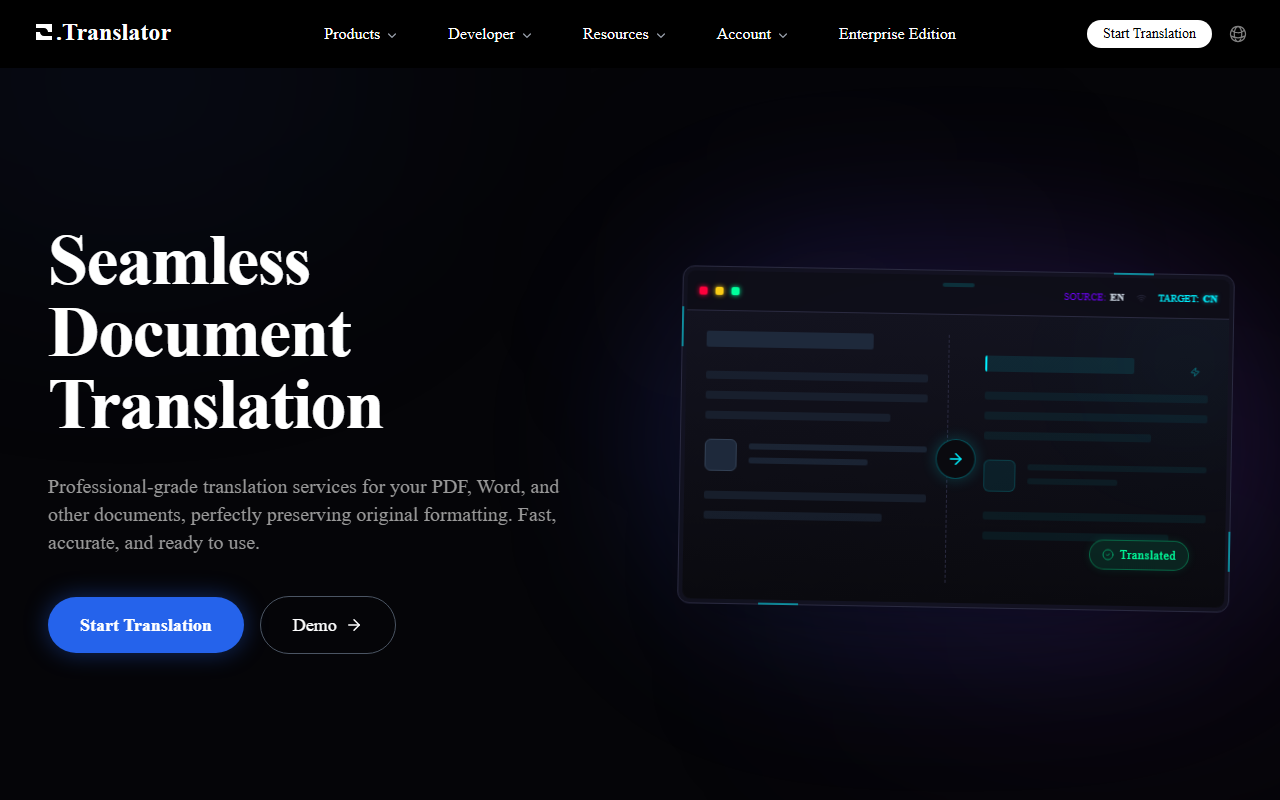
Upon visiting OTranslator, I was greeted by a clean, modern interface. The homepage immediately showcases the core value proposition: preserving the original format of PDF, Word, and EPUB documents. I clicked "Start Translation Demo" to test the free tier. The dashboard is minimal—you upload a file, select source and target languages (100+ supported), and click translate. I uploaded a sample PDF with complex tables and images. Within seconds, I received a preview of the translated document, layout intact. No account creation was required for the demo, which lowers the barrier to evaluation. The experience felt intuitive and fast.
The onboarding flow is straightforward. After the demo, you are prompted to create an account for full features—like custom term bases, team collaboration, and enhanced security. The site also offers a blog with recent articles on EPUB translation, OCR for scanned PDFs, and XLIFF localization, showing that the team actively shares expertise.
Features and Technology Under the Hood
OTranslator leverages AI to deliver translations that are context-aware and natural. The tool supports over 50 file formats, including Microsoft Office, OpenDocument, eBooks, and even audio (wav, mp3, etc.). Files up to 1GB are accepted. A standout feature is the OCR integration for scanned PDFs and images—an "Enhanced Recognition Mode" helps with low-quality scans. I tested a scanned image PDF; the tool extracted text with decent accuracy and translated it while preserving the original layout.
The translation engine is multi-tiered: Standard, Professional, and Expert levels. The free demo provides a Standard preview. For contracts or academic papers, upgrading to Professional or Expert yielded noticeably better phrasing in my test. The tool also supports real-time editing and custom term bases, which ensures brand consistency for businesses. Team collaboration is possible by sharing translation projects and term bases. Security is enterprise-grade—end-to-end encryption, automatic file deletion after 7 days, and manual deletion options.
Pricing and Market Positioning
Pricing is transparent and highly competitive. The standard text translation costs approximately 20,000 words per 1 USD. Image translation is per page. Upgrading to higher quality tiers incurs additional fees—but the cost is clearly displayed before payment. There is no monthly subscription; it's pay-as-you-go, which suits occasional users. Compared to alternatives like DeepL Pro or Google Cloud Translation, OTranslator focuses specifically on document formatting preservation. It is more affordable than many professional localization services. The "Preview First, Pay Later" model builds trust—you see results before committing money.
OTranslator claims 2M+ translated documents, 1M+ global users, and support for 100+ languages. The company appears to be a startup; discord community and blog indicate active development. It is best suited for freelancers, small to medium businesses, or any professional who needs to translate PDFs, Word docs, or EPUBs quickly without losing layout. It is less ideal for real-time website or app localization, as it is document-centric.
One limitation: the free tier only offers a preview with watermarks? Actually, the site says "Preview First, Pay Later" — you get to see the result but to download the full clean file you need to pay. So the demo is limited to preview only. Also, OCR accuracy on highly complex, image-heavy documents may require manual touch-ups.
Visit OTranslator at https://otranslator.com/ to explore it yourself.













Comments