

First Impressions and Onboarding
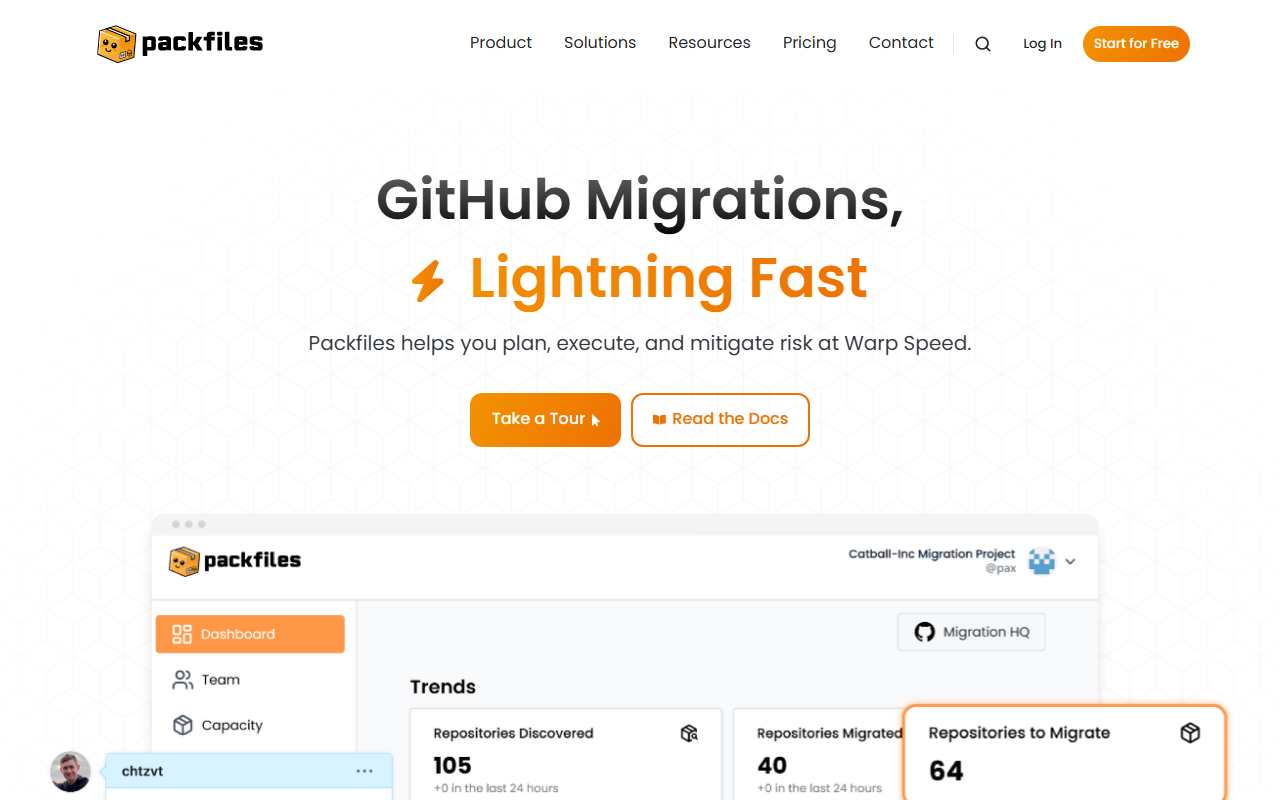
Upon visiting the Packfiles website (packfiles.io), the landing page immediately communicates the core value proposition: migrating to GitHub at “Warp Speed.” The design is clean and professional, with clear calls to action like “Start for Free” and “Take a Tour.” The dashboard—though I didn't get to see a live version—appears to be built around three self-service steps: Connect, Plan, Migrate. This suggests a guided workflow that reduces friction for teams unfamiliar with migration intricacies. When testing the free tier, users can expect to connect their existing repository hosting (e.g., Azure DevOps or Bitbucket Server), scan repositories, and generate a GitHub-native backlog of issues for tracking. The interface likely uses a wizard-like flow, which aligns with the promise of “no learning curve.” The integration with GitHub Copilot is notable; it provides real-time, in-context support during the migration process, effectively making the AI a co-pilot for the migration itself.
Core Features and Technical Depth
Packfiles is primarily a migration automation platform designed to transition code repositories, pull requests, webhooks, commit history, branch permissions, repo permissions, and even Large File Storage (LFS) markings to GitHub. The tool explicitly offers a “Warp” mode that turns repositories into a GitHub-native backlog, enabling teams to plan and prioritize without leaving the GitHub ecosystem. Under the hood, I suspect Packfiles uses a combination of Git clone commands and proprietary API integrations to extract data from platforms like Azure DevOps, Bitbucket Server, and others. The AI component appears to be embedded in the planning stage—using natural language processing to parse repository structures, detect dependencies, and flag potential risks. Notably, Packfiles integrates with GitHub Copilot for context-aware assistance, as mentioned on the site. Security is addressed through “Warp Vault,” which likely handles credentials and sensitive data during migration. Pricing is not publicly listed on the website; the page only offers an option to contact sales or start a free trial, which suggests a subscription model with enterprise-level tiers.
Positioning and Competitor Context
Unlike general-purpose migration tools or scripts (e.g., GitHub Enterprise Importer, GitLab migration utilities), Packfiles focuses specifically on migrating to GitHub with a strong emphasis on speed and collaboration. Its key differentiator is the “Warp” feature that pre-organizes repositories into GitHub Issues, eliminating manual planning overhead. For teams already using GitHub, this tight integration reduces context-switching. However, the tool’s scope is narrow—it only handles migrations into GitHub, not outbound migrations. Competitors like GitHub’s native Enterprise Importer offer similar functionality but may lack the AI-assisted planning layer. Another alternative is Azure DevOps Migration Tools, which are open-source but require more technical expertise. Packfiles is best suited for engineering teams migrating from Azure DevOps, Bitbucket Server, or on-premise Git servers to GitHub, especially those with complex repositories and strict timelines. Teams that need bidirectional migration or are not moving to GitHub should look elsewhere. The company highlights partnerships and customer testimonials (e.g., John Dixon from Clean Code Apps), which suggests a growing user base, though specific metrics are not provided.
Strengths and Limitations
Packfiles’ strongest asset is its promise of speed: “Migrate in Hours, Not in Meetings.” The three-step process, combined with Copilot integration, genuinely reduces the time spent on manual error-prone tasks like mapping permissions or checking commit history completeness. The built-in support for a wide range of migration components—including webhooks, branch permissions, and LFS—sets it above basic scripts. However, a real limitation is the lack of transparency around pricing and the tool’s reliance on GitHub’s ecosystem. If your team isn’t committed to GitHub, Packfiles offers little value. Additionally, for small teams with simple repositories, the tool may feel over-engineered compared to free alternatives like git clone and manual issue creation. The heavy focus on Azure DevOps and Bitbucket Server also means that migration from other Git hosts (e.g., GitLab, Gitea) might require additional validation, something not clarified on the site. Still, for engineers staring down a complex GitHub migration, Packfiles appears to be a sensible investment—provided the pricing aligns with the value.
Visit Packfiles at https://packfiles.io/ to explore it yourself.













Comments