

First Impressions and Onboarding
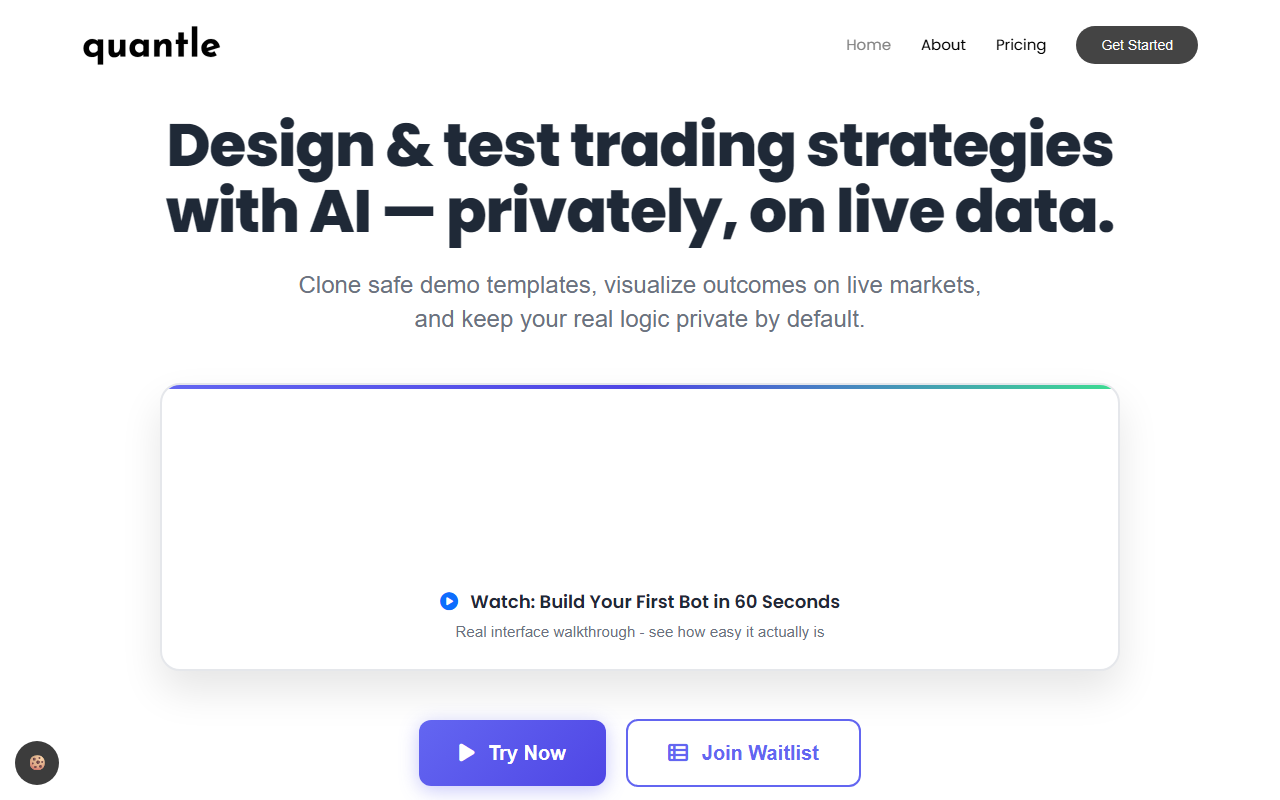
Upon visiting Quantle's website, I was immediately struck by the clean, modern interface that clearly targets traders who want automation without coding. The landing page emphasizes its no-code drag-and-drop strategy builder, and a prominent 60-second video walkthrough promises to show exactly how easy it is to build your first bot. I clicked the "Try Now" button and was taken to a waitlist signup—Quantle is currently in early access, with 127 spots remaining according to the counter. The onboarding flow is straightforward: you provide your name, email, and trading experience level, then get placed on the list. The site claims 500+ beta users and SOC 2 compliance, which adds credibility, though I couldn't test the actual platform myself since it's still in closed beta. The dashboard isn't live yet, but the FAQ and feature descriptions give a clear picture of what to expect.
Core Features: Building and Testing Strategies
Quantle positions itself as a visual platform where you can design trading strategies using a drag-and-drop interface—no coding required. The site highlights a "Genetic Algorithm Optimizer" that tests thousands of strategy variants to maximize the Sharpe ratio. This is a standout feature; unlike other no-code platforms that offer basic backtesting, Quantle's AI-driven optimization is explicitly designed for profit maximization. You can also backtest against decades of historical data, analyze equity curves, drawdowns, and risk metrics in real time. Once you're satisfied, deployment is one-click across 10+ supported brokers and exchanges, with the option to paper trade first. The platform claims enterprise-level security with OAuth2 authentication and read-only API keys, plus servers in London and Frankfurt. I appreciate that privacy is built in: your logic stays private by default, which is a legitimate concern for algorithm traders.
For context, competitors like Trade Ideas or TrendSpider offer no-code backtesting but often lack a dedicated AI optimizer for strategy tuning. Quantle's approach is more holistic, combining no-code building, AI optimization, and live deployment in a single workflow. However, the roadmap shows that cryptocurrency and Forex support won't come until November 2027, so this is primarily a stock-focused tool for now.
Pricing and Market Positioning
Quantle offers a 14-day free trial with no credit card required, and the waitlist signup includes a free "7 Proven Algo Strategies" guide. The pricing page isn't fully detailed, but the comparison table suggests Quantle's cost is lower than "Other No-Code" options that run $49–199/month, with Quantle offering a 30% discount for the first year. The waitlist also includes a 3-month Pro subscription valued at $297, which implies the Pro tier likely costs around $99/month. This is competitive given the AI optimizer and SOC 2 compliance.
One limitation I noticed: the platform is still in early development. The roadmap shows a public version launch planned for March 2026, so current users are essentially beta testers. This means features may be buggy or incomplete, and support might be thin. Additionally, the lack of crypto and Forex support until 2027 limits its appeal for traders in those markets. Quantle is clearly best suited for equity traders—especially beginners and intermediate users—who want a no-code solution with sophisticated AI optimization. Advanced quantitative traders who need custom Python scripts or more granular control should look elsewhere, at least until Quantle matures.
Final Verdict and Recommendations
Quantle is a promising tool for algorithmic trading novices who want professional-grade backtesting and optimization without writing a single line of code. The free trial and generous waitlist incentives make it low-risk to explore. However, given its early-stage nature, I recommend signing up for the waitlist to lock in the beta benefits, but temper expectations until the platform fully launches. If you're a casual stock trader looking to automate strategies, Quantle could be a game-changer. If you need immediate multi-asset support or heavy customization, hold off. Visit Quantle at https://quantle.net/ to explore it yourself.













Comments