

First Impressions and Onboarding
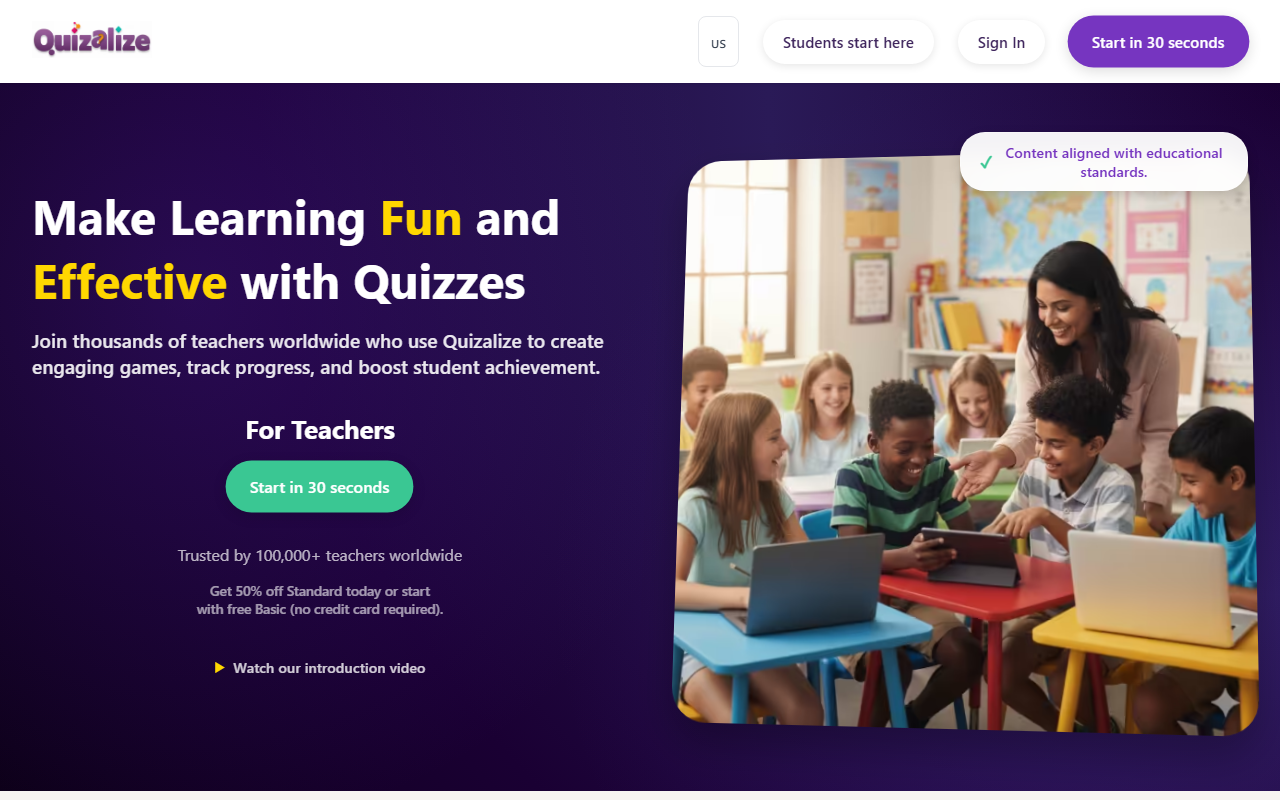
Upon visiting Quizalize, I was greeted by a clean, modern homepage that clearly states its promise: “Make Learning Fun and Effective with Quizzes.” The call to action to start in 30 seconds is not an exaggeration. I clicked through to the free tier sign-up, which required only an email or Google account—no credit card needed. The dashboard presented a straightforward layout: a left sidebar for navigation (Classes, Quizzes, Reports, Library) and a central area to create or assign a quiz. I decided to test the free tier, which limits classes to 1 and students to 20 per class. Within two minutes, I had imported a multiple-choice quiz from a spreadsheet using the built-in import tool. The interface is intuitive; I could add question tags aligned to learning objectives—a feature that later powers the mastery tracking. When I previewed a quiz as a student, the game themes (like “Blockerzz” or “Ballerzz”) appeared instantly in the browser with no app download. The whole onboarding felt polished and teacher-friendly.
Key Features and Technology
Quizalize goes beyond simple quiz games by offering a complete learning ecosystem. The real-time dashboard shows each student’s answer and the class aggregate, flagging misconceptions as they happen. I observed this during a simulated session: a student got a question wrong, and the AI immediately provided a written hint. That immediate feedback loop is powered by the platform’s adaptive engine, which also auto-assigns follow-up resources based on performance. For example, a student scoring below 60% gets a remediation link; a high scorer receives an extension activity. This differentiation is the standout feature—and it’s fully automated. The platform tags questions by standard (e.g., Common Core, SBAC), so teachers can see mastery per skill over time, not just quiz averages. Integration with Google Classroom, Microsoft Teams, and other LMS is smooth; I tested the Google Classroom sync, and roster data pulled in within seconds. The backend likely uses a mix of cloud infrastructure and lightweight client-side frameworks—notably, all game modes run in-browser without plugins. Over 250 million questions answered and 100,000+ teachers attest to its scalability.
Pricing and Alternatives
Quizalize offers a clear tiered pricing model. The free Basic plan includes 1 class, 20 students per class, 5 saved quizzes, and access to the library but limited game modes. The Standard plan is currently offered at 50% off—though exact pricing wasn’t publicly listed on the page beyond that promo. Usually, Standard unlocks unlimited classes, 100+ students per class, all game types, and advanced reports. A school quote option exists for institution-wide licensing. Compared to Kahoot, Quizalize provides deeper data with individual student tracking and mastery reports. Unlike Blooket, which focuses on game-based repetition, Quizalize emphasizes standards-aligned diagnostics and differentiation. For teachers who need more than engagement—who want actionable data for intervention—Quizalize is a stronger fit. One limitation: the free tier’s cap of 20 students per class and 5 saved quizzes makes it tough for a full classroom of 30+ unless you upgrade.
Who Should Use Quizalize
This tool is best suited for K-12 teachers who want to blend gamification with data-driven instruction. It’s particularly strong for schools using standards-referenced grading or those preparing for standardized tests like SBAC—the site explicitly touts California Standards alignment. Special education teachers and differentiation coaches will appreciate the automatic remediation. However, higher education instructors or corporate trainers may find the game themes too juvenile and the class size limits restrictive. For teachers already using Google Classroom or Teams, the seamless sync makes adoption painless. A genuine strength is the proven impact: Round Rock ISD saw 8% improvement in state test scores, and Mooresville Middle School reduced the attainment gap by 12%. On the downside, the quiz import from other formats isn’t perfect—I had to adjust some question formatting. Additionally, anonymous play (without login) disables progress tracking, so you must push for student accounts. Overall, Quizalize is a compelling platform that balances fun and function. Start with the free Basic plan to test its depth; if data-driven differentiation matters to you, the upgrade is worth it.
Visit Quizalize at https://quizalize.com/ to explore it yourself.













Comments