

First Impressions: A Photographer's AI Assistant
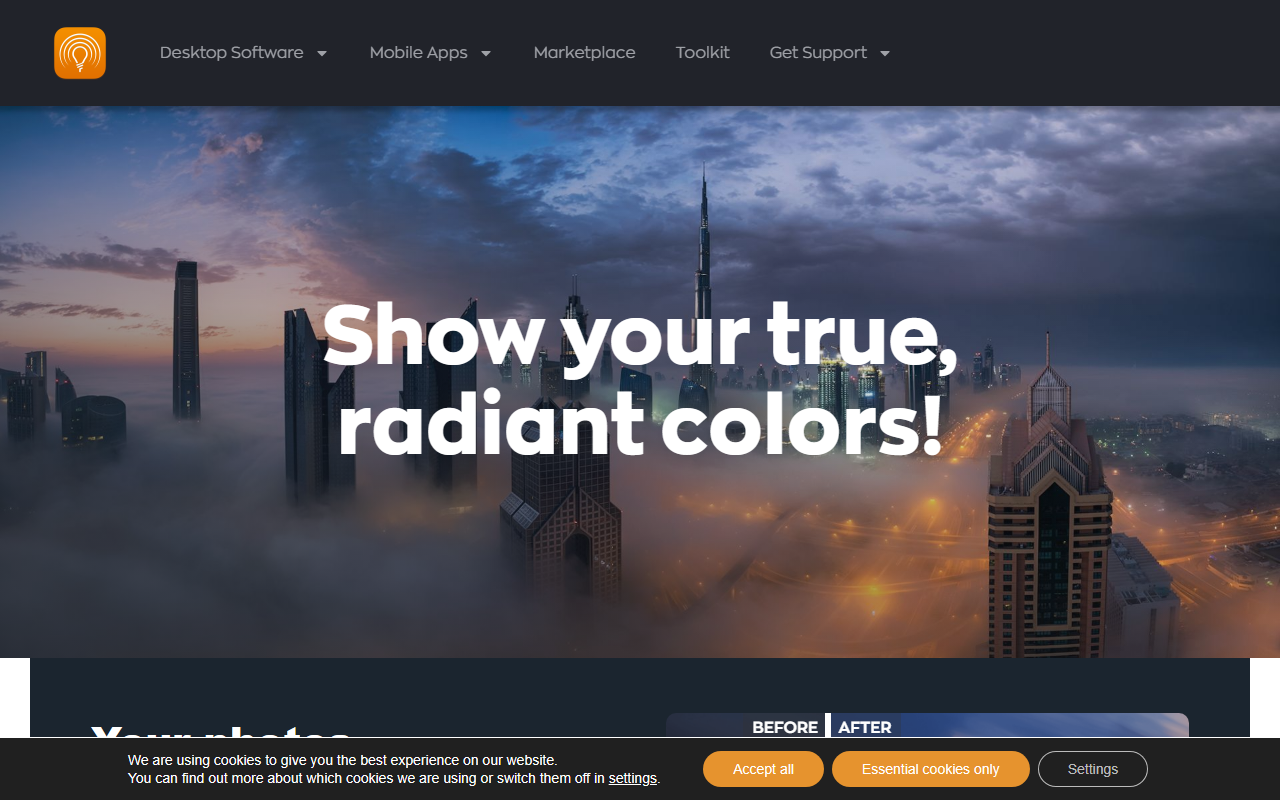
Upon visiting the Radiant Imaging Labs website, the first thing I noticed was the unabashed focus on professional-quality photo editing. The page wastes no time highlighting the Easter Bundle at $99, which includes Radiant Photo 2 alongside Bright and Soft Looks and Landscape Looks. The headline “Your photos — simply RADIANT” sets the stage for a tool that promises to use what the company calls “Assistive AI” to automatically optimize images while keeping manual control in the user’s hands. Unlike many AI image editors that rely on generative models to add or remove content, Radiant Photo 2 explicitly avoids generative AI. Instead, it optimizes existing pixels for better color, detail, and tonal balance. This is a key differentiator for photographers who want AI assistance without the ethical or creative compromises of generative tools.
The website emphasizes that the company is owned and operated by real photographers, including CEO Elia Locardi, a well-known travel photographer. This pedigree is evident in the tool’s design philosophy: the interface is built around task-based workspaces that only show relevant controls for specific genres like portraits, landscapes, or pets. The dashboard itself is clean and modern, with a straightforward onboarding flow that offers a free 30-day trial with no payment details required. I appreciated that from the start, the tool positions itself as a local, cloud-free solution—processing happens on your device, not on remote servers.
Testing the Assistive AI and Workflow
When I tested the free tier, I imported a few JPEGs and RAWs that had obvious color casts and underexposure. Radiant Photo 2’s AI immediately analyzed each image and applied automatic corrections. The results were surprisingly natural: highlights remained intact, black levels were respected, and color casts were neutralized without turning skin tones plastic. The “Radiant Color” engine aims to reproduce the full visible spectrum, and in my tests, it delivered vivid yet realistic hues.
The assistive AI doesn’t lock you into auto-mode. You can switch to “Full Control” and manually adjust sliders for exposure, contrast, and selective color grading. One feature that stood out is the “Radiant Detail” engine, which searches for strong signals to create sharpness without introducing oversharpening halos. The interface also includes a selection of “Looks” for quick creative grading, and a customizable workspace that streams your most-used tools. I found that for batch editing, the AI consistently gave a 90% finished result, leaving only minor tweaks needed. The processing speed was impressive—even on my mid-range laptop, exports took seconds per image. However, the mobile app version (Radiant: AI Photo & Video Editor) felt less polished during my brief test, with a slightly slower recognition of complex scenes.
Pricing and Market Context
Pricing details for the standard Radiant Photo 2 license are not fully transparent on the website, though the current Easter Bundle at $99 includes the software plus two look packs. This one-time payment model is attractive compared to subscription-based alternatives like Adobe Lightroom (about $10/month) or Luminar Neo (around $50/year). For photographers who prefer perpetual licenses, Radiant Photo 2 is a strong contender.
In terms of positioning, Radiant Photo 2 directly competes with AI-driven editors like Luminar Neo and ON1 Photo RAW. Unlike Luminar, which uses generative AI for sky replacement and object removal, Radiant focuses solely on enhancing what’s already in the frame. This makes it ideal for photographers who shoot events, landscapes, or portraits and need fast, consistent color correction. It is less suited for those who want to heavily manipulate or composite images. The tool supports integration as a plugin for Photoshop and Lightroom, which is a major plus for existing Adobe users. The company is smaller than Skylum (Luminar’s maker) but has a solid reputation in professional printing labs—the website claims the image processing core is used by many pro labs worldwide.
The Verdict: Who Should Buy Radiant Photo 2?
Radiant Photo 2’s genuine strength is its intelligent, non-destructive AI that improves images without the “overcooked” look common in automatic editors. The local processing ensures privacy and speed. However, the tool has limitations: it lacks advanced retouching tools like spot healing or cloning (you’ll need a full editor for that), and the mobile version still feels like a work in progress. Additionally, the lack of a clear standard pricing page may confuse potential buyers—only the bundle price is prominent.
I recommend Radiant Photo 2 for professional photographers and serious hobbyists who spend hours correcting exposure and color. If you want a partner that gets your photo to 90% completion instantly, this tool delivers. However, if you need generative features or heavy compositing, look to Luminar Neo or Photoshop instead. Try the 30-day free trial to see if its AI matches your workflow. Visit Radiant Imaging Labs at https://radiantimaginglabs.com/ to explore it yourself.













Comments