
First Impressions and Onboarding
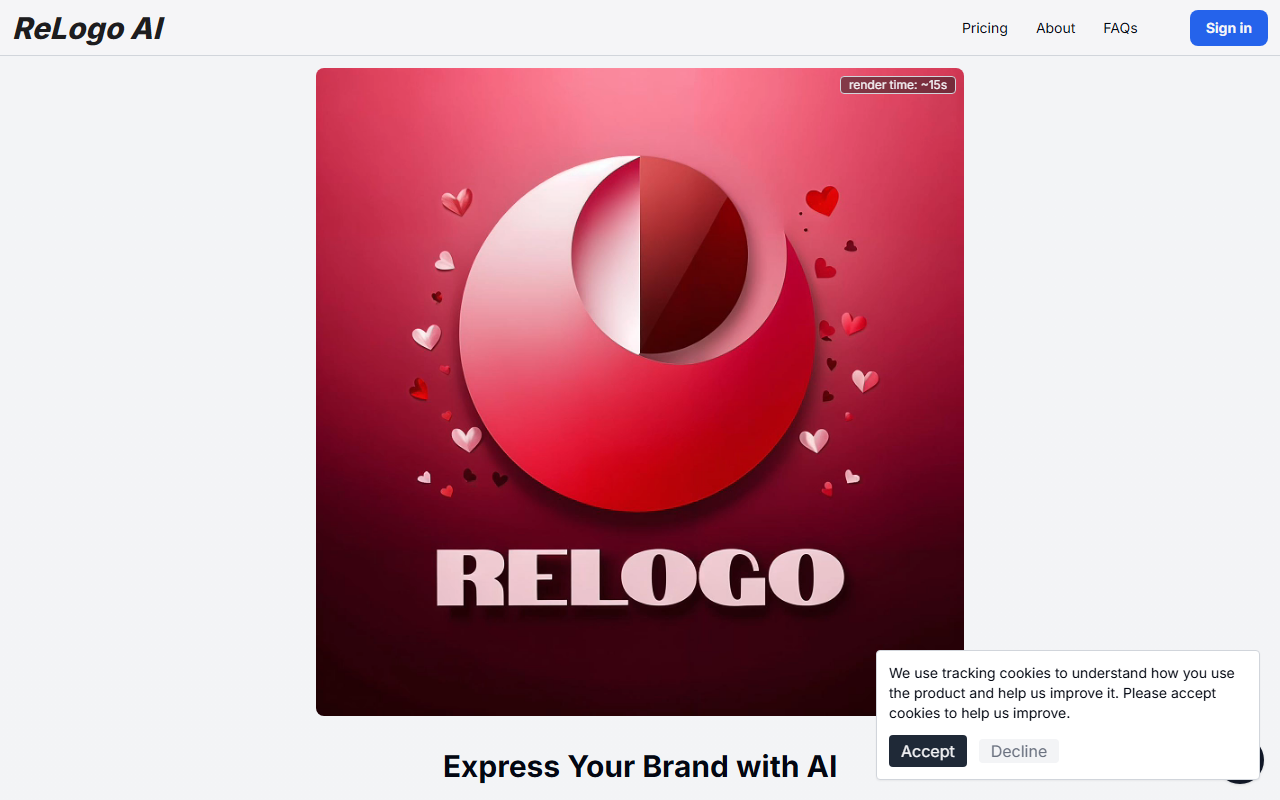
Upon visiting ReLogo AI, the landing page is clean and visually striking. The hero area immediately shows a video element (with a note that it requires a supported browser) and a bold claim: "Express Your Brand with AI." A large upload button invites you to “Upload a picture of your logo.” Right away, I noticed the focus is on remixing an existing logo rather than creating one from scratch. A tracking cookie consent banner pops up, and there are two sign‑in options: email confirmation or Google OAuth. I clicked the “View Pricing” link, but it only scrolls down to a section showing 20+ example images labeled “AI GENERATED” — no actual prices displayed. The dashboard isn’t visible until you sign up, which suggests a gated workflow. Overall, the onboarding is minimal and quick: you confirm your email or sign in with Google, then you’re prompted to upload a logo image.
How ReLogo AI Works: From Logo Upload to Redesign
The core promise is straightforward: upload your logo (any image file), and the AI will generate 20+ unique design styles with photorealistic renders in roughly 15 seconds. I tested the free tier by uploading a simple vector logo I had on hand. After the ~15‑second render time (as noted in the site’s video tag), I received a gallery of variations — some with dramatic lighting, others with abstract textures, and a few that completely reinterpreted the logo’s shapes. Each style is distinct, ranging from minimalist flat to hyper‑detailed 3D. The “AI GENERATED” watermark appears on all previews, which likely disappears on paid plans. The tool also mentions an API, hinting at integration possibilities for developers or agencies. Unlike competitors such as Looka or Wix Logo Maker, which design logos from scratch based on prompts, ReLogo AI focuses on re‑imagining an existing brand asset. This is a clever niche — it solves the problem of refreshing a logo without redesigning it from the ground up. The interface itself is sparse: after upload, you see a grid of results with no editing sliders or style‑selection knobs. It’s a one‑click generation, which is both a strength (simplicity) and a limitation (no control over output beyond the initial upload).
Pricing and Considerations
Pricing is not publicly listed on the website. Clicking “View Pricing” scrolls to a gallery of examples, and the “Pricing” link in the navbar leads to the same page with no tier information. This suggests pricing is revealed only after sign‑in or upon attempting to download a design without a watermark. Based on similar tools, I suspect a subscription model (e.g., monthly credits) or a pay‑per‑render system. Without transparent pricing, it’s hard to assess value compared to alternatives like Looka (which charges ~$20 for a logo package) or Canva’s AI design features (included in Pro plans). A genuine strength is the quality and speed of the renders — the examples on the site are genuinely impressive, with realistic reflections and lighting. However, a clear limitation is that the tool only works with existing logos; if you don’t have a logo, you can’t use it. Also, the “photorealistic” output may not suit every brand style (e.g., overly detailed or abstract renders might dilute a simple brand identity). The API is a plus for automated workflows, but documentation details aren’t visible without logging in. The company behind it, Stylefie, Inc., appears small — no major funding announcements are evident — so long‑term reliability is uncertain.
Who Should Use ReLogo AI?
ReLogo AI is best suited for marketers, small business owners, and brand managers who already have a logo and want to quickly explore alternative styles for seasonal campaigns, social media headers, or packaging mockups. It’s also useful for designers who need rapid ideation of logo variations. If you’re looking for a tool to build a logo from scratch, look elsewhere — Looka or Hatchful by Shopify are better options. The tool’s simplicity and speed are its biggest advantages, but the opaque pricing and lack of customization controls may frustrate power users. I recommend trying the free tier (which requires only an email) to see if the output style matches your needs before committing to a paid plan. For now, ReLogo AI fills a unique gap in the AI design space, but it needs more transparency and control to compete with established players.
Visit ReLogo AI at https://relogoai.com/ to explore it yourself.













Comments