

First Impressions and Onboarding
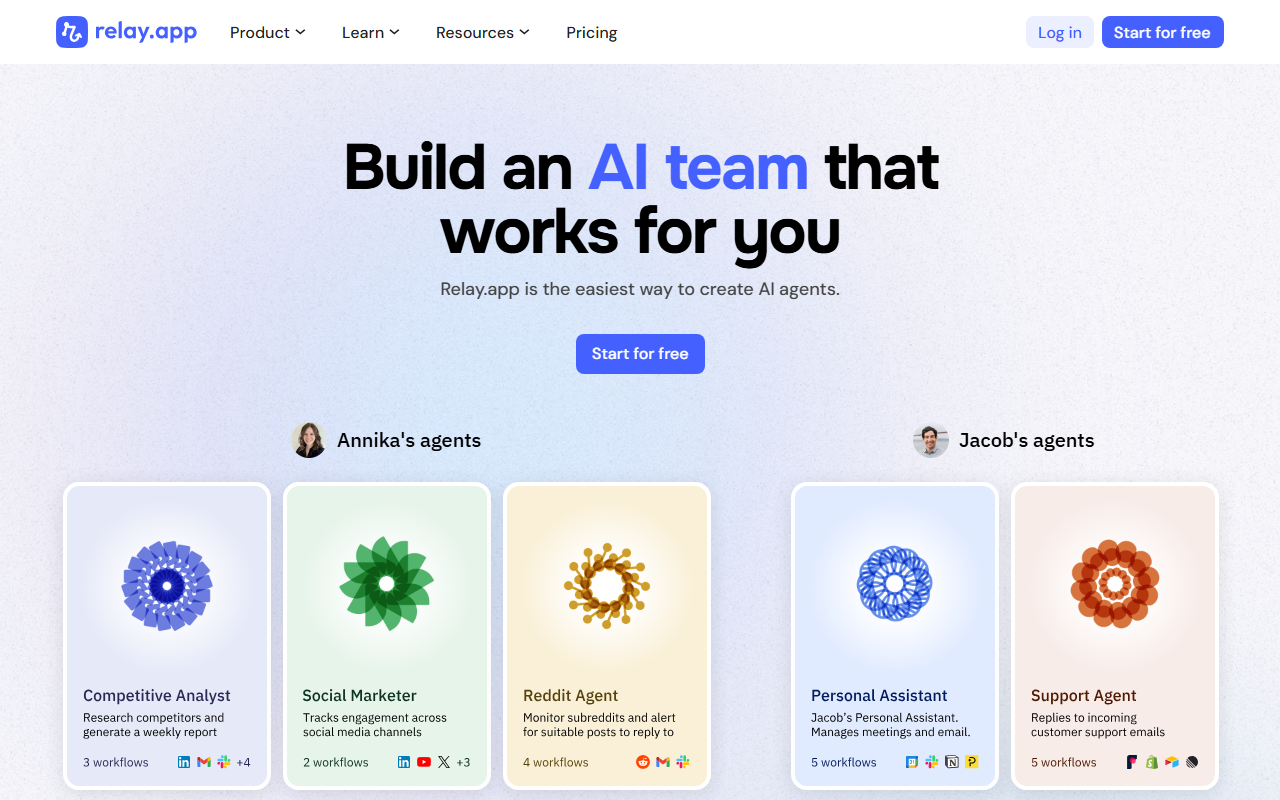
Upon visiting Relay.app, I was greeted by a clean, modern landing page that immediately emphasizes simplicity. The headline, “The easiest way to automate with AI,” sets clear expectations. After clicking “Start for free,” I was taken through a brief onboarding that showcased example workflows from users named Annika and Jacob. The dashboard itself is minimalistic: a left sidebar for navigation, a central canvas for building workflows, and a prominent “Create workflow” button. I was able to start a new workflow by typing a plain-English description, such as “When a new Gmail attachment arrives, save it to Google Drive and notify me in Slack.” The AI parsed this instantly and generated a visual flow of connected steps — no coding required. This felt remarkably different from the rigid, field-by-field setup of traditional automation tools.
Core Capabilities and AI Integration
Relay.app’s core proposition is turning natural language into reliable, visual workflows. It integrates with over 200 apps, including Gmail, Slack, Notion, Airtable, OpenAI, Anthropic, and even niche services like Browse.ai and EleventhLabs. During my tests, I created a workflow that used ChatGPT to summarize new emails and then posted the summary to a Discord channel. The AI step was seamless: I just told it what I wanted, and it configured the prompt behind the scenes. The platform also supports agentic workflows — you can build sequences where the AI makes decisions based on previous steps, similar to low-code agent automation. Unlike Zapier or Make, which often require manual mapping, Relay.app infers logic from your description. That said, the AI isn’t perfect: complex multi-branch workflows sometimes needed manual tweaks to the visual flow, but the editing interface is drag-and-drop and intuitive.
Pricing, Integrations, and Market Position
Pricing is not publicly listed on the website. There is a free tier that allows a limited number of tasks, and paid plans are likely based on usage or features. The site does provide a “Pricing” link in the navigation, but without signing up I could not see exact numbers. Competing tools like Zapier start at around $20/month, while Make offers a free tier with 1,000 operations. Relay.app’s value proposition is its AI-first, natural language interface, which significantly lowers the barrier for non-technical users. The integrations are comprehensive, covering CRMs, email, calendar, social media, AI models, and more. The company has earned a 4.9 rating on G2 and a 5.0 on Product Hunt, indicating strong user satisfaction. For teams looking to automate without hiring a developer, Relay.app is a compelling alternative. However, power users who need fine-grained control over every trigger and action may still prefer Zapier or Make.
Verdict: Who Should Use Relay.app?
Relay.app shines for small business owners, consultants, marketing teams, and anyone who needs to automate repetitive tasks without writing code. Its AI agentic workflows are especially useful for processing unstructured data — like extracting information from emails or generating reports. The interface is genuinely one of the easiest I’ve tested. A real limitation is the lack of transparent pricing; potential users must sign up or contact sales to understand costs. Also, the AI may occasionally misinterpret complex instructions, so you may need to refine your plain-English prompts. For simple automations, a simpler tool like IFTTT might suffice. But for teams ready to embrace AI in their workflow, Relay.app offers a rare combination of power and simplicity. Visit Relay.app at https://relay.app/ to explore it yourself.













Comments