
First Impressions and Onboarding
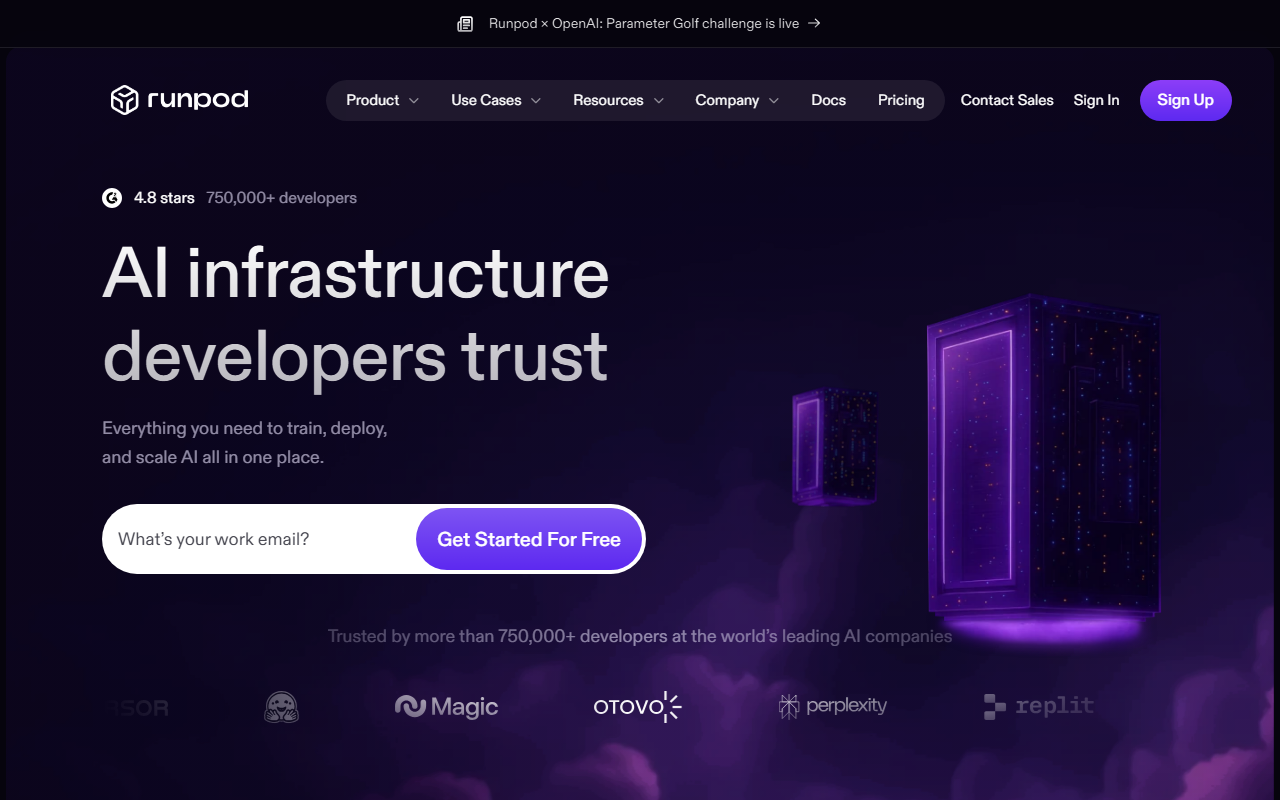
Upon visiting RunPod's site, the first thing I noticed was the emphasis on speed and simplicity. The tagline "Everything you need to train, deploy, and scale AI all in one place" is immediately backed by a clean dashboard that promises GPU pod spin-up in under a minute. I signed up for the free tier and was prompted with a referral bonus (between $5 and $500), which is a clever incentive. The onboarding flow is minimal: you're dropped into a console where you can choose from over 30 GPU SKUs — from B200s to RTX 4090s — and deploy across 31 global regions. I tried launching a simple Pod with an A100, and it was indeed ready in seconds. The interface for Serverless is equally straightforward, offering toggles for autoscaling and cold-start thresholds.
What stands out during onboarding is the lack of jargon. RunPod abstracts away provisioning, orchestration, and even failover handling. For a developer like me who just wants to run a model without wrestling with Kubernetes configurations, this is a breath of fresh air. However, I did notice that advanced users might miss finer controls like dedicated GPU allocation versus burst capacity — those details are tucked into the documentation.
Core Capabilities and Technical Breakdown
RunPod is not just a GPU rental service; it's a full-stack AI cloud. The platform is built around four main products: Pods (on-demand compute), Clusters (multi-node GPU clusters in minutes), Serverless (instant AI workloads with autoscaling), and Hub (a marketplace for deploying open-source AI models in one click). I tested the Serverless feature with a small inference task and observed the promised













Comments