

First Impressions: A Dashboard of Utilities
Upon visiting Smudge at smudge.app, I was greeted by a clean, modern layout listing a range of applications. The homepage features a Featured Software section with apps like Business Expenses, Stock Control, App Icon Generator, and Verbal Fluency. A prominent Dashboard link offers access to all Smudge Software. The interface is intuitive, with card-style buttons and clear calls-to-action like Learn More and Open Dashboard. However, nothing in the UI suggests an AI writing focus. The only AI mention is a Business Card Scan feature described as powered by artificial intelligence.
What Smudge Actually Offers
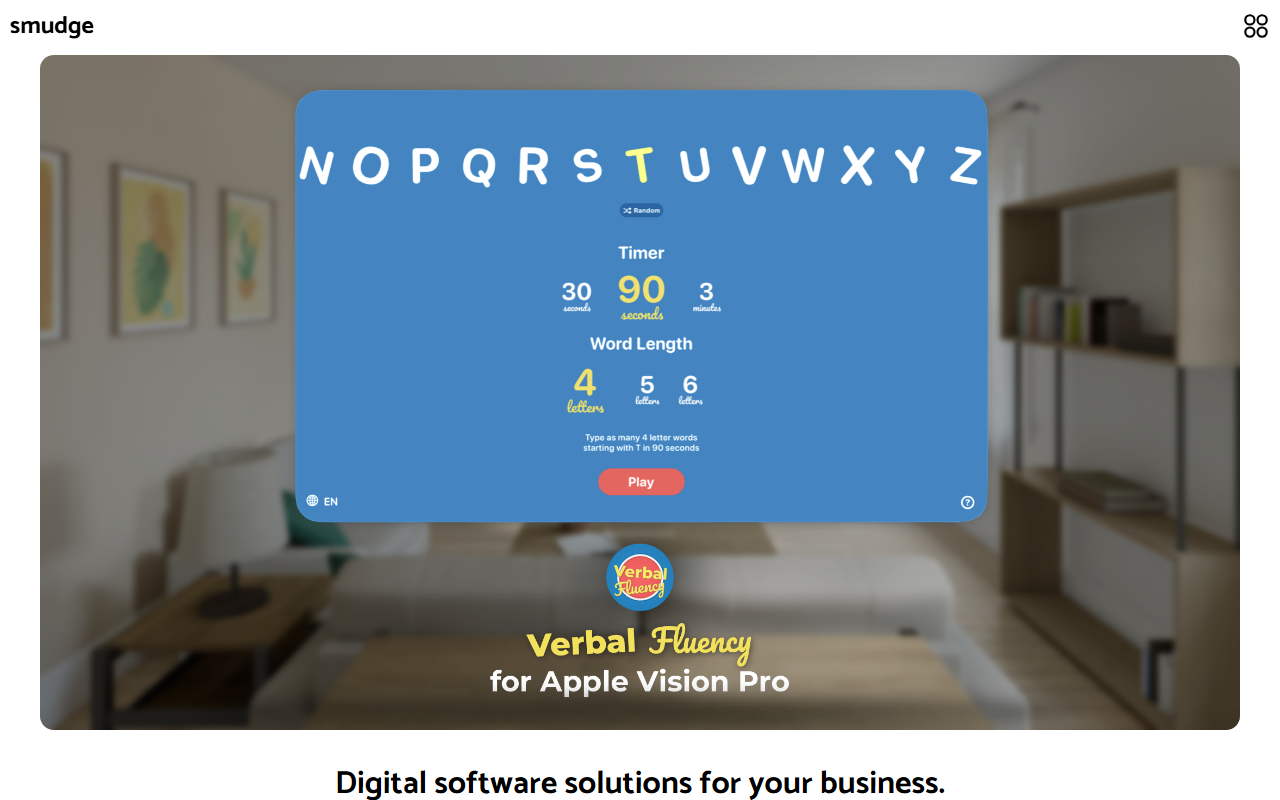
Smudge appears to be a suite of mobile-first productivity tools for businesses. The company also provides Custom Built Solutions — building bespoke mobile software from scratch. Their process includes Meetings, Design, Development, and Delivery. The App Store section lists over 20 apps, including Developer Palette, Date Calculator, Colour My Photos, Metadata, and InstantGrid. None of these are text generation or writing tools. Verbal Fluency is a timed word game, not a writing assistant. Typr may relate to typing but is not described. There is no mention of GPT models, text editing, content generation, or API access. Pricing is not publicly listed on the website; instead, custom solutions are offered via contact.
Position in the Market and Limitations
Compared to dedicated AI writing tools like Jasper or Copy.ai, Smudge is a fundamentally different product. It targets businesses needing custom mobile apps and off-the-shelf utility tools. For example, Business Expenses scans receipts, Stock Control tracks inventory, and Save to Calendar logs time. While the suite is broad and visually polished, it lacks any generative AI writing capability. The Business Card Scan using AI is a neat feature, but it is OCR, not writing. A real limitation is the absence of a public pricing page for most apps, making affordability unclear. Another limitation is that many apps seem limited to Apple devices (given references to iPhone, iPad, Mac, Apple Watch wallpapers), reducing cross-platform accessibility.
Who Should Use Smudge?
Smudge is best suited for small business owners and freelancers who want a simple, integrated set of mobile productivity tools — especially if they already use Apple devices. Developers seeking custom app solutions may find the Custom Built Solutions service valuable. However, if you are looking for an AI writing assistant to generate blog posts, emails, or social media content, Smudge is not the right tool. Look instead at Jasper or Copy.ai for that purpose. The Smudge suite is practical for expense management, inventory, and time tracking, but it does not belong in the AI Writing category. Verdict: Try Smudge if you need Apple-friendly business utilities; skip it for writing.
Visit Smudge at https://smudge.app/ to explore it yourself.













Comments