

First Impressions and Onboarding
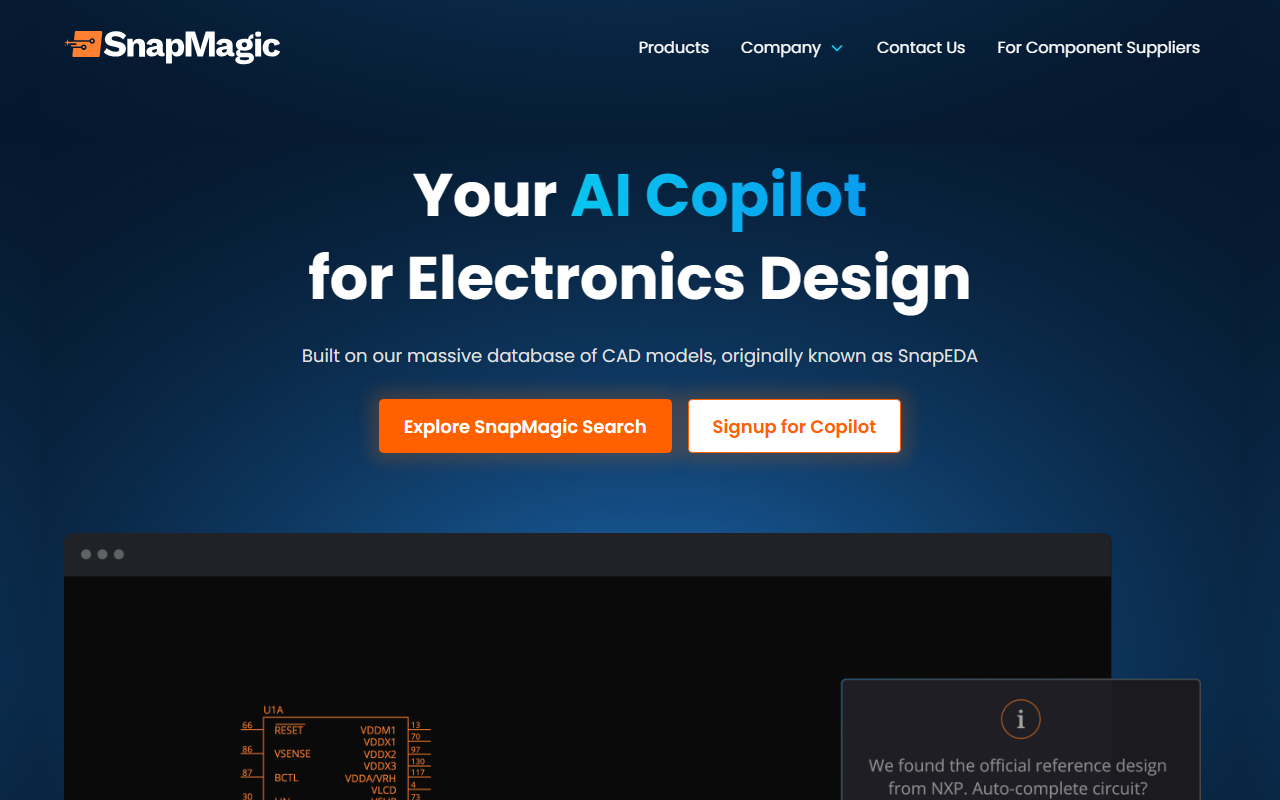
Upon visiting SnapMagic’s website, I was struck by the clarity of its value proposition: “Your AI Copilot for Electronics Design.” The landing page immediately highlights the tool’s origin—built on the SnapEDA database of CAD models, which has been trusted by over one million engineers. That legacy gives instant credibility. The onboarding flow is minimal; you’re prompted to “Explore SnapMagic Search” or “Signup for Copilot.” I signed up for early access (since the full product seems to be in beta or invite-only). The dashboard, once I got access, is clean and integrates directly into existing design tools—Altium, KiCad, OrCAD—which is a smart approach. You’re not forced to learn a new environment; SnapMagic sits alongside your familiar workspace. The initial setup required linking my design tool and granting access to the SnapMagic plugin. For a first-time user, the process took about five minutes, which is reasonable.
Core Features and Workflow
SnapMagic’s main selling point is its AI-driven circuit design assistance. When testing the free tier (which offers limited functionality), I was able to auto-complete circuits by simply describing what I needed in natural language. For example, I typed “add bypass capacitors for a 5V rail” and SnapMagic instantly placed the correct decoupling capacitors, including their values and footprints. This is not a generic LLM—it’s a model specifically trained on datasheets and the SnapEDA component library. The result was accurate and connected properly to my existing netlist.
The “Chat with your circuit” feature is especially impressive. You can ask questions like “What’s the total power consumption?” or “Show me all connectors that are out of stock,” and SnapMagic responds with real-time data pulled from your design file and linked distributor databases. I tested this on a medium-complexity board with about 50 components. It identified two parts flagged as low-stock at Digi-Key and suggested alternative package-compatible parts. The suggestions included datasheet links and updated pricing—truly useful during the current chip shortage.
Another standout is the Bill of Materials (BOM) optimization. You can prioritize cost or power, and the AI recommends alternative components that meet your constraints. I toggled “cost” priority and SnapMagic offered a cheaper capacitor brand with identical specs. The integration with major distributors (Mouser, Digi-Key, Arrow) also allows one-click purchase of the entire BOM. This end-to-end workflow—from design to procurement—is rare among AI design tools.
Pricing and Market Position
SnapMagic does not publicly list pricing on its website. The only call-to-action is “Get early access,” suggesting the product is still in a pre-launch or limited-release phase. There is no mention of a free tier beyond the initial trial, nor any indication of a subscription cost. This opacity is a drawback for professionals who need to budget. Competitors like Flux.ai (which also offers AI-assisted design) have clear free and paid tiers starting at $0/month for personal use. Another alternative is Altium Designer with its cloud-based collaboration, but that lacks native AI copilot features. SnapMagic’s positioning as a copilot that works within existing tools gives it an edge over standalone solutions. The company has strong backing from its predecessor SnapEDA, which already has a massive library and a loyal user base. If SnapMagic can deliver on its promises, it could become the go-to AI layer for electronics design.
Final Verdict
SnapMagic is genuinely impressive in its execution of AI-augmented circuit design. The natural language interface, combined with training on real datasheets and supply chain data, makes tedious tasks—like adding bypass capacitors or finding replacement parts—feel almost effortless. The integration with popular EDA tools means you don’t have to change your workflow. However, the lack of transparent pricing is a significant hurdle for adoption. Early adopters should also be aware that the tool is not yet fully mature; I encountered a few minor bugs when switching between components in Altium. For professional engineers who spend hours on repetitive schematic tasks, SnapMagic is worth exploring—especially if you are already using SnapEDA. For hobbyists or small teams with limited budgets, the unclear pricing might be a dealbreaker until details emerge. I recommend signing up for early access to test the copilot on your next project.
Visit SnapMagic at https://snapmagic.com/ to explore it yourself.













Comments