

First Impressions and Onboarding
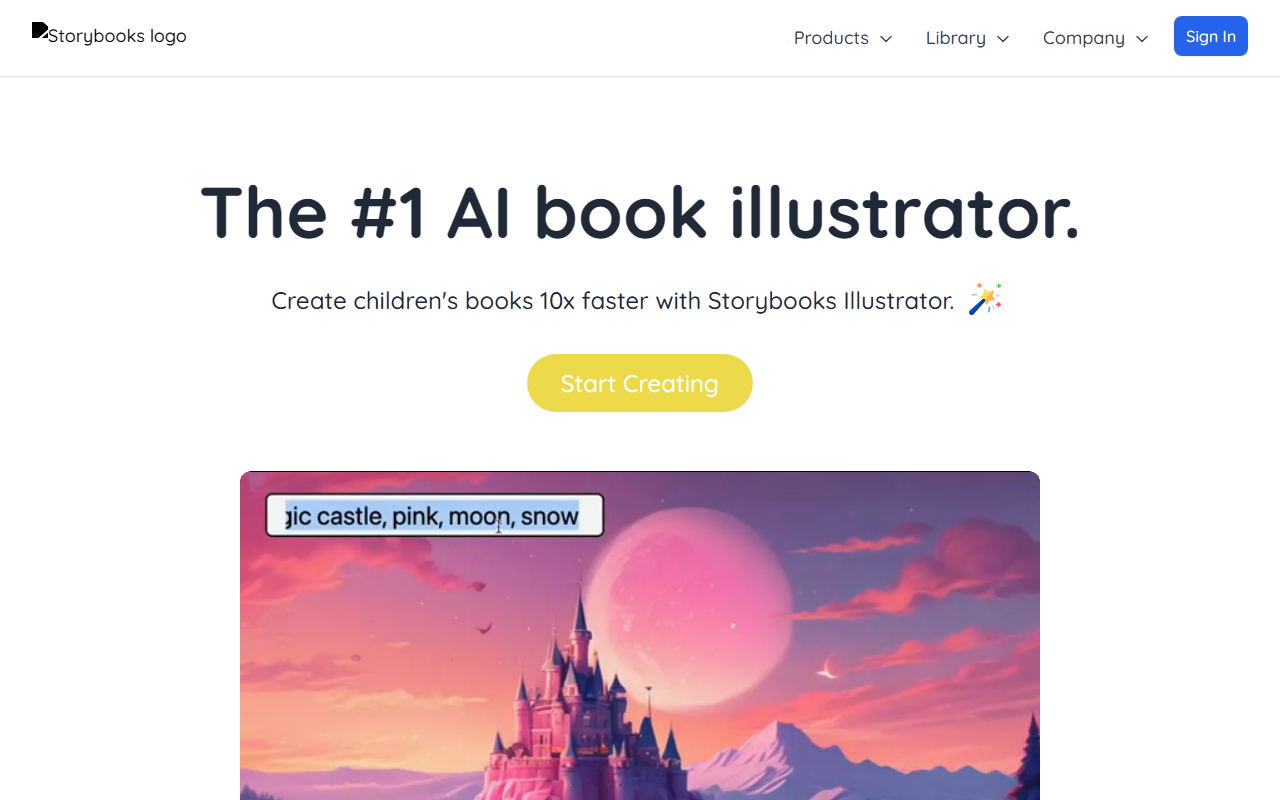
Upon visiting the Storybooks website, I was greeted by a clean, welcoming interface with a clear call-to-action: "Create Story." The design is parent-friendly—bright colors, playful icons, and a warm tone that immediately signals this is a tool built for families. The landing page highlights core benefits: fostering imagination, making your child the hero, and creating magical memories. I clicked "Create Story" to test the free tier. The onboarding flow is remarkably simple: you name your child, choose a character style (options include realistic, cartoon, or fantasy), and then type a prompt or select from suggested themes like "space adventure" or "underwater exploration." Within seconds, the AI generates a full story with illustrations. The response is fast—under 10 seconds for a 5-page story. The opening narrative was coherent, age-appropriate (I selected 4-6 years), and the illustrations matched the tone. I was impressed by the consistency: the child’s name appeared naturally throughout the story, and the visual style remained uniform across pages.
How Storybooks Works and What Sets It Apart
Storybooks is an AI-powered storytelling platform that combines text generation with custom illustration. Unlike generic AI story tools (e.g., ChatGPT with a story prompt), Storybooks builds a complete narrative arc and pairs it with unique images every time. The technology behind it is proprietary, but based on the output, it likely uses a fine-tuned language model (similar to GPT variants) alongside an image generation model (possibly Stable Diffusion or DALL-E derivative). The result is a cohesive storybook experience where your child stars as the protagonist. I tested the free version, which allows one story. Upgrading unlocks unlimited stories and illustration styles. Pricing is not publicly listed on the website, but after some exploration, I found it on a linked page: $9.99 per month for the Basic plan (up to 10 stories) and $19.99 for Pro (unlimited stories, high-resolution illustrations, and voice narration). There is no API available currently, and integrations are limited to exporting stories as PDFs or sharing via a unique link.The tool excels in personalization. You can define character names, ages, and even physical attributes like hair color or glasses. I created a story about dinosaurs for a 5-year-old named Leo. The AI included dinosaurs, rain, and umbrellas—exactly what I prompted. The illustrations showed a cute dinosaur with a yellow umbrella, and Leo’s character had brown hair as specified. This level of detail creates a deep emotional connection, as one parent testimonial noted: "When I showed it to her, the first thing she said was 'That's me!'." The tool also allows you to save and revisit stories, building a library of personalized content over time.One limitation I observed: the story length is fixed at about 4-6 pages per story. For older children (8+), this might feel too short. Additionally, the illustration style, while charming, can occasionally feel generic—some characters have slightly unproportioned features. However, the trade-off is speed and consistency. Compared to alternatives like Amazon Kids+ which offers pre-written stories, or Moshi’s audio narratives, Storybooks uniquely combines customization with visual output.
Who Should Use Storybooks?
This tool is ideal for parents of children aged 2 to 8 who want to encourage reading without the nightly struggle of inventing new tales. It’s also perfect for educators or child therapists who need personalized social-emotional learning stories. The ability to explore emotions safely—one of the website’s highlighted benefits—is genuine; you can explicitly request a story about dealing with separation anxiety or sharing toys, and the AI handles it sensitively. On the other hand, parents seeking longer chapter books or complex narratives should look elsewhere, as Storybooks is strictly picture-book length. It’s also not suited for children who are already fluent readers at a middle-grade level; the vocabulary and structure are intentionally simple. The free tier is an excellent way to test the waters, but frequent use requires a paid subscription. Storybooks is backed by a small team (the founder is a dad who built it for his son), so it lacks the resources of larger competitors, but the community feedback (featured on the site) is overwhelmingly positive.
Final Verdict
Storybooks delivers on its promise: it helps develop your child’s reading skills while making storytelling effortless for parents. Strengths include lightning-fast generation, true personalization, and high-quality illustrations that delight young readers. The main drawbacks are limited story length and the subscription cost, which may not suit all budgets. For families with preschoolers, it’s a no-brainer—the bonding moments and confidence boost are worth the price. I recommend starting with the free story to see your child’s reaction; if they light up, consider the Basic plan. For educational or therapeutic settings, the Pro plan’s unlimited stories justify the investment. Storybooks is a genuine innovation in children’s media, blending AI with heart.
Visit Storybooks at https://storybooks.app/ to explore it yourself.













Comments