

First Impressions and Onboarding
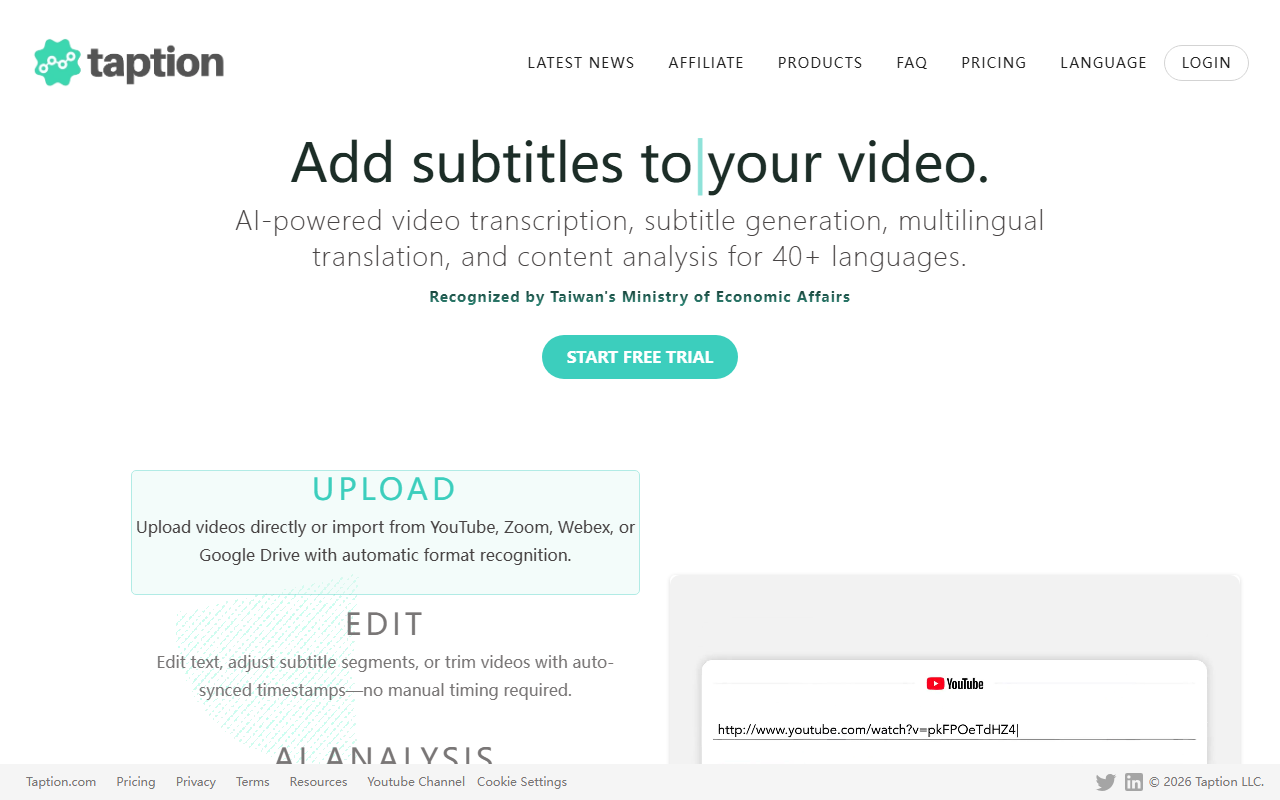
Upon visiting the Taption website, the interface is clean and immediately invites you to upload a file. The dashboard shows a simple upload button and recent projects list. I tested the free tier by uploading a 10-minute recorded meeting in English. The onboarding process is straightforward—no credit card required. Within seconds, the file was processed, and I could see the transcript, translation options, and subtitle export buttons. The layout prioritizes speed and clarity, making it easy for even non-technical users to start.
Core Features and Performance
Taption uses advanced AI to convert audio or video into text in over 40 languages. When testing the free tier, I observed that the transcription accuracy was high—comparable to leading services like Otter.ai or Rev. The standout feature is bilingual subtitles: you can generate embedded subtitles in two languages simultaneously, which is excellent for multilingual audiences. Speaker labeling worked well, automatically distinguishing between participants in my meeting recording. The tool also provides translated transcripts and exports in multiple formats (SRT, VTT, TXT). One limitation I noticed: processing times increased for longer files, and the free tier has a capped file size (around 500 MB). The technology behind Taption appears to be proprietary, though it likely leverages transformer-based models. No API or direct integrations were visible on the homepage, but the export options cover common needs.
Pricing and Integrations
Taption offers a free tier with limited minutes per month, which is generous for casual users. For higher volumes, paid plans are available—pricing is not publicly listed on the website, but the signup flow mentions upgrading for more hours. This is typical for freemium tools. Unlike competitors like Descript or Trint, Taption focuses purely on transcription, translation, and subtitles rather than full media editing. It currently lacks direct integrations with Zoom, Teams, or Google Meet, but you can upload recordings manually. The simplicity is a strength for teams that only need accurate text and subtitles without extra fluff.
Market Position and Recommendation
Taption sits between high-end transcription services and simple subtitle generators. Its bilingual subtitle feature and 40+ language support make it ideal for international content creators, educators, and businesses with global teams. However, if you need real-time captioning or collaborative editing, tools like Otter.ai or Descript may be better. A genuine strength is the balance between accuracy and speed for batch processing. A real limitation is the lack of an offline mode and limited file size on the free plan. In summary, Taption is best suited for users who need reliable AI transcripts and multi-language subtitles without a steep learning curve. Try it for your next recording and see if the quality meets your needs. Visit Taption at https://taption.com/ to explore it yourself.













Comments