

First Impressions and Onboarding
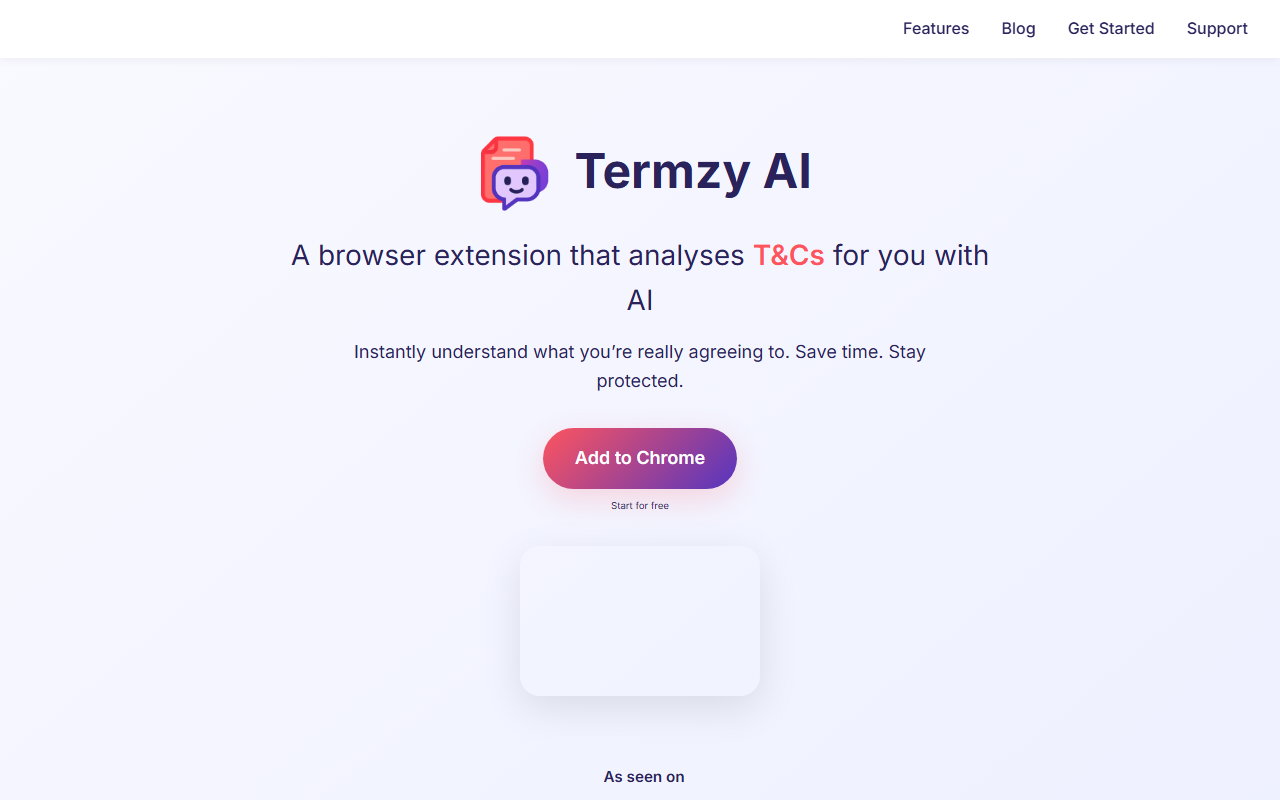
Upon visiting the Termzy AI website, I was greeted with a clean, modern interface that clearly pitches the value proposition: a browser extension that decodes privacy policies and terms of service using AI. The call-to-action is a prominent "Add to Chrome" button, and the site includes a short video demo showing creators uncovering hidden risks in fine print. Installation is straightforward — I clicked the button, and the Chrome Web Store page opened. After adding the extension, a small Termzy icon appeared in my browser toolbar. Clicking it opens a popup with a clean dashboard. The onboarding flow then prompts you to visit any website; the extension automatically detects if a privacy policy or T&Cs page is present.
Core Features and How It Works
The extension’s standout feature is automatic detection of legal documents. When I landed on a typical SaaS homepage, a small badge appeared on the Termzy icon, indicating a policy was found. Clicking the icon triggered an AI-powered analysis that took only a few seconds. The results are presented as a 4-indicator score: Protection, Compliance, Transparency, and Balance. Each indicator is rated on a bar scale, and a short summary explains the key points. For example, on one site the extension flagged hidden data-sharing clauses and noted a lack of clarity on deletion rights. The technology appears to be a custom NLP model running locally within the browser — the website states that "most processing happens locally" and browsing history is never saved. This is a significant privacy advantage over cloud-only competitors. The one-click convenience means you never leave your current tab to get a verdict. I also appreciated that the extension works on any page; you can navigate to a terms page manually, and it will analyze that too.
Pricing and Market Position
Pricing is not publicly listed on the website. The extension appears to be free to install and use (I received no prompts for payment during testing). The site mentions "Start for free" but does not clarify if a paid tier exists in the future. For context, alternatives include Terms of Service; Didn’t Read, a community-driven project that rates policies, and newer tools like Clarissa AI. Unlike those, Termzy AI focuses on a real-time, per-site analysis with automated detection. The extension is currently only available for Chrome, which limits its reach, but given that Chrome dominates browser market share, this is a reasonable starting point. The company appears to be a small startup; no funding or user numbers are mentioned.
Strengths and Limitations
The biggest strength is privacy — processing locally means sensitive legal texts never leave your device. The 4-indicator scoring system is intuitive and actionable. However, there are notable limitations. First, the analysis quality depends on the AI model; during tests, it occasionally missed nuanced clauses (e.g., arbitration agreements) that a human lawyer would flag. Second, the extension only works on Chrome, and mobile users are redirected to a shareable link — no mobile app exists. Third, while the summary is useful, it doesn’t offer a full-side-by-side comparison or the ability to save analyses. Finally, the pricing model is unclear, which might deter enterprise users. This tool is best suited for privacy-conscious consumers, freelancers, and small business owners who want a quick, private way to vet terms before signing up. If you need legally binding or comprehensive analysis, a real lawyer is still necessary.
Visit Termzy AI at https://termzyai.com/ to explore it yourself.













Comments