

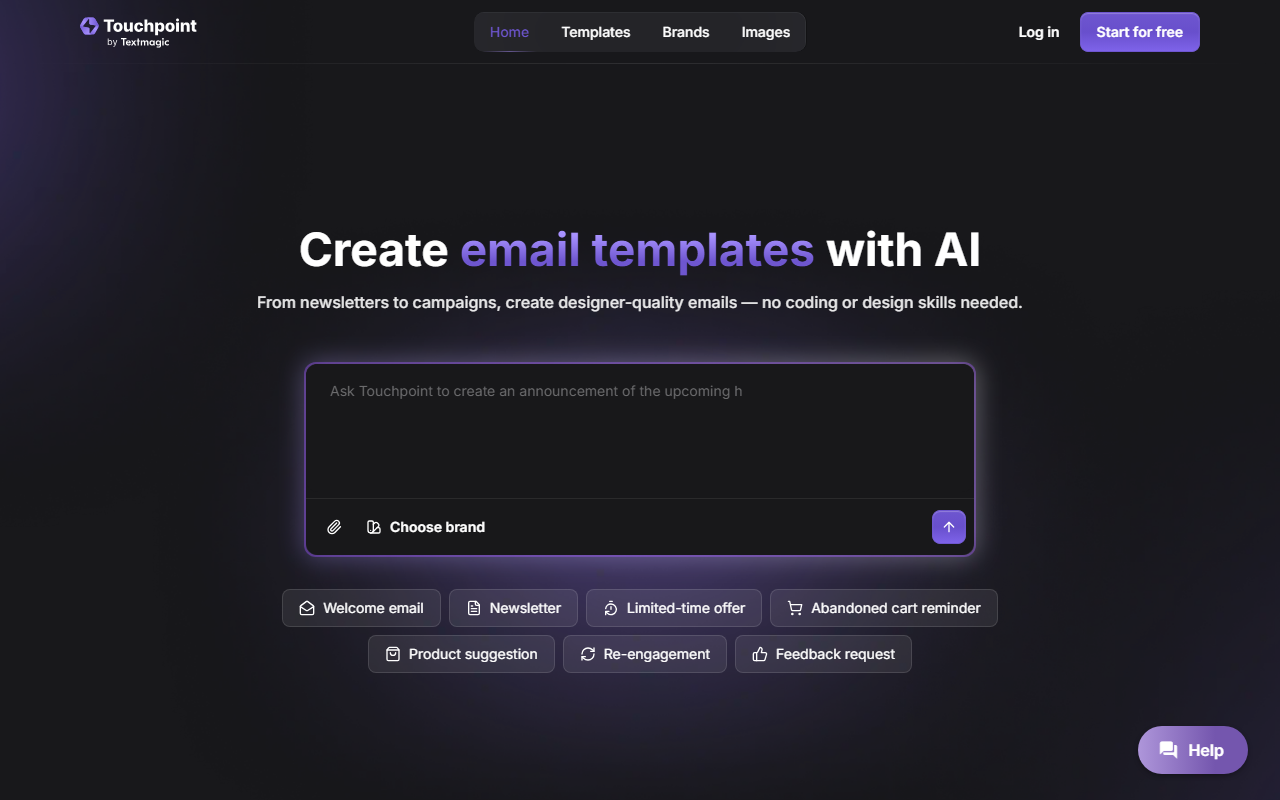
First Impressions: Clean Interface and Instant Branding
Upon visiting Touchpoint, I was greeted by a minimal dashboard with a clear call-to-action to start building. The onboarding flow is straightforward: you link your website URL, and the tool automatically pulls your logo, colors, and brand assets. I tested the “Newsletter” prompt, and within seconds, Touchpoint generated a polished, responsive email template that had my brand’s color scheme and logo already applied. No manual setup, no HTML tweaking—just a clean result ready to customize.
How Touchpoint Works: AI-Powered Creation from Prompt to Inbox
The core workflow is simple. You choose a starting prompt from a gallery (product launch, Black Friday sale, cart abandonment, etc.) or write your own. The AI then drafts the entire email layout—headlines, body copy, buttons, and images—based on your brand guidelines. After generation, you can edit text, swap visuals, or adjust the layout using a click-based editor. For advanced users, there is a direct HTML editor for full control. Once you are happy, you export the template to Textmagic (Touchpoint’s parent platform) with one click. Textmagic then handles delivery and analytics. As of my review, Touchpoint does not have a standalone sending engine; you must use Textmagic to send campaigns. This tight integration is both a strength and a limitation.
Pricing, Transparency, and Limitations
Touchpoint offers a free tier that includes 10,000 emails—a generous trial for small campaigns. However, beyond that, pricing is not publicly listed on the website. The FAQ includes a question “How does pricing work?” but offers no detailed answer. This lack of transparency could be frustrating for teams evaluating the tool for long-term use. Another limitation is the reliance on Textmagic for sending; if you are already using Mailchimp, Constant Contact, or another ESP, you cannot export templates for those platforms natively. The editor, while intuitive, does not support advanced personalization blocks or dynamic content tags beyond basic placeholders.
Who Should Use Touchpoint?
Touchpoint is best suited for small business owners, marketing managers, and content creators who need branded, responsive email templates quickly without learning design or coding. It excels at reducing the time to create a polished email from hours to minutes. Compared to Canva’s email templates or Mailchimp’s drag-and-drop builder, Touchpoint’s AI-driven brand extraction and one-click export to Textmagic give it a distinct advantage for Textmagic users. However, if you require advanced A/B testing, detailed segmentation, or an all-in-one email marketing platform, you should look at alternatives like ConvertKit or HubSpot. For those already using Textmagic for SMS and email, Touchpoint is a no-brainer addition. Recommendation: Try Touchpoint if you want a fast, AI-assisted way to create branded emails and you are comfortable using Textmagic to send them. The free 10,000-email tier gives you plenty of room to test its value.
Visit Touchpoint at https://touchpoint.com/ to explore it yourself.













Comments