

First Impressions: A Platform That Prioritizes the End User
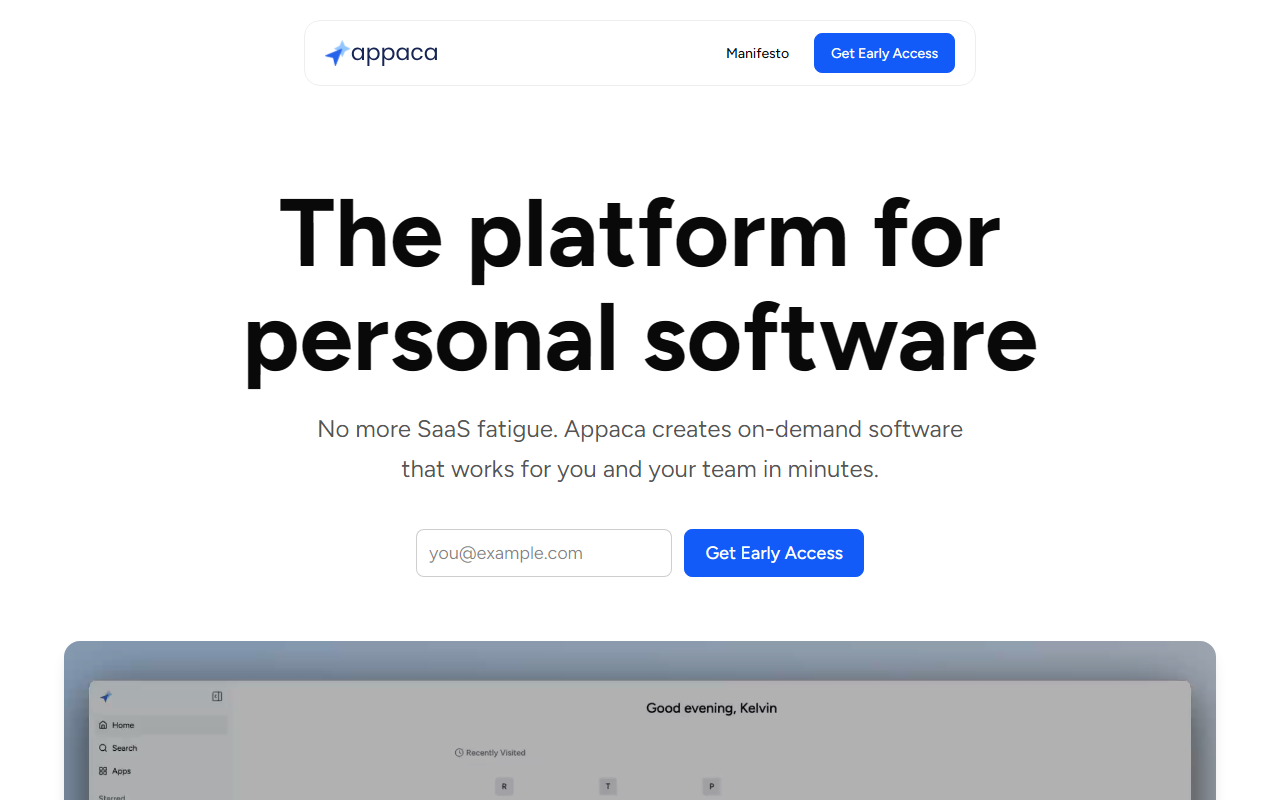
Upon visiting UIHub at uihub.licode.ai, I encountered a clean landing page that immediately positions itself not as another code editor but as a user-focused app builder. The tagline — “The platform for personal software” — sets clear expectations. The dashboard, after signing up, presents a minimal interface with a few example apps: Personal Finance Dashboard, Trip Planner, and Workout Routine Tracker. The onboarding flow is straightforward: you are prompted to describe an app you need in plain English. There is no intimidating IDE or terminal. The platform, which the website refers to as Appaca, runs the app directly inside its own environment, handling hosting, database, and storage automatically. For someone who has ever wished for a niche tool but lacks coding skills, this feels like a genuine solution. Unlike vibe-coding platforms such as Lovable or Replit, UIHub is deliberately not designed for building public-facing or distributed applications. Instead, it focuses on internal or personal utility, which I observed when testing the free tier: I described a simple expense tracker, and the AI generated a functional app within seconds, complete with a form and data storage visible in the built-in database section.
How It Works: Chat-to-App Workflow with Integration Support
The core process is refreshingly simple. You describe your app in natural language — for example, “a project management board with columns for To-Do, In Progress, and Done.” The AI assistant refines the requirements in a chat-like interface, asks clarifying questions, and then builds the app. It uses AI credits to complete tasks; the complexity of the app determines the credit cost. Once built, the app runs on UIHub’s infrastructure, so you never worry about deployment. From the technical side, the platform includes a built-in secure database for storing data and supports file storage for images and documents. This is a major advantage over many AI coding tools that require you to set up a backend separately. Additionally, UIHub offers integrations with popular services such as Google Sheets, Slack, Airtable, and Notion via API or webhooks. You can also share your workspace with team members and control access to specific apps. During my test, I connected the expense tracker to Google Sheets to export data — a process that the AI handled automatically after I described the desired connection. The result was a working link that updated in real time. The platform’s focus on “user experience, not builder experience” is evident: you never touch code, not even “vibe coding” as the site puts it.
Pricing and Limitations: Free Tier Available but Limited
UIHub offers a free plan that includes 100 AI credits per month and allows only one app. This is generous for quick personal projects but insufficient for heavy experimentation. For example, my simple expense tracker consumed about 25 credits, so the free tier would allow roughly four similar builds per month. Paid plans are not publicly listed on the website; you must contact sales or check the pricing page after sign-up. The FAQ indicates you can top up credits as needed, but only on a paid plan. A notable limitation is that UIHub is not intended for building apps to distribute to the public. The documentation explicitly states it is for personal or internal use, which contrasts with tools like v0 or base44 that allow web deployment. Also, the reliance on AI credits can feel restrictive — complex apps with multiple integrations may eat credits quickly. On the positive side, the platform handles all infrastructure, eliminating DevOps overhead. The AI’s ability to refine apps through conversation is genuinely impressive, though occasionally it required me to rephrase requests to get the desired behavior.
Who Should Use UIHub — And Who Should Look Elsewhere
UIHub is ideal for individuals or small teams who need quick, internal tools without any coding or setup. If you frequently think “I wish there was an app for this” for personal tasks like budget tracking, workout logging, or travel planning, this platform delivers. Professionals can also build CRM dashboards, inventory systems, or project trackers for their own use without IT support. It’s a perfect fit for solopreneurs, hobbyists, and non-technical knowledge workers. However, if you need to build a web app for public launch, a commercial SaaS product, or anything that requires custom branding and full control over hosting, you should stick with traditional no-code platforms or vibe-coding tools like Lovable or Replit. The limitation to internal distribution is a deliberate trade-off. Safety and security are addressed: the built-in database and storage are managed by the platform, though you should review their data handling policies for sensitive information. Overall, UIHub succeeds at its mission: making app creation accessible without technical complexity. EmTry the free tier to see if its AI credit model works for your use case before committing.
Visit UIHub at https://uihub.licode.ai to explore it yourself.













Comments