

First Impressions: A Clean, Minimal Workflow
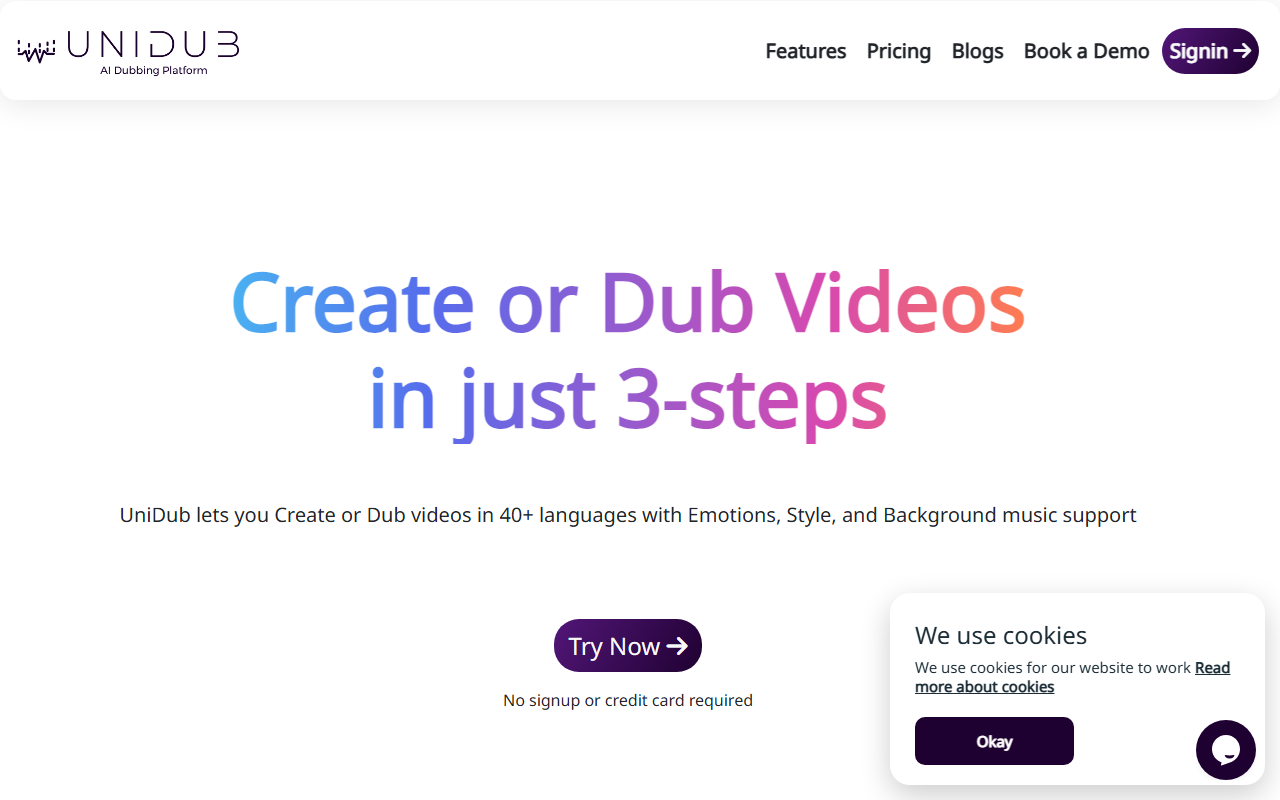
Upon visiting unidub.co, I was greeted with a straightforward landing page that immediately showcases the core value proposition: create or dub videos in three steps. The call-to-action invites a trial without signup or credit card—a refreshingly low-friction start. The dashboard, once you begin, is sparse but functional: you upload a video file along with subtitles (SRT or similar), edit the text if needed, select target languages and voice options, then generate. The entire process felt guided, not overwhelming. I tested the free tier by uploading a short 30-second clip. The AI processed it in under a minute, and the resulting dubbing preserved the original speaker’s cadence reasonably well. While not flawless—some emotional nuance was lost in a fast-paced sentence—the output was impressive for a tool that asks for no upfront commitment.
Core Features: Emotional Dubbing and Custom Voices
UniDub differentiates itself from competitors like Descript or Respeecher by emphasizing expressive speech. The platform claims to handle multiple emotions (happy, sad, excited, etc.) and supports background music overlay. During my test, I could choose a “General,” “Neutral,” or “Excited” style for the synthesized voice. The effect was subtle but noticeable. The platform also offers custom avatar and voice creation—you record your own video and voice, then UniDub generates a personalized AI model. This is still listed as a “Custom” feature in Pro and Enterprise tiers, so free users won’t access it. The three-step workflows for dubbing, audiobook creation, and custom avatars are clearly explained, though the “Video Creation” feature is marked “Soon,” so that capability isn’t yet available. The 40+ languages cover major global markets including Hindi, Mandarin, Spanish, Arabic, and many European languages. Accents are also mentioned, though I only tested English-to-Spanish dubbing.
Pricing and Market Positioning
UniDub uses a tiered pricing model with clear thresholds. The Free plan gives 15 minutes of credit with no credit card required—ideal for casual experimentation. The Pro plan is priced at ₹1.5 per second (roughly $0.018 per second, or about $1.08 per minute), which is competitive compared to human dubbing services. Pro unlocks custom voices and avatars, 30-day data retention, and 24/7 support. The Enterprise plan offers custom pricing for OTT platforms and large-scale deployments, with unlimited voices and avatars. Compared to alternatives like Descript (which starts at $24/month but includes full video editing) or Respeecher (mostly voice cloning at higher cost), UniDub positions itself as a budget-friendly, lightweight dubbing solution focused purely on language translation and voice synthesis. One limitation is the lack of an API for developers—the website doesn’t mention any programmatic access, which may deter enterprise users who need automation. Additionally, the “Video Creation” feature is still in development, so users needing full video generation from scratch must look elsewhere.
Who Should Use UniDub? A Balanced Verdict
UniDub is best suited for content creators, educators, and small businesses who need to quickly localize existing videos into multiple languages without a large budget. The free tier is generous enough for proof-of-concept dubs, and the pay-as-you-go Pro model avoids monthly subscriptions. However, if you require hyper-realistic voice cloning or deep emotional nuance, you might find the outputs slightly robotic in certain contexts. For large-scale, professional productions, an enterprise demo is advisable to test voice quality and turnaround times. In summary, UniDub delivers on its promise of fast, affordable multi-lingual dubbing with a clean user experience. The absence of an API and the delayed video creation feature are notable gaps, but for straightforward dubbing needs, it’s a solid tool worth trying.
Visit UniDub at https://unidub.co/ to explore it yourself.













Comments