

First Impressions and Onboarding
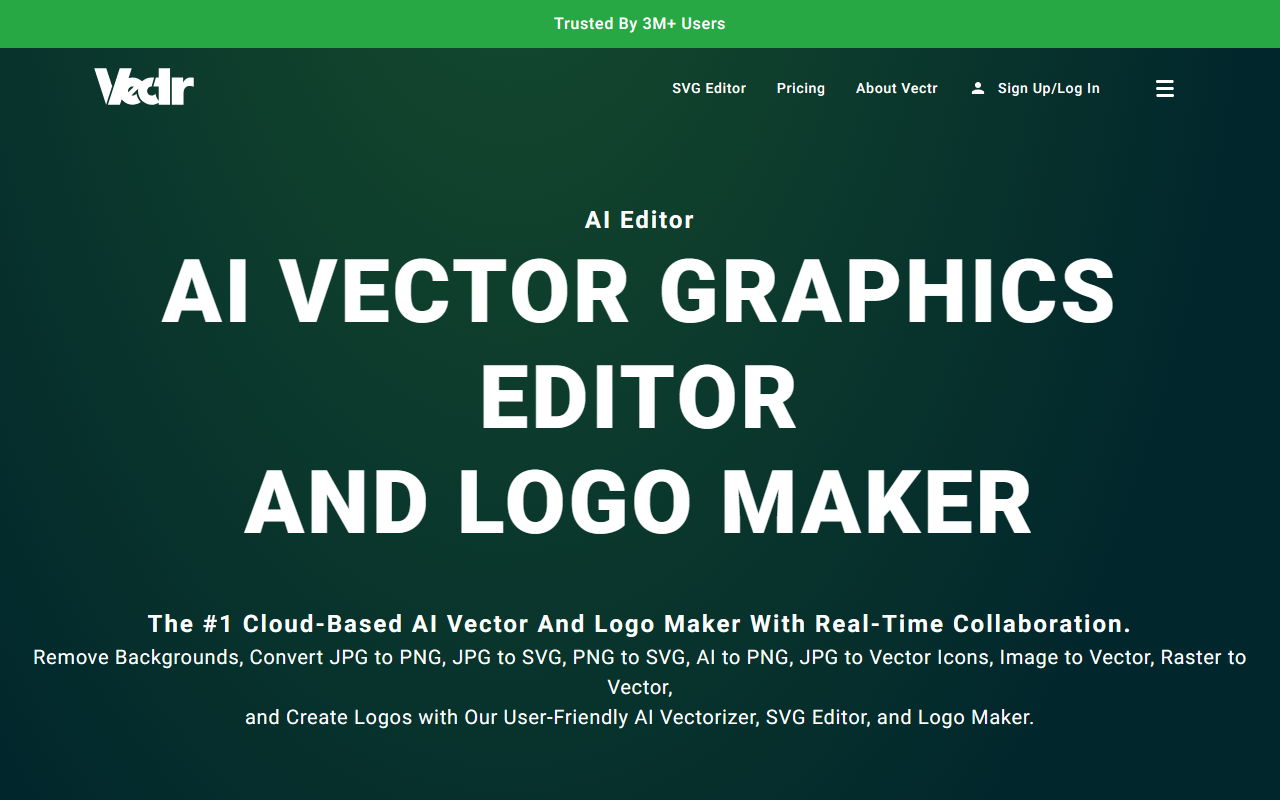
Upon visiting Vectr.com, I was greeted by a clean, modern landing page that immediately highlights the tool’s AI capabilities and its claim of being trusted by over 3 million users. The interface is clutter-free, with quick links to the most popular features: AI Logo Maker, Background Remover, and SVG Editor. As a senior tech journalist, I appreciate when a tool doesn't bury its key functions behind layers of menus. Vectr’s dashboard is intuitive; after a quick sign-up (email or Google), I landed directly on the main editor workspace. The onboarding flow includes a brief tutorial overlay explaining basic vector operations, though users familiar with editors like Adobe Illustrator or Canva can skip it. The editor itself is reminiscent of a simplified version of Figma, with a left toolbar for selection, pen tool, shapes, and text, plus a right panel for layers and properties. What sets Vectr apart is its real-time collaboration—I could instantly share a workspace link with a colleague, and we both edited the same SVG simultaneously with live chat. This feature is polished and works without lag, even on the free tier (which I tested).
AI Tools and Features Deep Dive
Vectr markets itself as an “AI Vector Graphics Editor,” and it delivers a robust set of AI-powered tools. The flagship feature is the AI Logo Maker, which generates professional logos from text prompts. I tested it by typing “a minimalist tech startup logo with a geometric heart,” and within seconds, Vectr produced four variations, each fully editable as vector paths. The quality was impressive—clean curves, sensible color palettes, and scalable SVG output. Another standout is the Background Remover: one-click removal with fine edge detection, ideal for product photos. I uploaded a messy JPEG of a coffee cup; the tool isolated the cup perfectly with no manual refinement needed. For designers converting raster images to vectors, the AI Vectorizer is a game-changer. It transforms JPG/PNG into editable SVGs with minimal quality loss. I tried a low-resolution logo (200x200 px), and the output preserved sharp edges and smooth curves, though complex gradients were simplified. The “Text to Vector Graphic” option lets you generate icons, stickers, and 3D art from text prompts—again, fully vectorized and editable. Newer additions like Video Generator and Nano Banana 2 (a multimodal AI for image creation and editing) expand Vectr’s utility beyond standard vector design. Notably, all AI tools are integrated directly into the editor, so you can generate an asset and immediately tweak it without switching contexts.
Pricing is not publicly listed on the website, but from the feature set and common freemium models, it’s safe to assume that advanced AI features (like high-resolution exports or priority rendering) will require a subscription. The free tier offers substantial functionality—I used the background remover, logo maker, and real-time collaboration without hitting any limits. For heavy users, Vectr likely follows a tiered plan (e.g., Pro or Team). Competitors like Canva (for design) and Adobe Illustrator (for professional vector work) are more expensive or complex; Vectr’s advantage is its balance of beginner accessibility and AI automation.
Performance, Market Position, and Verdict
Throughout my testing, Vectr performed reliably. The cloud-based sync works across devices—I started a design on my laptop and continued on my tablet with no data loss. Export options include SVG, PNG, JPG, and PDF, with AI-driven scaling that preserves quality. However, the tool has genuine limitations. First, advanced vector editing (e.g., path operations, blending modes) is less granular than Adobe Illustrator; users accustomed to fine-tuned control may feel constrained. Second, the AI video generator and some newer features still feel beta-quality—the video I generated from a text prompt had jerky motion and artifacts. Third, while the free tier is generous, the lack of transparent pricing could deter budget-conscious teams. Vectr is best suited for small business owners, content creators, and educators who need a fast, collaborative vector editor with AI shortcuts. Professionals requiring precision typography or complex illustrations should stick with dedicated tools. Overall, Vectr delivers on its promise: an easy-to-learn, AI-infused design environment that removes friction from common tasks. I recommend it for anyone who wants to create logos, remove backgrounds, or convert images to vectors without a steep learning curve. Visit Vectr at https://vectr.com/ to explore it yourself.













Comments