

First Impressions: A Streamlined Animation Dashboard
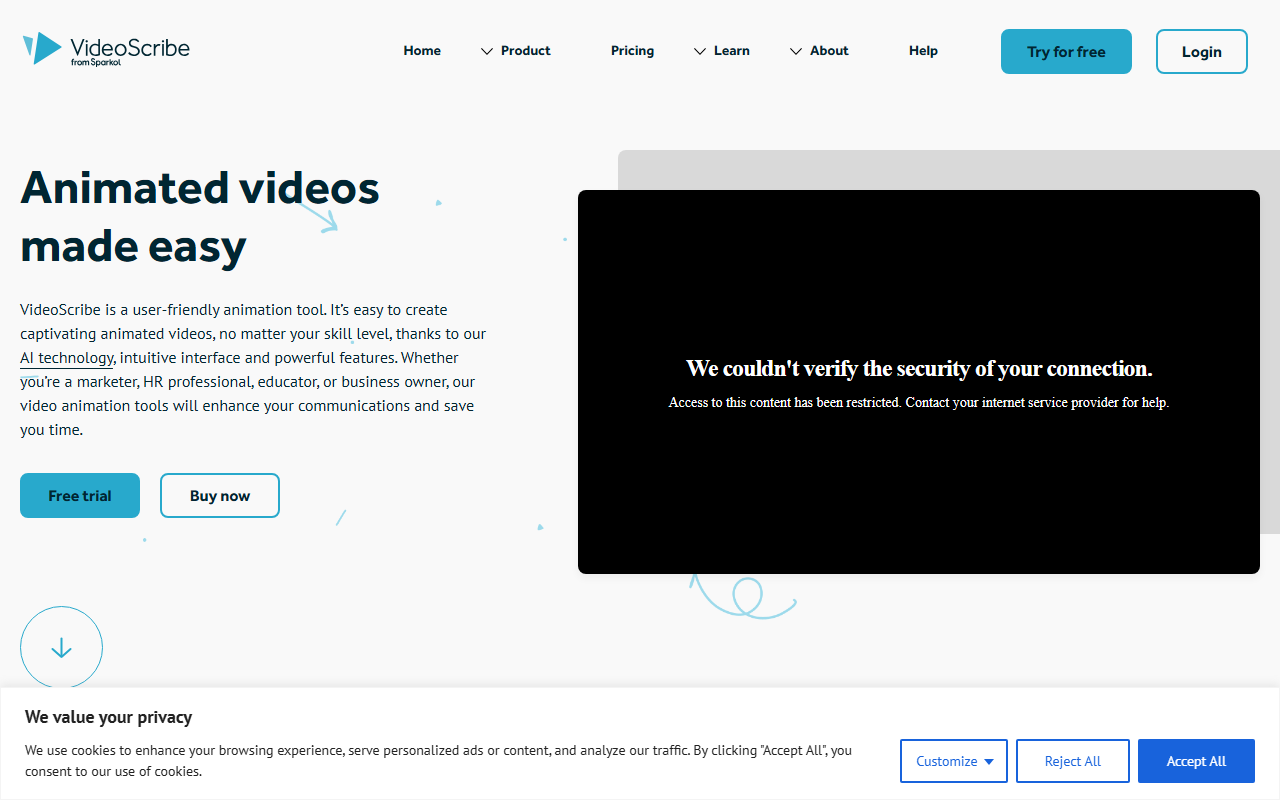
Upon visiting VideoScribe's website, I was greeted by a clean, modern interface that immediately emphasizes its core promise: making animated video creation easy. The homepage leads with a free trial call-to-action, and after signing up (no credit card required), I was taken directly into the editor. The dashboard presents a clear layout with options to start from a template, import a script, or begin a blank canvas. What struck me first was the integrated AI assistant—a small, persistent panel on the right side that offers script generation, image creation, and voiceover synthesis. This is not just an add-on; it's woven into the workflow. I tested the AI script generator by entering the topic "How does blockchain work?" and within seconds it produced a coherent, structured script tailored for animation. The interface responded quickly, and the generated script was editable directly in the timeline panel below.
Key Features and AI Integration
VideoScribe's feature set is built around the classic whiteboard animation style, where a hand draws scenes on a virtual canvas. The AI image generator allows you to describe a visual and have it added instantly to your library. I tried creating an image of a "futuristic city skyline" and the result was a decent, stylized illustration suitable for video. The huge royalty-free image library is another standout—millions of icons, characters, and backgrounds are available. The drawing hand animation style is core to the tool: you can choose from several hand types (male, female, cartoon) that simulate drawing each element on screen. Other animation effects include pulse, spin, bounce, and fade.
The timeline and scenes feature gave me granular control. I could break my video into scenes, each with its own camera position, audio, and elements. Speaking of audio, the AI voiceover generator is impressive: select a voice (multiple accents and genders), paste or generate your script, and the tool produces natural-sounding narration. I tested a short sentence and the sync with the timeline was near-perfect. You can also record your own voice or upload music from a built-in royalty-free collection. Video export options include 1080p MP4 and GIF, plus a live preview link for collaboration.
Pricing and Market Position
VideoScribe positions itself as an affordable alternative to traditional animation production and tools like Vyond or Powtoon. While the website prominently features a free trial and a "Buy now" button, specific pricing tiers are not listed on the main page. However, the site claims annual subscribers save over 63%, suggesting a subscription model. From additional research, VideoScribe typically offers monthly and annual plans, with a notable discount for nonprofit organizations. Compared to Vyond, which focuses on character animations and corporate explainers, VideoScribe is narrower—it excels at the whiteboard style but lacks the full-fledged character rigging or advanced motion graphics found in some competitors. For educators and small business owners who need quick, engaging explainer videos, VideoScribe is a strong contender. For those seeking high-end 2D animation or complex character interactions, alternatives like Vyond or Adobe Animate may be more appropriate.
Strengths, Limitations, and Final Verdict
Strengths: The AI integration is genuinely useful—script generation, image creation, and voiceovers significantly reduce production time. The user interface is intuitive, even for non-designers. The drawing hand effect remains a distinctive and engaging style. The library of assets is vast and royalty-free. The video export quality (1080p) is professional.
Limitations: The animation style is heavily centered on whiteboard drawing; if you need a more modern or cinematic look, this may not satisfy. The AI image generator, while handy, can produce generic results. The pricing is not transparent on the website (no exact dollar amounts listed without going through the flow). Also, the free trial likely imposes watermarks or limited export capabilities until purchase.
Final Verdict: VideoScribe is best suited for marketers, educators, trainers, and small business owners who want to create animated explainer videos without learning complex software. Its AI tools save hours of manual work, and the whiteboard style remains effective for simplifying complex topics. If your video needs go beyond whiteboard animation—think full character animation or advanced motion graphics—look elsewhere. But for quick, impactful storytelling, VideoScribe delivers.
Visit VideoScribe at https://videoscribe.co/ to explore it yourself.













Comments