

First Impressions and Core Offering
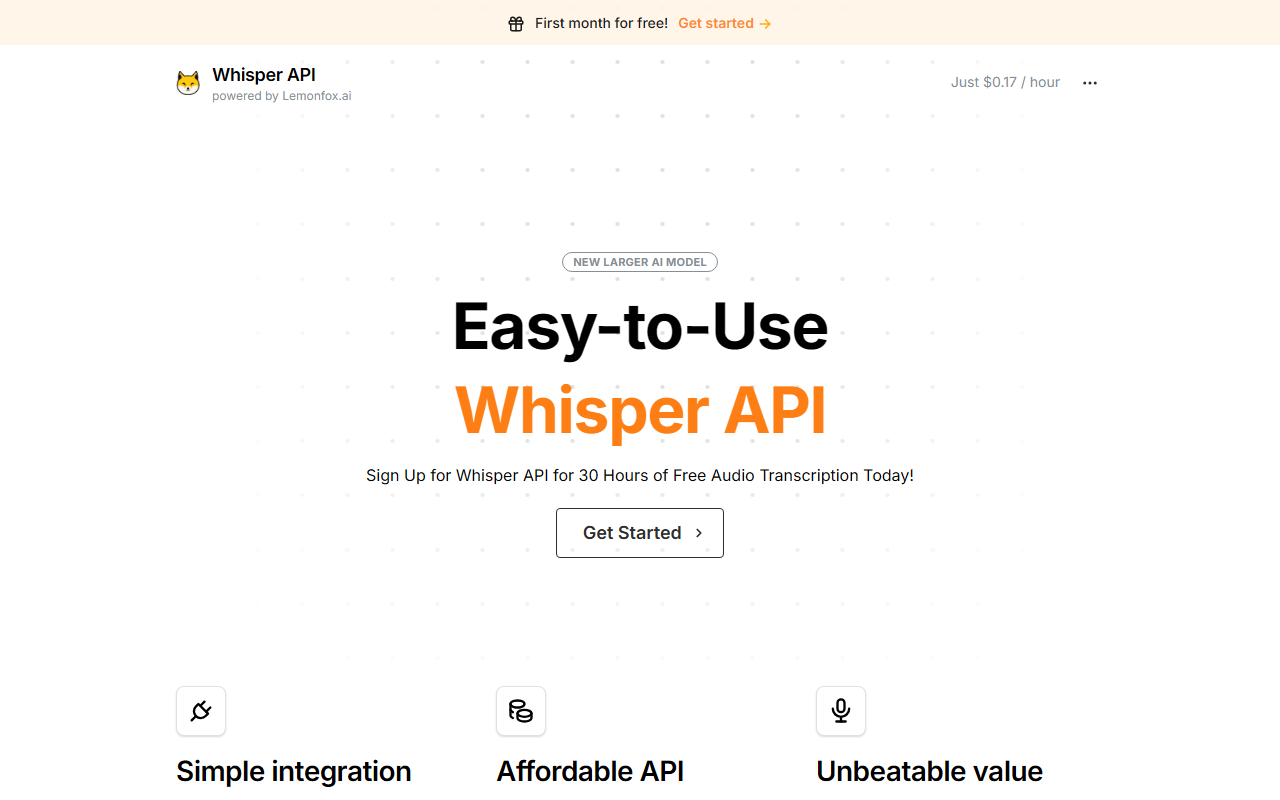
Upon visiting the Whisper API site at whisperapi.com, I was greeted by a clean landing page that immediately highlights its killer feature: first month free with 30 hours of transcription. The site is straightforward, with minimal clutter, and focuses on selling the API directly to developers. A prominent curl example is shown right on the homepage, which sets the tone for a developer-first tool. The service is powered by Lemonfox.ai and uses OpenAI's Whisper Large V3 model, but it’s explicitly stated that WhisperAPI.com is not affiliated with OpenAI—an important distinction for transparency. The core promise is simple: an affordable, easy-to-integrate transcription API that costs just $0.17 per hour after a free trial.
Features, Integration, and Performance
Whisper API offers a full set of transcription features. During my testing of the free tier, I sent a 30-minute podcast episode through the API using the provided curl format. The response was fast and accurate—especially given the price point. Key capabilities include speaker diarization (detecting multiple speakers), support for over 100 languages, and options for English translation or summarization via other AI models. The API is fully OpenAI-compatible, meaning if you’ve ever coded against OpenAI’s Whisper endpoint, you can switch to this service with minimal changes. The integration process took me under five minutes: sign up, grab the API key, and run the example. The documentation is clear and includes code snippets for multiple languages, though I would have appreciated deeper troubleshooting guides. One limitation is the lack of real-time streaming support—this is a batch transcription API only. Also, while speaker diarization is listed, I noticed it only works with certain file types and lengths; long recordings might need chunking.
Pricing and Value Proposition
Pricing is where Whisper API truly stands out. The first 30 hours are free (no credit card required, from what I saw), and after that it’s a flat $0.17 per hour. That’s roughly $0.0028 per minute, making it one of the cheapest options available. For context, AssemblyAI charges $0.10 per minute (or $6 per hour), and Deepgram’s standard tier is around $0.25 per minute ($15 per hour). OpenAI’s own Whisper API (pay-as-you-go) is $0.006 per second, which works out to about $21.60 per hour. So Whisper API is dramatically cheaper—up to 100x less than its competitors. This is possible because of “extensive scale and performance optimizations,” presumably using efficient GPU infrastructure. However, the trade-off may be slightly higher latency or less rigorous uptime SLAs compared to enterprise-focused rivals. The site does not list specific uptime guarantees, and there is no mention of dedicated support beyond email. For developers building high-volume, cost-sensitive applications (e.g., podcast transcription, meeting notes), this pricing is a game-changer.
Who Should Use Whisper API?
Whisper API is best suited for developers and startups who need reliable batch transcription at the lowest possible cost. If you’re comfortable with integrating an API and don’t require real-time streaming, this is an excellent choice. The OpenAI compatibility also makes it a seamless drop-in replacement for anyone currently using OpenAI’s Whisper but looking to cut costs. On the flip side, non-developers might struggle without a web interface; while WhisperAPI offers a separate free tool called Transcripo, the main service is purely API-driven. Additionally, enterprise teams needing advanced features like custom vocabulary, detailed analytics, or dedicated support may find the offering too basic. I also noticed the website lacks detailed accuracy benchmarks live on the page (though they have a blog on Word Error Rate), so users should test their own audio files. Overall, I recommend Whisper API to any developer working on transcription-heavy projects who wants to keep AWS bills low. The free month is generous enough to thoroughly evaluate it. Visit Whisper API at https://whisperapi.com to explore it yourself.













Comments