

First Impressions and Onboarding
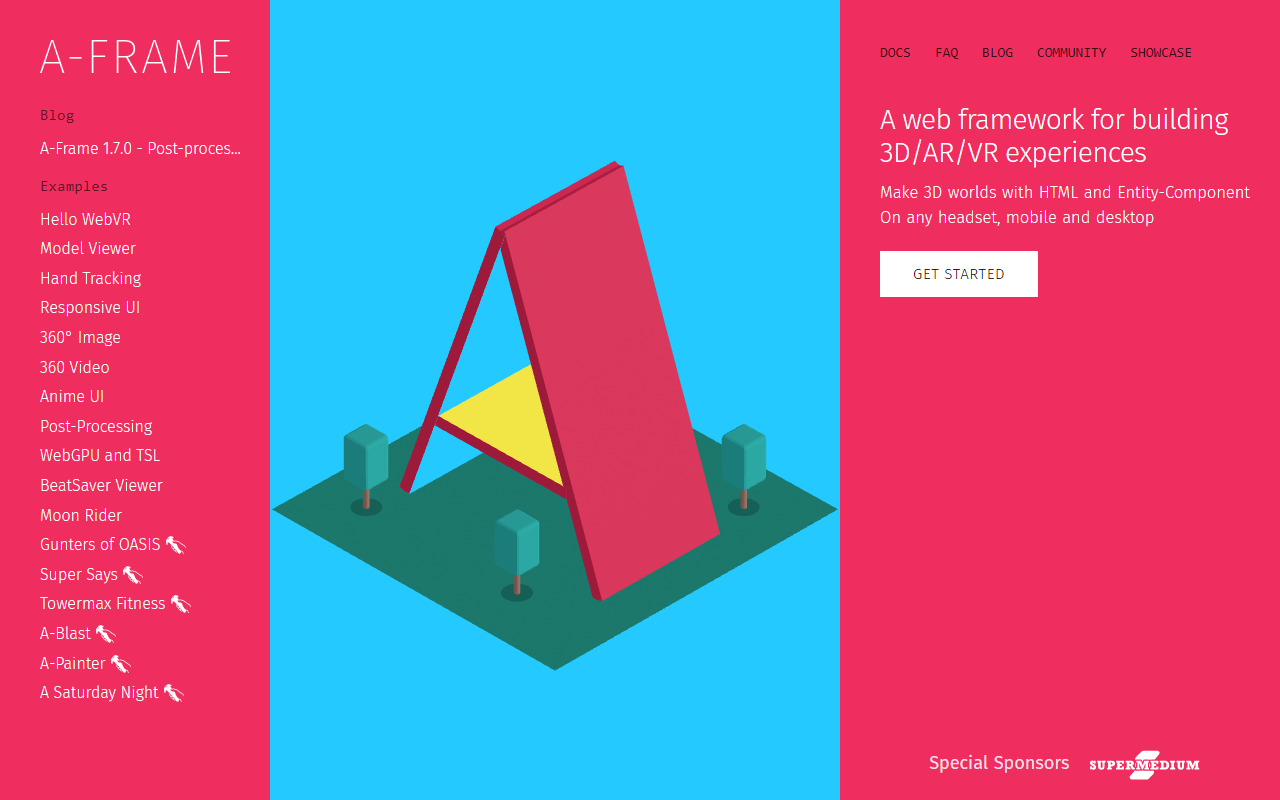
Upon visiting the A-Frame website at aframe.io, I was greeted by a clean, developer-focused landing page. The prominent "Get Started" button and a version badge (1.7.0) immediately signal that this is an active, mature project. The tagline—"A web framework for building 3D/AR/VR experiences"—is precise. The site showcases a rich gallery of examples, from "Hello WebVR" to "Post-Processing" and "WebGPU and TSL." Scrolling through these, I clicked on "Hello WebVR" and was taken to a live demo that ran directly in my browser, no plugin required. The experience was smooth: I could move my mouse to look around a simple 3D scene. This instant gratification is a key selling point for A-Frame. The documentation is linked prominently, and the FAQ, blog, and community sections suggest a well-supported ecosystem. Notably, the "Getting Started" page is structured around a simple HTML file, which lowers the barrier for web developers unfamiliar with 3D graphics.
Pricing is not publicly listed on the website because A-Frame is an open-source framework, completely free to use. There are no tiers or subscription models; you simply include the library via a CDN or install it with npm. This is a refreshing contrast to many commercial VR development platforms.
Technical Capabilities and Developer Experience
A-Frame is built on top of Three.js, a widely-used WebGL library, but it abstracts away the complexity by introducing an "entity-component" system that uses custom HTML elements. For example, you can add a 3D sphere to a scene with just <a-sphere position="0 1 -3" radius="1.25" color="#EF2D5E"></a-sphere>. This declarative approach makes it extremely accessible for frontend developers who already know HTML. In my test workflow, I created a minimal scene in about five lines of code, including a skybox and a box with a rotation animation. The documentation provides detailed guides for all major features: hand tracking, responsive UI, 360° image and video, and even post-processing effects like bloom and depth of field. The recent 1.7.0 release adds WebGPU and TSL (Three Shading Language) support, which hints at future-oriented performance improvements.
Under the hood, A-Frame supports the WebXR standard, meaning it works natively on VR headsets (Oculus Quest, HTC Vive, etc.), AR devices (through WebXR's AR mode), and all modern browsers on desktop and mobile. There is no need to install separate SDKs; everything runs in the browser. For developers needing deeper control, the framework exposes the underlying Three.js API and allows custom components written in JavaScript. The integration with Logitech MX Ink (a smart stylus for VR) shows that the ecosystem is embracing input devices beyond standard controllers.
Use Cases and Market Positioning
A-Frame is best suited for web developers, educators, and prototypers who want to build immersive 3D/AR/VR experiences quickly without learning a game engine like Unity or Unreal. It shines for creating simple VR galleries, virtual showrooms, 360° video viewers, and interactive demonstrations. The "Model Viewer" and "BeatSaver Viewer" examples indicate a strong fit for showcasing 3D assets. Compared to alternatives like Three.js (which requires more manual setup) or Babylon.js (which has a steeper learning curve for beginners), A-Frame prioritizes rapid development and readability. That said, for complex, high-performance applications (e.g., AAA-style games or massive multiplayer worlds), dedicated engines remain superior.
The community is active—the "Community" page links to a GitHub repository with over 16,000 stars, a Slack channel, and a newsletter. This indicates a healthy user base and continuous improvements. The official sponsors (listed as "Special Sponsors") likely include companies that support open-source web VR, though the website does not detail them.
Strengths, Limitations, and Final Verdict
Strengths: A-Frame’s greatest asset is its ease of use. Anyone with basic HTML skills can create a VR scene within minutes. The documentation is thorough, and the example gallery is both inspirational and educational. It is cross-platform (headsets, desktop, mobile) and completely free, with no vendor lock-in. The recent addition of WebGPU support ensures it stays relevant as browser graphics evolve.
Limitations: Performance can be an issue for complex scenes. Because it relies on the browser’s WebGL/WebXR stack, it cannot match native VR apps in frame rate or poly count. The declarative HTML approach, while beginner-friendly, can become unwieldy for large-scale projects, and debugging custom components requires solid JavaScript knowledge. There is also a learning curve for understanding the entity-component architecture for those coming from imperative programming.
For whom is A-Frame ideal? Web developers who want to add a VR experience to a product page, educators building interactive learning modules, and hobbyists exploring WebXR—all will find it a joy to work with. For professional game studios or teams building complex, high-end VR experiences, other tools may be more appropriate.
In conclusion, A-Frame remains one of the most accessible ways to create WebVR/AR content. It lowers the barrier to entry without sacrificing too much power. If you are comfortable with HTML and want to experiment with immersive web experiences, I highly recommend trying it.
Visit A-Frame at https://aframe.io/ to explore it yourself.













Comments