

First Impressions and Onboarding
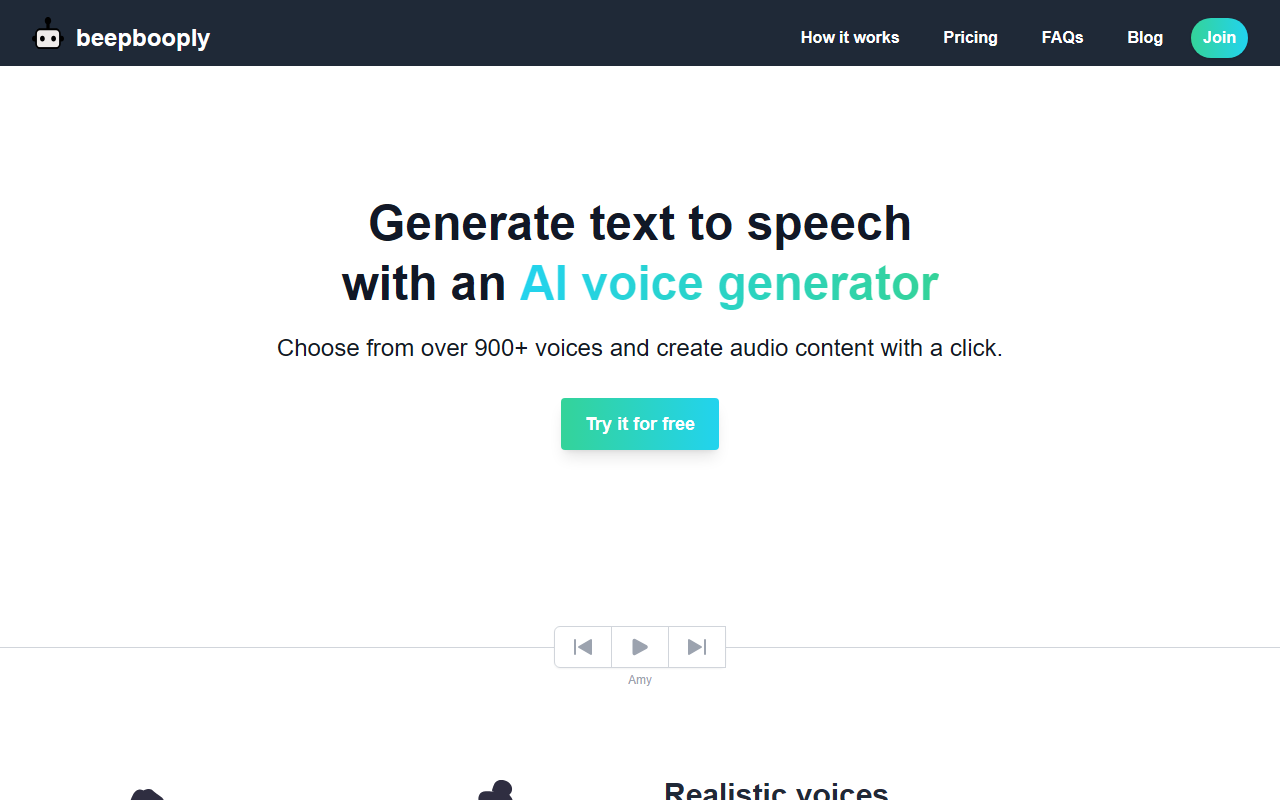
Upon visiting beepbooply.com, I was greeted by a clean, modern landing page that immediately highlights the core value proposition: “Choose from over 900+ voices and create audio content with a click.” The site loads quickly and the navigation is intuitive. I clicked “Try it for free” to test the free tier. The sign-up process is minimal—just an email and password. Once logged in, the dashboard shows a simple text input box, a voice selector dropdown, and a “Generate voice” button. There’s no clutter. I tested a short paragraph in English using the default “Amy” voice. The output delivered within two seconds, and the audio quality was noticeably crisp and natural. The interface clearly labels options for pacing, pitch, and volume, though these sliders are only available on paid plans. Overall, the onboarding experience is smooth and transparent about what the free tier offers and what is locked.
Voice Library, Technology, and Customization
beepbooply aggregates voices from Google, Microsoft, and Amazon, giving it a competitive edge in both quantity and quality. With over 900 voices across 80+ languages, it covers everything from Korean and Amharic to Welsh and Cantonese. During testing, I sampled a few less common languages like Pashto and Sundanese, and the pronunciation was surprisingly accurate. The tool categorizes voices into “basic” and “realistic.” The realistic voices are where the technology shines—they exhibit natural inflection and pacing, suitable for narration or commercial voiceovers. Customization options include adjusting speaking rate (slider 0.5x to 2x), pitch shift, volume, and even “speaking styles” (though I only saw “default” and “newscast” in the free tier). Unlike many competitors, beepbooply does not require you to manually select which provider’s engine to use—it automatically routes the text to the best available voice model. This abstraction simplifies the user experience but may frustrate power users who want to control engine selection. There is no API mentioned on the site, so developers looking for programmatic access will need to check with support.
Pricing and Character Limits
The pricing structure is straightforward: a free tier and three monthly paid tiers—Starter ($7), Plus ($25), and Premium ($79). All paid plans come with unlimited projects and downloads, plus commercial usage rights. The free tier offers 10,000 characters per month (~13 minutes of audio) but restricts you to basic voices for downloads and only allows 5 projects saved for just 7 days. This is quite limiting for anyone wanting to test the realistic voices in downloadable form. The Starter plan at $7 per month gives 100,000 characters (~2.3 hours) and unlocks realistic voices for download. The Plus plan jumps to 400,000 characters (~9 hours) for $25, and the Premium plan offers 1.6 million characters (~36 hours) for $79. There is also a yearly billing option that saves 20%. Compared to competitors like Murf.ai or Speechify, beepbooply’s free tier is more restrictive on project limits and voice quality. However, its paid tiers are competitively priced, especially for solo creators or small businesses. One missing feature is a pay-as-you-go option; you must commit to a subscription. For heavy users, the Premium plan offers strong value per character.
Final Verdict and Recommendations
Strengths: beepbooply’s main advantage is its enormous voice library sourced from three major providers, ensuring variety and quality. The output sounds natural, and the tool is very easy for beginners. Commercial usage rights on even the cheapest paid plan is a big plus. Limitations: The free tier is heavily restricted—no realistic voice downloads, only 5 projects, and data expires weekly. Also, the lack of an API or advanced features like SSML tags limits use cases for developers and power users. The tool does not offer emotion control or fine-grained pronunciation dictionaries, which some alternatives do. Who should use it: beepbooply is ideal for content creators, educators, and small business owners who need quick, high-quality voiceovers in multiple languages without technical complexity. It is less suitable for developers requiring API integration or users who need a generous free trial. Alternatives: Murf.ai offers more advanced customization and team collaboration features, while Speechify excels in speed for personal use. If you prioritize a huge voice selection and low entry price, beepbooply is a solid choice.
Visit beepbooply at https://beepbooply.com/ to explore it yourself.













Comments