

First Look at Deep Art Effects
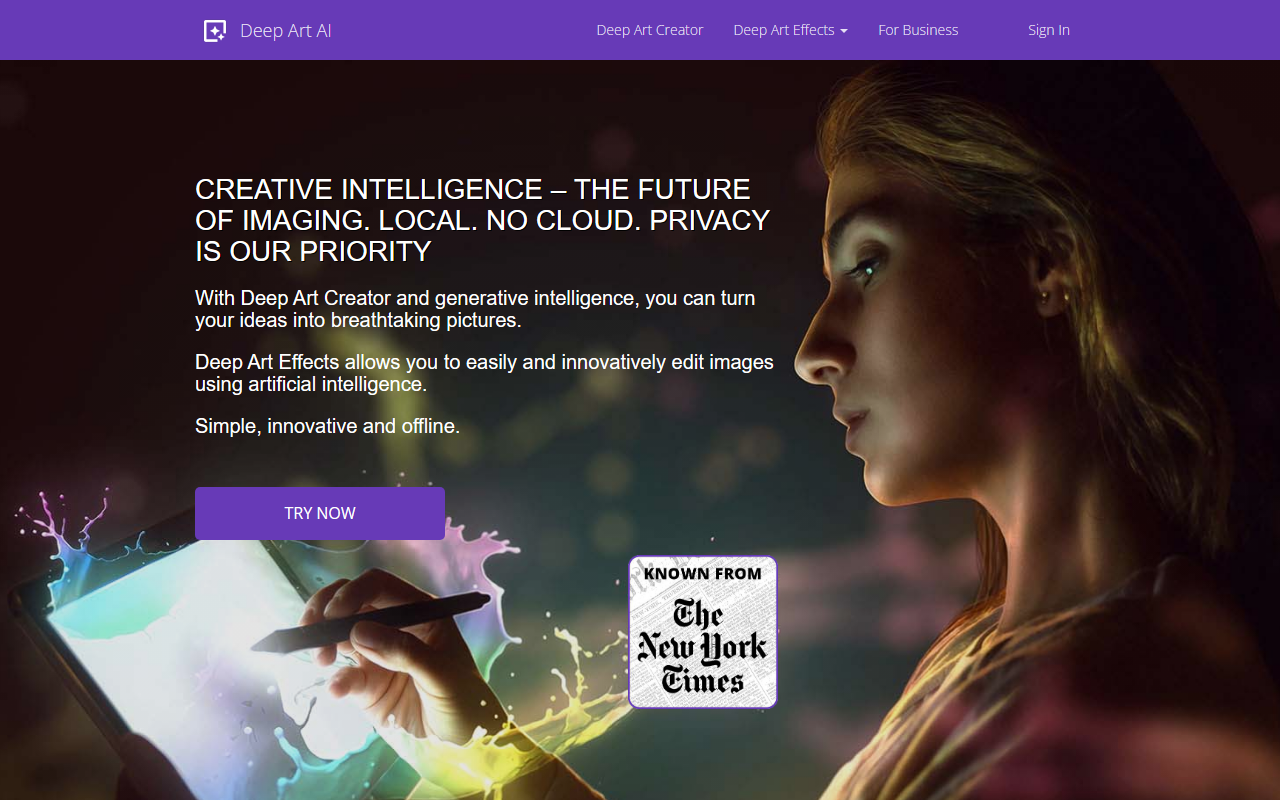
Upon visiting deeparteffects.com, I was immediately struck by the consistent emphasis on privacy and offline processing. The hero section declares, “Local. No Cloud. Privacy is Our Priority.” That is a rare promise in today’s AI landscape, where most image tools send your photos to remote servers. The website is clean and multilingual, offering a free download for Windows and macOS, plus a mobile app. I installed the desktop version to see how it handles. The installer is compact, and the software opened to a minimal dashboard: an import button, a collection of preset art filters, and sliders for intensity and size. Workflow is straightforward: you load a photo, pick a style (Van Gogh, Picasso, watercolor, etc.), click “Generate,” and the AI processes everything locally. A small status bar shows progress, and the result is saved without any watermark in the free trial (though export resolution may be limited). The onboarding flow is smooth, with tooltips explaining each feature.
Core Features and Underlying Technology
Deep Art Effects is more than just an art filter app. It uses what the company calls “Creative Intelligence”—a suite of proprietary neural networks that run entirely offline. The tool can upscale images up to 4x using super-resolution, colorize black-and-white photos automatically, simulate the bokeh effect of a SLR camera, and even remove backgrounds. During testing, I applied the “oil painting” filter: the AI preserved facial contours while adding thick brushstroke textures, and the result was visually convincing. The colorization feature for old grayscale images worked well on a 1950s family portrait, restoring skin tones and sky blue without the muddy artifacts common in older AI tools. Technically, the software runs on your GPU (CUDA and OpenCL supported) but also falls back to CPU – though slower. There is no API mentioned for public use, but the site has a “Developer portal” for custom integrations. The app also supports batch processing, which is handy for photographers.
Performance, Privacy, and Pricing
Performance is respectable but depends on your hardware. On a PC with an NVIDIA RTX 3060, a 4K upscale took roughly 20 seconds; on a CPU-only laptop, the same operation took over two minutes. The offline nature guarantees that your images never leave your machine – a major advantage for professionals handling sensitive work (e.g., medical imaging, confidential projects). Deep Art Effects is based in Germany and adheres to strict GDPR principles. Regarding pricing, the website does not list specific tiers or a price tag. The free version allows you to test all features with limited export resolution. For full-resolution exports and commercial use, a paid license is required. The “Try now for free” button leads to a download, but no store page appears. This opacity may frustrate some users, but the company likely offers a one-time purchase or subscription upon registration. Competitors like Prisma or Deep Dream Generator rely on cloud processing and offer free tiers with watermarks, whereas Deep Art Effects differentiates itself via complete local operation. A limitation is the relatively small library of art styles (around 30 presets) compared to cloud-based rivals that update styles weekly.
Who Should Use Deep Art Effects?
This tool is best suited for privacy-conscious photographers, graphic designers, and small businesses that need AI-powered image processing without uploading sensitive files. It is also a solid choice for digital artists who want quick style transfer offline. Hobbyists who enjoy experimenting with filters via a mobile app will appreciate the iOS/Android version. However, users who expect an evolving, community-driven style catalog or real-time collaboration will find the ecosystem rigid. Alternatives: Prisma for cloud-based style variety, Topaz Gigapixel for upscaling, or Adobe Photoshop’s Neural Filters for integrated editing. That said, Deep Art Effects holds a unique position by combining privacy, multiple utilities (upscale, colorize, background removal, art) in one offline package. My recommendation: try the free version if you prioritize data security and need a reliable, local tool for transforming photos. For advanced cloud features or an ever-growing style library, look elsewhere. Visit Deep Art Effects at https://deeparteffects.com/ to explore it yourself.













Comments