

First Impressions: Onboarding and Interface
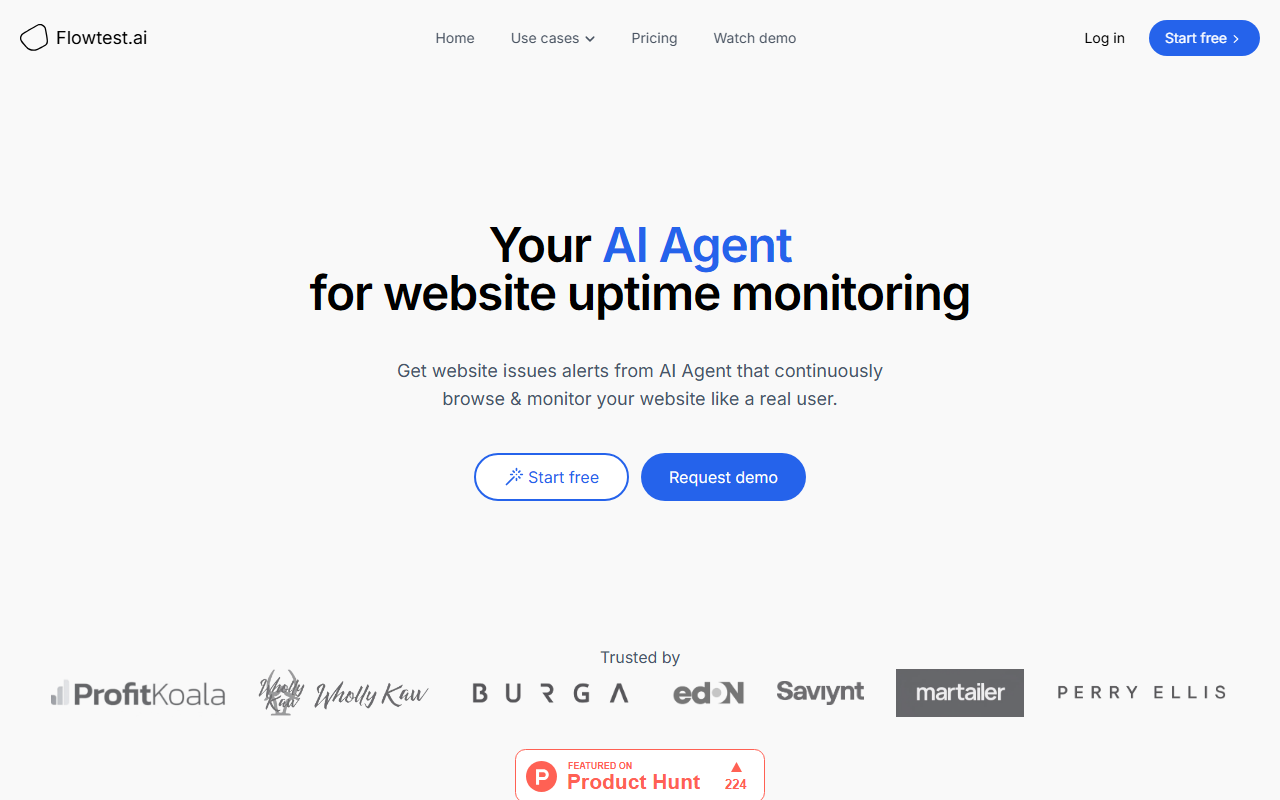
Upon visiting Flowtest.ai, I was greeted with a clean, modern landing page that immediately communicates the core value: an AI agent that monitors your website by simulating real user interactions. The site offers a clear “Start free” button alongside a “Request demo” option. I clicked Start free and was prompted to create an account with email or Google. The onboarding flow is minimal – after signing up, you're guided to set up your first monitoring flow by describing a task in plain English, such as “Add product to cart and check if checkout works”. The interface is intuitive, with a dashboard that shows active agents, recent alerts, and a log of completed browsing sessions. The demo video walks through a Best Buy flow, which gave me a concrete sense of how the agent navigates a real site.
Core Functionality: AI-Powered Synthetic Monitoring
Flowtest.ai isn't your traditional uptime checker. Instead of pinging a URL or running a script, it deploys an AI agent that uses a real web browser to behave like a human visitor. I tested the free tier by creating a simple flow for a demo e‑commerce store: “Search for 'wireless headphones' and check that results appear.” The agent loaded the homepage, typed into the search field, and reported back with a screen recording and a reasoning summary. The key differentiator is self-healing monitoring – the agent adapts to website changes (like shifted buttons or new class names) without requiring script updates. This is a marked improvement over tools like Pingdom, which typically require manual scripting or recording. The agent also provides instant alerts via email or Slack, complete with a recording of its actions and its reasoning, making debugging far easier.
Pricing and Market Position
Pricing is not publicly listed on the website. You must start a free trial or request a demo to see costs, which is a slight barrier for potential users. Based on industry norms for such AI monitoring services, I expect plans to scale with the number of flows, frequency, and agent runtime. Compared to alternatives like Pingdom (which focuses on basic uptime pings and transaction recording) or Checkly (which offers Playwright-based monitoring), Flowtest.ai leans heavily on agentic AI to handle unpredictability. It’s best suited for teams that need deeper functional monitoring – e‑commerce stores, SaaS platforms, and agencies – rather than simple uptime checks. The tool’s ability to understand page context makes it easier to set up complex workflows without scripting.
Strengths, Limitations, and Verdict
Strengths: The self-healing capability is genuine and saves time on test maintenance. The agent’s reasoning and screen recordings provide actionable insights. The natural language setup lowers the barrier for non-technical users. Limitations: The lack of transparent pricing may deter cost-conscious buyers. The agent’s speed can be slower than traditional monitoring tools because it must render pages fully. Additionally, while the agent works for public websites, testing authenticated flows (login protected) may require extra configuration. Overall, Flowtest.ai is a promising evolution in website monitoring. I recommend it to teams that already use synthetic monitoring but want a more adaptive, AI-driven approach. For those who only need basic uptime alerts, a simpler tool like Pingdom remains sufficient. For proactive, action-driven monitoring, give Flowtest.ai a try.
Visit Flowtest.ai at https://flowtest.ai/ to explore it yourself.













Comments