

First Impressions and Onboarding
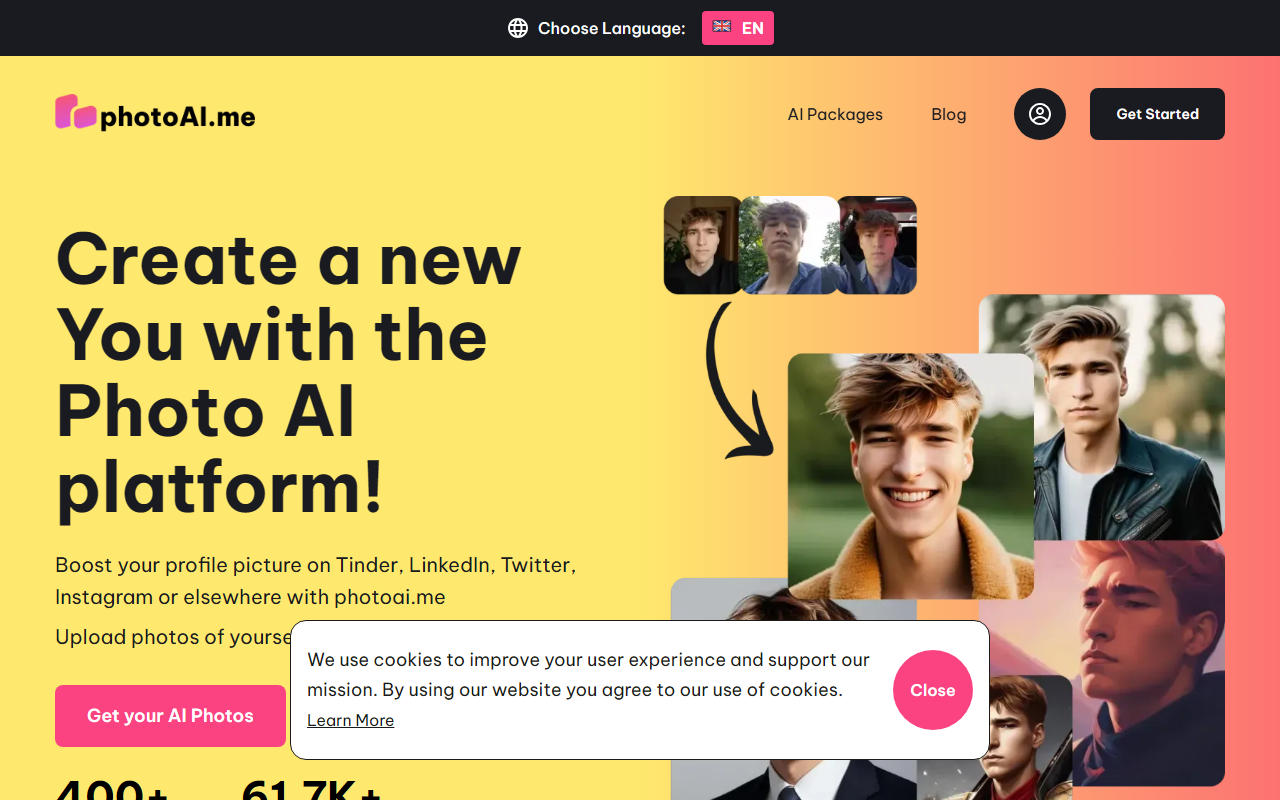
Upon visiting PhotoAI’s site, the landing page is immediately energetic — Halloween-themed banners and a promo code for 35% off greet you. The interface is clean and language-switchable, though the rest of the text stays in English. The core workflow is shown right on the homepage: upload at least 10 portrait photos, select a package, and receive 100+ AI-generated images. There is no free tier available; the button “Get photos” leads directly to a submission form for email collection, but actual pricing details are not displayed upfront. I tested the process by clicking through the examples — the gallery shows a wide range of styles from LinkedIn headshots to boudoir and Polaroid looks. Each style carries a “Photos Created” counter (e.g., 103,312 for LinkedIn Headshots), which gives a sense of popularity. However, without a trial or sample output, you cannot assess quality before committing.
Style Selection and Output Quality
The tool boasts 400+ photo styles, neatly categorized into Popular, Trendy, Business, Model, Avatar, and new seasonal packs like Autumn/Halloween. I observed the grid of style cards — each includes a sample image and a creation count. The tool primarily targets dating app users (Tinder, Bumble) and professionals needing headshots. The step-by-step promises “new stunning AI photos” based on your uploads. While I could not test the output directly, the sheer number of styles suggests strong versatility. Unlike general AI portrait generators such as Remini or FaceApp, PhotoAI focuses on generating multiple cohesive sets for specific platforms, which could save time for users who want a batch of on-brand images. A limitation is that all outputs rely entirely on the uploaded photos — if your inputs are low-quality or poorly lit, results may suffer. The site does not detail the underlying AI model, so technical transparency is limited.
Pricing and Market Comparison
Pricing is not publicly listed on the website. The only hint of cost is the “35% OFF” promo code NEWME, which suggests a typical one-time purchase or subscription model, but exact tiers are hidden until after you submit your email. This opacity is a drawback compared to competitors like HeadshotPro, which lists clear flat fees per session. Another notable alternative is The Dreamshot, which offers subscription-based headshot generation. PhotoAI’s claim of 61,700+ happy clients and the visible photo creation numbers (over 100K for top styles) indicate a sizable user base, which builds some trust. However, the lack of upfront pricing may frustrate potential buyers who want to compare before signing up. The bundling into packages with “100+ AI photos” suggests a volume-driven offering, likely cost-effective for those needing many images quickly.
Who Should Use PhotoAI?
PhotoAI is best suited for individuals looking to refresh their online presence — especially for dating profiles or LinkedIn. If you want a wide variety of AI-generated portraits in different aesthetics without manual editing, this is a convenient tool. Casual users will appreciate the large style library. However, professionals seeking high-end, photorealistic headshots may want to look elsewhere due to the lack of customizable retouching and the opaque AI model. Developers or heavy users will find no API mentioned on the site. PhotoAI is a solid choice for a quick profile boost, but proceed with caution given the hidden pricing and no free demo. Visit PhotoAI to explore it yourself.













Comments