

First Impressions and Onboarding
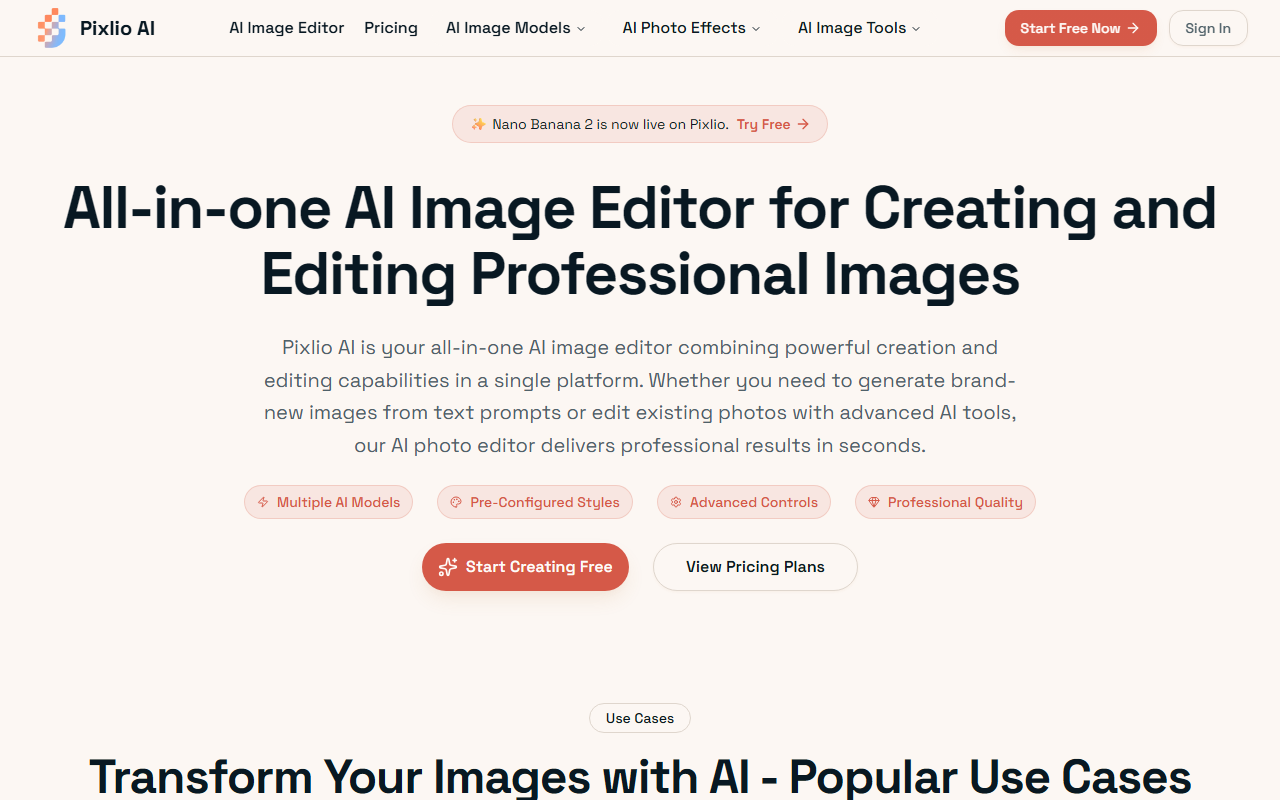
Upon visiting Pixlio's website, I was greeted by a clean, modern interface that immediately highlights the key differentiator: a choice of multiple AI models including GPT Image 2, Nano Banana 2, Seedream 5 Lite, and Seedream 4.5. The hero section prominently displays a "Try Free" button, and a hint bar shows sample style prompts like Cyberpunk and Ghibli, which gives new users a quick sense of creative possibilities. I clicked through to the dashboard, which is intuitive: a sidebar for model selection, an aspect ratio picker, and a text prompt area. The free tier grants complimentary credits with no credit card required, making it easy to start experimenting. The onboarding flow is minimal but effective—three steps: sign up, create or edit, then download. I appreciated that there is no forced tutorial; you can jump straight into creating.
Core Features and Advanced Controls
Pixlio positions itself as an all-in-one AI image editor, and the feature set backs that up. Under the hood, it supports both text-to-image generation and AI-powered photo editing. For generation, users can choose from several cutting-edge models—Nano Banana 2, Seedream variants, and the newly added GPT Image 2. On the editing side, the tool can remove or add objects, change backgrounds, and manipulate text. The advanced customization panel offers seed values, negative prompts, guidance scales, and multiple output formats. I tested a background removal workflow using one of my own photos, and the results were impressive—the AI handled complex hair edges with minimal manual touch-up. The platform also comes with pre-configured professional styles spanning Studio Ghibli anime, Pixar 3D, pixel art, photorealistic, and more. These styles can be applied during creation or retroactively to existing images, which is a clever time-saver for marketers and content creators.
Practical Workflows and Use Cases
The website showcases four primary use cases: text manipulation, background replacement, product photography, and marketing graphics. Each is backed by before/after examples that look convincing. I focused on the product image workflow, where Pixlio allows users to generate lifestyle shots without physical photoshoots. By entering a simple prompt like "a ceramic mug on a wooden table with morning sunlight," the output was commercially viable—good lighting, clean composition, and no obvious artifacts. The processing speed is genuinely fast; most generations completed in under 20 seconds, as promised. For e-commerce sellers who need volumes of product images, this feature alone could save hours. However, I noticed that the free tier limits resolution and the number of credits—details that are not fully transparent until you hit the paywall. Another limitation: there is no mention of an API for developers, which means bulk or automated workflows require manual intervention.
Pricing, Verdict, and Alternatives
Pricing is not publicly listed on the website. The copy only mentions flexible subscription plans (Basic, Pro, Max) but omits specific dollar amounts. You have to sign up and check inside the dashboard to see the tiers. This lack of upfront pricing is a frustration for budget-conscious users. That said, when testing the free tier, the quality and speed are competitive. Compared to alternatives like Canva AI (which now has a similar suite but requires a Pro subscription) or Midjourney (excellent for generation but lacks editing tools), Pixlio offers a more unified experience. It is best suited for e-commerce sellers, marketing teams, and casual creators who want both generation and editing in one place. Those needing advanced compositing or batch API access should look elsewhere. Overall, Pixlio delivers a solid, fast, and flexible AI image editor—if the pricing aligns with your budget, it is worth a serious try. Visit Pixlio at https://pixlio.net/ to explore it yourself.













Comments