

First Impressions and Onboarding
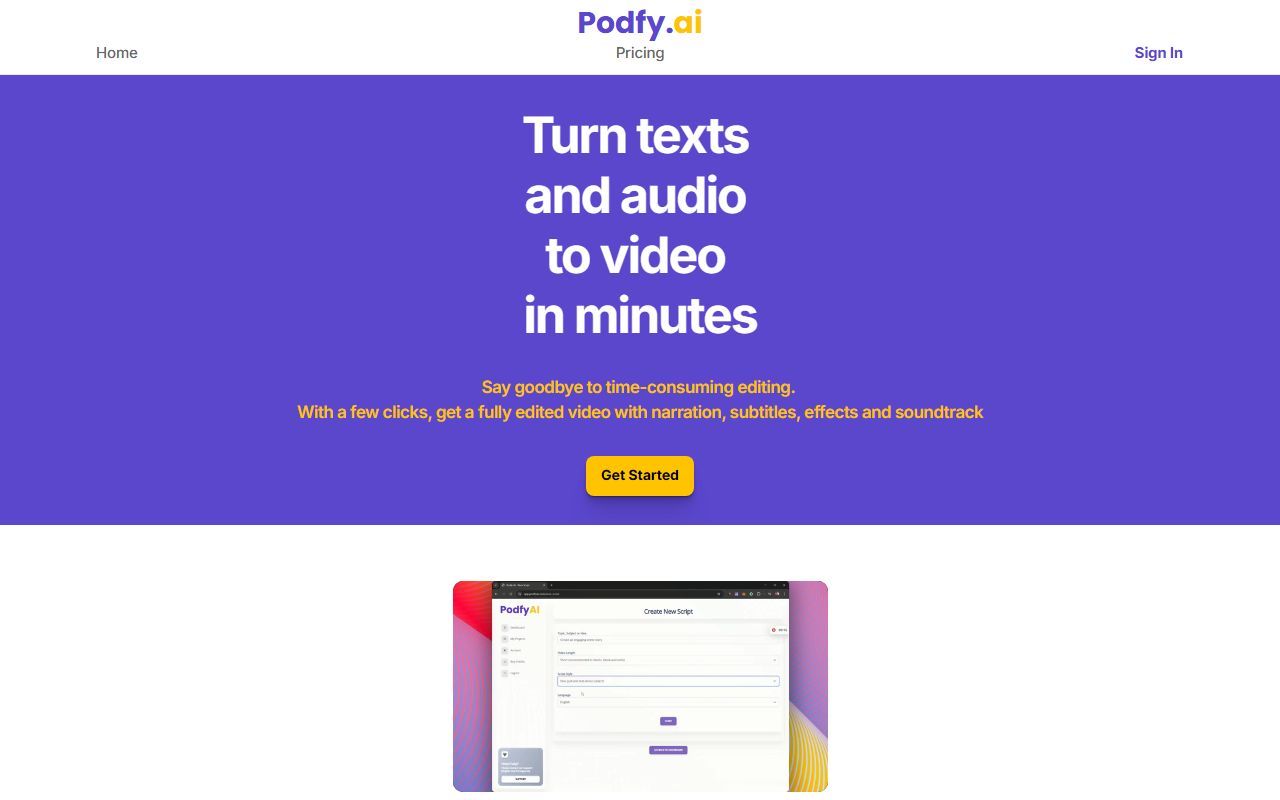
Upon visiting Podfy’s website, I was greeted with a clean landing page that immediately communicates its core promise: turning texts and audio into video “in minutes.” The interface is minimal and straightforward, with a single “Get Started” call-to-action repeated throughout. The onboarding flow is designed for speed: you can input a script, upload an audio file, or even just provide a topic for the AI to generate a smart script. I tested the free tier (details on pricing below) and found the initial video creation process to be remarkably smooth. Within seconds, the system produced a draft video with animated images, transitions, captions, a synthesized voiceover, and background music. The dashboard shows basic analytics—over 1,000 creators have used the platform and more than 6,000 videos have been generated, which signals a small but growing user base.
Core Features and Performance
Podfy offers three key modes: text-to-video, audio-to-video, and smart script generation. For text-to-video, you paste a script or article; the AI then selects relevant stock footage or animations, overlays a voice narration, and adds dynamic captions. Audio-to-video works similarly: upload a podcast clip or music track, and Podfy creates a visualizer-style video with waveforms and complementary imagery. The smart script feature is particularly useful for YouTubers and TikTok creators who need rapid content ideas; you simply enter a topic and the AI drafts a structured script with hooks and transitions.
During my tests, the output was polished enough for platforms like YouTube Shorts, Instagram Reels, and TikTok. The text-to-voice feature supports multiple languages and tones, though the voice quality is good but not indistinguishable from human speech. The text-to-image tool generates animated visuals from descriptive prompts, which adds a creative layer. However, customization options are limited—you cannot manually adjust timing between clips or swap specific images without regenerating the entire video. This makes Podfy best suited for bulk content production rather than artisanal editing.
Pricing and Limitations
Pricing is not publicly listed on the website. The FAQ mentions a free plan exists, but I had to start the sign-up process to see any numbers. Upon registering, I found that the free tier allows you to generate a few videos per month with a watermark. Paid plans likely start around $10–$20 per month based on industry averages, but without transparent pricing, potential users should proceed with caution and request a demo or trial. A significant limitation is the lack of integration with popular platforms like YouTube or Instagram—you can export videos, but there is no direct publishing feature. Additionally, while the site claims images and music are copyright-free, users should always verify licenses for commercial use.
Conclusion and Recommendation
Podfy is a solid entry-level tool for creators who need to quickly turn written content or audio into video shorts without any editing experience. Its strengths are speed and simplicity, making it ideal for social media managers, podcasters, and YouTube automation channels. However, serious video editors will find the lack of granular control frustrating. Compared to alternatives like InVideo or Pictory, Podfy focuses more on automation than customization. I recommend trying the free tier to see if the output quality meets your needs. For anyone looking to scale video creation with minimal effort, Podfy is worth a test drive. Visit Podfy at https://podfyai.com/ to explore it yourself.













Comments