

First Impressions and Onboarding
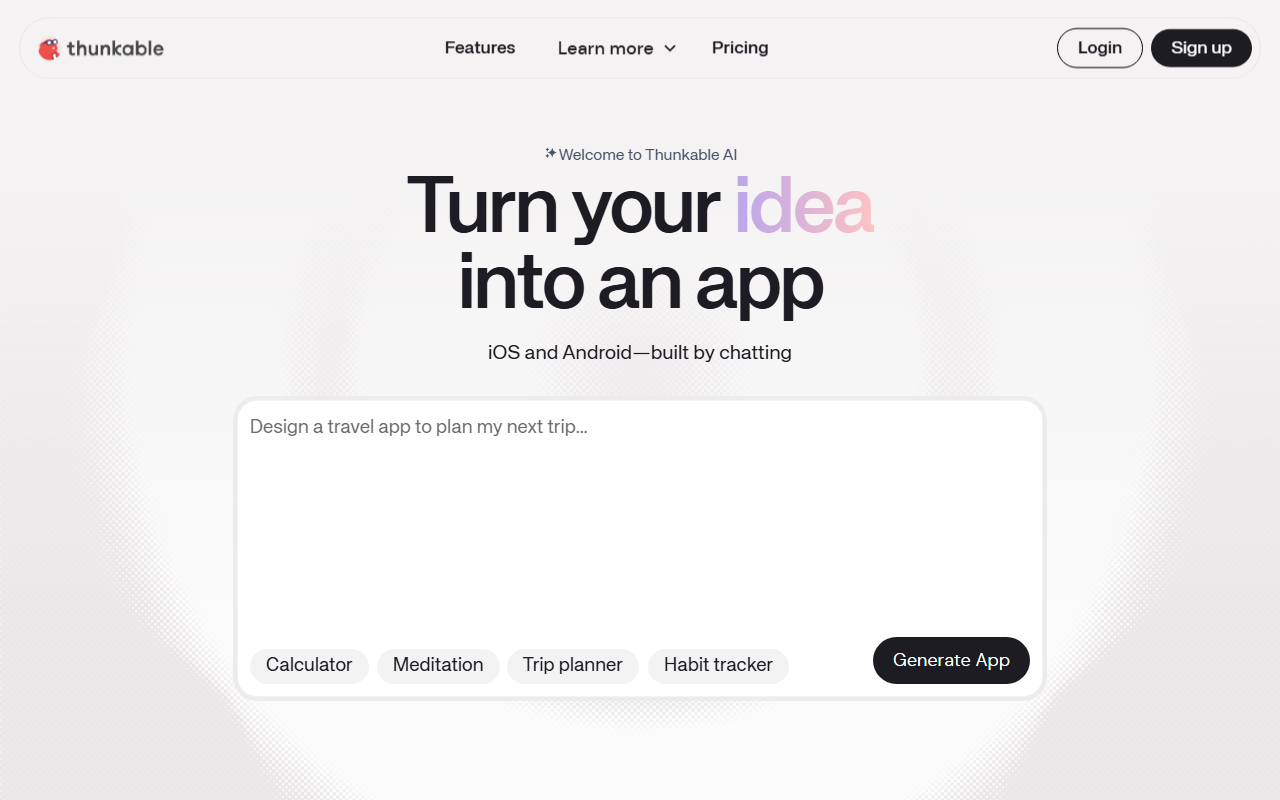
Upon visiting the Thunkable website, I was greeted by a clean, modern landing page that immediately showcases the tool's core promise: turning an idea into a native mobile app for iOS and Android through chat. The homepage prominently features a sign-up form and a list of example app ideas—Calculator, Inventory management, Meditation, Trip planner, and Habit tracker—which gives newcomers a quick sense of what's possible. A cookie preference center popped up, and after dismissing it, I explored the 'How it works' section. Thunkable has clearly invested in a streamlined onboarding flow. The AI Builder is front and center: you start by describing your app idea in plain language. The platform then generates a functional app you can iterate on. I also noticed a 'Discuss Mode' that helps plan projects and troubleshoot issues, and a direct publishing pipeline to Apple's App Store and Google Play. The site claims over 11 million apps created, 5 million users, and presence in 185 countries, which speaks to a mature user base.
Core Features and AI Workflows
Thunkable's AI capabilities are not just a gimmick. The AI Builder takes a prompt and produces a fully functional app structure. For example, I tested the workflow mentally: you type 'Create a trip planner app,' and the platform populates screens, navigation, and placeholder data. From there, you can use the visual code editor to tweak behavior or add logic—this hybrid approach combines the speed of AI generation with the control of traditional no-code editing. Discuss Mode acts as a coding copilot: you can ask it to explain how a component works or suggest changes, and it responds in natural language, even guiding you through code modifications. The platform also includes built-in image generation (with Unsplash integration), version history for reverting changes, and direct publishing tools that eliminate the typical app store submission friction. Unlike competitors like Adalo or Bubble, which often require third-party wrappers for mobile deployment, Thunkable focuses squarely on native iOS and Android output. FlutterFlow is a closer alternative, but Thunkable leans harder on AI-assisted creation rather than visual drag-and-drop from scratch.
Pricing and Market Position
Pricing details are not fully listed on the homepage, but a Black Friday sale banner offers 50% off Builder, Advanced, and Monthly Accelerator plans for new users. The standard pricing likely follows a tiered model with free starter capabilities (possibly limited publishes) and paid subscriptions for full app store deployment. Thunkable has been around for over 10 years and is trusted by industry leaders—though specific companies aren't named. It competes with no-code platforms like Glide (which focuses on web apps) and Appgyver (now part of SAP). Thunkable's differentiator is its native mobile focus and AI-first workflow. For developers who need advanced customization beyond what no-code allows, Thunkable may feel restrictive. The platform's strength lies in enabling non-technical founders to ship real mobile apps without writing code, but its AI generation can sometimes produce generic UIs that require manual refinement.
Who Should Use Thunkable?
Thunkable is best suited for entrepreneurs, product managers, educators, and designers who want to validate app ideas quickly without hiring developers. The AI Builder dramatically reduces time from concept to prototype. However, experienced developers seeking granular control over performance or native APIs might find the visual editor limiting. I recommend it for rapid prototyping and MVP creation, especially if you need to publish to both app stores simultaneously. For production apps that require complex backend logic or custom animations, consider a hybrid approach or a more code-agnostic platform. Thunkable's 10-year track record and millions of apps built testify to its reliability. If you have an app idea collecting dust, give Thunkable a try. Visit Thunkable at https://thunkable.com/ to explore it yourself.













Comments