

First Impressions and Onboarding
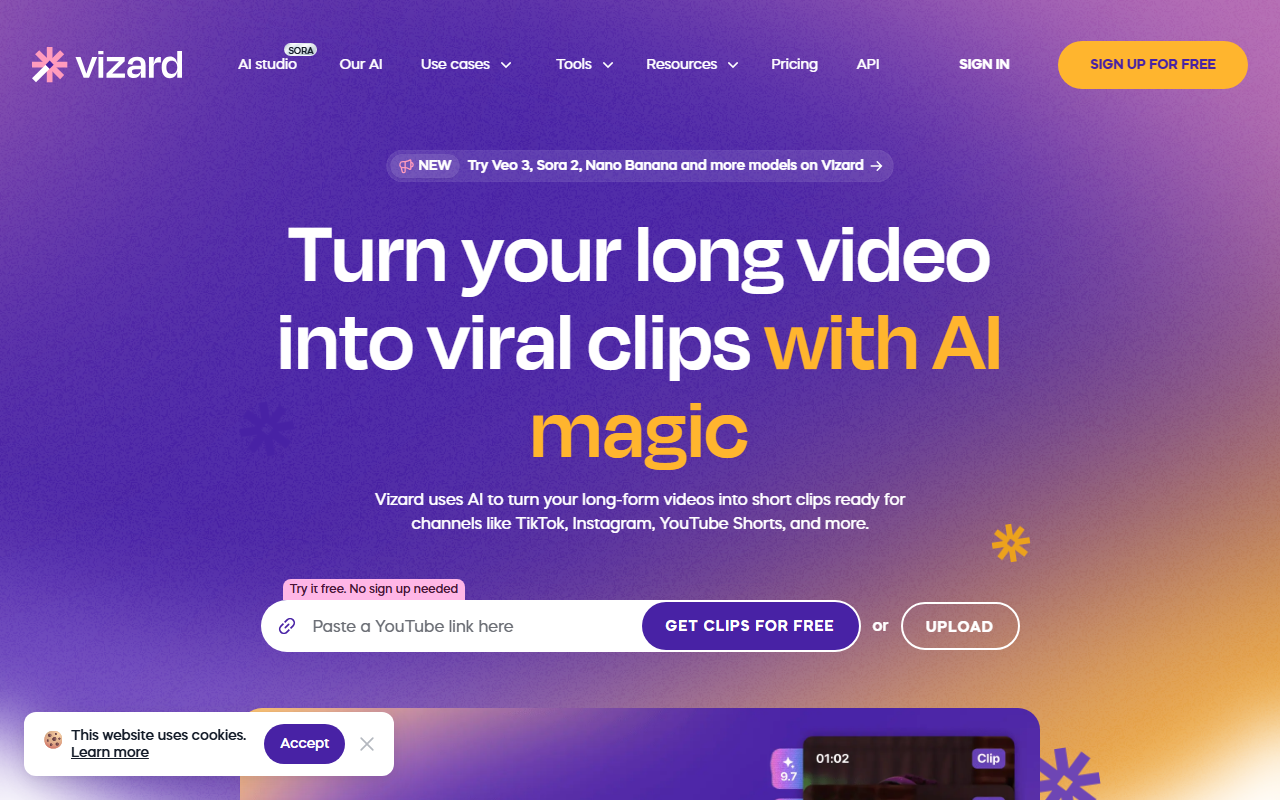
Upon visiting Vizard.ai, I was met with a clean, modern dashboard that immediately highlighted the core value proposition: turning long videos into short clips with one click. The homepage prominently displays a large upload button and a "Try it free. No sign up needed" call to action. I decided to test the free tier by uploading a 15-minute interview clip. The onboarding was smooth — after upload, Vizard automatically transcribed the video, identified speaker changes, and generated a preview of potential clips within about two minutes. The interface is intuitive: a left sidebar shows your media library, while the main editor area offers tabs for AI clipping, manual timeline editing, and publishing.
Core Features and Performance
The standout feature is the AI clipping engine. After uploading, I clicked "Get AI clips" and Vizard quickly analyzed the video for highlights, such as audience engagement moments or key quotes. It then generated 12 clips, each framed vertically for TikTok/Reels, with auto-generated captions and a choice of layout styles. I was impressed by the accuracy of the transcription and the alignment of captions with speech. The editor also allows manual tweaks: you can trim by deleting text in the transcript, change aspect ratio with one click, and apply brand templates. I tested the caption translation feature to Spanish, and it worked seamlessly, supporting over 100 languages. The built-in video editor serves those who want fine control beyond AI automation.
Pricing and Market Position
Pricing is not publicly listed on the website, which is a minor frustration. The site repeatedly encourages free usage without sign-up, suggesting a freemium model with credits. Based on user testimonials, paid plans likely offer more export minutes, higher resolution, and team collaboration. Competitors like Opus Clip and Descript offer similar AI clipping but with different pricing structures — Opus Clip starts at $19/month, while Descript charges $24/month for its pro tier. Vizard positions itself as a more affordable alternative, with several users claiming it saved them 80–90% compared to hiring an editor. The platform also emphasizes team collaboration through a "Teams Workspace" feature, allowing project sharing and client previews — a differentiator for agencies.
Verdict: Who Should Use Vizard?
Vizard excels at speed and simplicity for content repurposing. It’s ideal for solo creators, podcasters, and marketers who need to churn out daily clips without manual editing. The AI-generated highlights are generally good, but I noticed occasional misses — for example, it sometimes clipped irrelevant pauses. The tool lacks advanced color grading, multi-track audio, or motion graphics found in professional editors like Premiere Pro, so high-end video editors should look elsewhere. However, for its intended use case — turning a 30-minute webinar into 20 social clips in minutes — Vizard delivers remarkably well. If you regularly produce long-form video and need to maintain a posting schedule on short-form platforms, this tool will save you hours. Visit Vizard at https://vizard.ai/ to explore it yourself.













Comments