

First Impressions and Onboarding
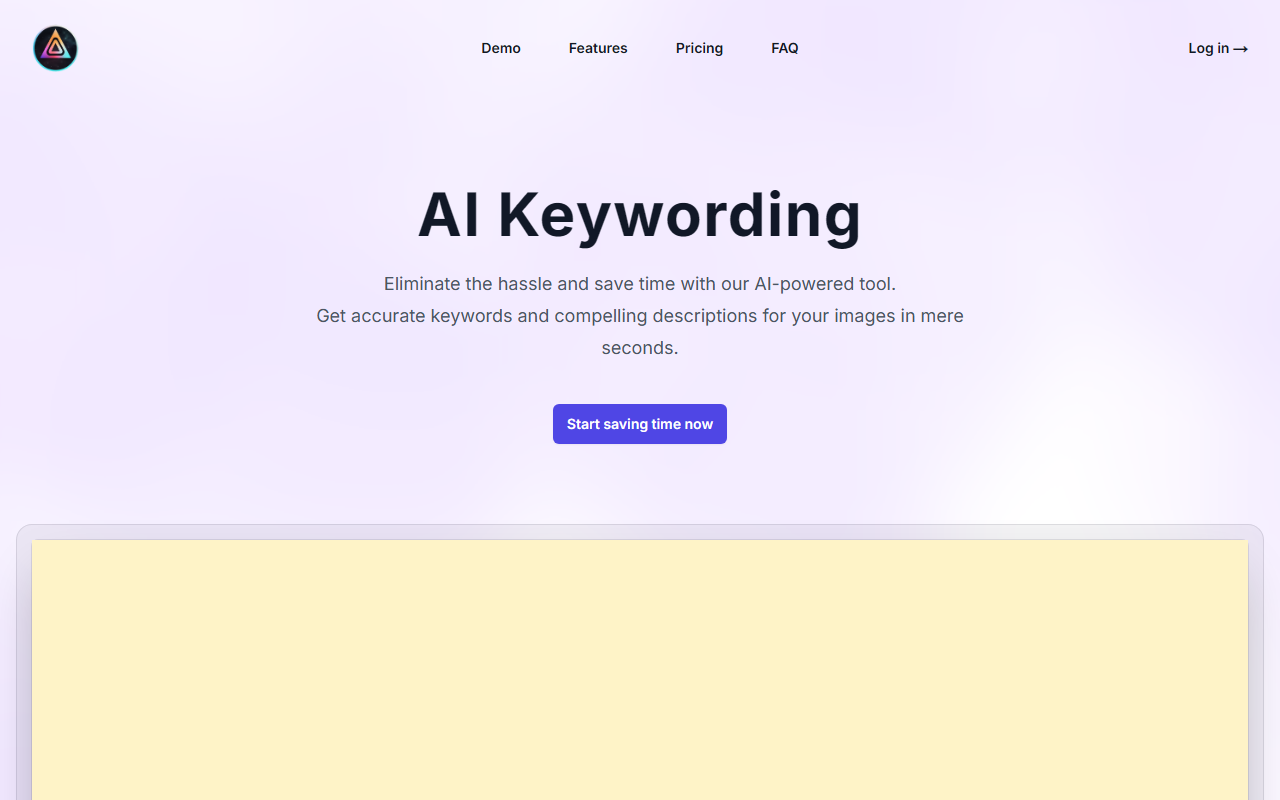
Upon visiting AI Keywording, the landing page immediately communicates a clear value proposition: eliminate the tedious manual keywording of images. The design is clean and minimal, with a prominent call-to-action button inviting you to start saving time. The onboarding flow is straightforward—a five-step process is outlined right on the homepage. You upload images (up to 100 at once, each up to 40 MB) via drag-and-drop, then the AI works its magic, and finally you generate a CSV file ready for stock websites or Adobe Bridge. I tested the interface by dragging in a few sample photographs. The upload was quick, and after a few seconds, the tool returned a set of keywords and a title for each image. The results included both generic terms and more specific, context-aware phrases—for instance, a shot of Camp Nou generated not only “fc barcelona” and “camp nou stadium” but also “catalan culture” and “european landmark.”
How the AI Keywording Works and Features
The core functionality revolves around AI-driven analysis of your image. The tool examines visual content and produces a title, a multi-sentence description, and a long list of highly relevant keywords. It also optimizes for SEO on stock platforms like Shutterstock, Adobe Stock, and others. A standout feature is the one-click CSV generation; the file includes all metadata and can be directly uploaded to stock sites or imported into Adobe Bridge to add metadata in bulk. During my test, the generated CSV opened cleanly in Excel and contained columns for title, description, and keywords. The AI seems to have been trained on stock photography conventions—it understands that a photo of a person holding a Starbucks cup needs brand names (“starbucks”) and lifestyle tags (“bokeh lights”), but it also adds contextual nuance like “to-go” and “urban culture.” The tool also supports descriptions that read naturally, unlike some algorithms that produce robotic text. One limitation I noticed is that the AI sometimes duplicates certain keywords or includes overly generic terms like “photography” or “modern” repeatedly. However, this is easy to clean up during editing. The web app does not appear to offer bulk editing or manual keyword ordering, which could be a minor inconvenience for power users.
Pricing and Market Comparisons
Pricing is not publicly listed on the website. The tool may operate on a credits-based or subscription model, but you’ll need to sign up or contact support to see exact tiers. This lack of transparent pricing is a drawback for those who want to evaluate cost before committing. For context, alternatives like Adobe Bridge’s built-in keywording are free but manual, while specialized services like Alchemi or StockSubmit offer similar AI-driven automation with known pricing. AI Keywording’s strength is its simplicity—the entire workflow from upload to CSV is contained in one web app, no installations or plugins required. Compared to competitors, it focuses exclusively on stock-oriented metadata, making it a tailored solution for photographers who sell on multiple agencies.
Who Should Use AI Keywording?
This tool is best suited for stock photographers, digital asset managers, and designers who need to batch-process large image sets for online marketplaces. The ability to generate consistent, SEO-friendly keywords in seconds saves hours of repetitive work. It is equally useful for teams that need to quickly add metadata to images before uploading to Adobe Bridge or stock sites. However, beginners may find the lack of a free trial (or transparent pricing) a barrier, and advanced users might miss granular control over keyword lists. If you shoot hundreds of product or editorial images weekly, AI Keywording can dramatically accelerate your workflow. If you only need occasional metadata for a few images, manual keywording or free tools may suffice. Overall, I recommend trying AI Keywording if you are serious about efficiency—the accuracy and speed are impressive, and the CSV export integrates seamlessly with existing pipelines.
Visit AI Keywording at https://aikeywording.com/ to explore it yourself.













Comments