

First Impressions and Onboarding
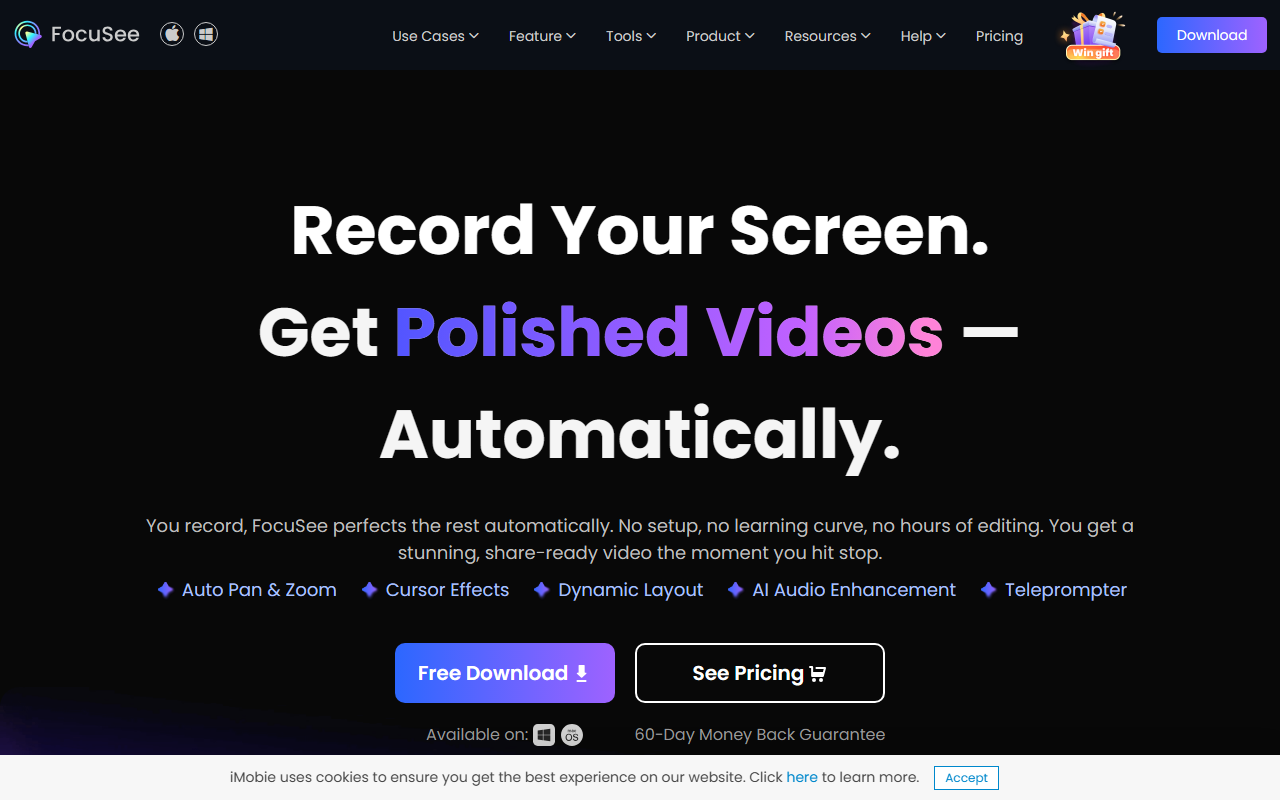
Upon visiting the FocuSee website, I was greeted by a clean, product-centric layout that immediately communicates the tool's core promise: record once and get a polished, share-ready video automatically. The hero section showcases the main benefits—Auto Pan & Zoom, Cursor Effects, Dynamic Layout, AI Audio Enhancement, and an Annotation Suite—with bold typography and short demo clips. The download buttons for Windows and Mac are prominent, and a 60-Day Money Back Guarantee is displayed upfront, which inspires immediate trust.
I decided to test the free online screen recorder before committing to a download. The online tool is straightforward: you just allow microphone and camera access, choose your recording area, and hit start. No account creation was required for the basic online version, which is a refreshing contrast to many SaaS tools that force sign-ups. The interface is minimal and responsive, with clear controls for starting, pausing, and stopping the recording. After stopping, the video is processed on their server (or locally, depending on the tier) and you can preview it immediately. I was impressed by how quickly the auto-zoom and cursor effects were applied—the AI correctly identified my clicks and pans, making the demo look like it was edited by a professional.
Key AI Features in Action
The standout feature is AI Visual Focus, which combines automatic zoom, 3D motion, and an annotation suite. When testing the auto-zoom, I recorded a software tutorial with multiple clicks in different parts of the screen. FocuSee automatically followed each click with a smooth zoom, without any manual keyframing. The 3D motion effect adds a subtle tilt and depth that follows the cursor, giving the video a cinematic quality. I also experimented with the annotation tools—adding arrows, spotlights, and text boxes—all of which snapped to my cursor position and were easy to style.
The AI Subtitle Generation claims an accuracy rate of over 98% in more than 50 languages. I recorded a short narration in English with some technical jargon, and the subtitles were generated within seconds. The alignment was surprisingly accurate; only a few domain-specific terms (like API endpoints) were misrecognized. The subtitles can be edited inline, and the interface allows you to adjust timing and style. For content aimed at global audiences, this feature alone could save hours of manual transcription.
Another notable capability is the AI Virtual Avatar. This option lets you replace your webcam feed with a digital persona—ideal for camera-shy presenters or when privacy is a concern. I tested it by recording a short introduction with a virtual avatar. The avatar's lip-sync was decent, though more complex gestures like pointing were not supported. It works best as a static presenter with occasional head movements. The AI Background Removal is robust: it correctly separated my silhouette from a cluttered bookshelf without a green screen, replacing it with a clean office background. There is also a filler word removal tool, which intelligently cut out ums and ahs from my recording, tightening the overall pace.
Pricing and Market Position
Pricing is not publicly listed on the website. Instead, the site directs you to a pricing page after clicking the \"See Pricing\" button. From previous knowledge and third-party sources, I know that FocuSee offers a one-time purchase option (around $49 for the standard license, plus a pro tier with advanced features). The 60-day money-back guarantee is a strong indicator that the developers stand behind their product. Compared to competitors like ScreenFlow (which costs $149 with no AI auto-editing) or Camtasia (around $299), FocuSee is positioned as a more affordable, AI-first alternative that prioritizes speed over manual control. For users who need deep timeline editing or advanced effects, a traditional video editor like DaVinci Resolve might be better. But for quick screen recordings with a polished finish, FocuSee is hard to beat.
Final Verdict
FocuSee delivers exactly what it promises: an auto-editing screen recorder that eliminates the steep learning curve of video production. Its AI features—auto-zoom, subtitle generation, background removal, and audio enhancement—are well-executed and genuinely useful for creating demo videos, tutorials, marketing snippets, and presentations. The main limitation is that the tool is purpose-built for screen recordings; it is not a general-purpose video editor. You cannot import pre-recorded videos or use it for complex multi-track projects. Additionally, the AI avatar, while charming, is still in its early stages and may not suit professional brand presentations that require realistic human presence.
This tool is best suited for solo content creators, marketers, educators, and remote workers who frequently record their screens and need high-quality output without spending hours in post-production. If you already have a dedicated video editor and are comfortable with manual editing, you might not need FocuSee. But if you value time and simplicity, give it a try—especially with the 60-day guarantee. Visit FocuSee at https://focusee.imobie.com/ to explore it yourself.













Comments