

First Impressions and Onboarding
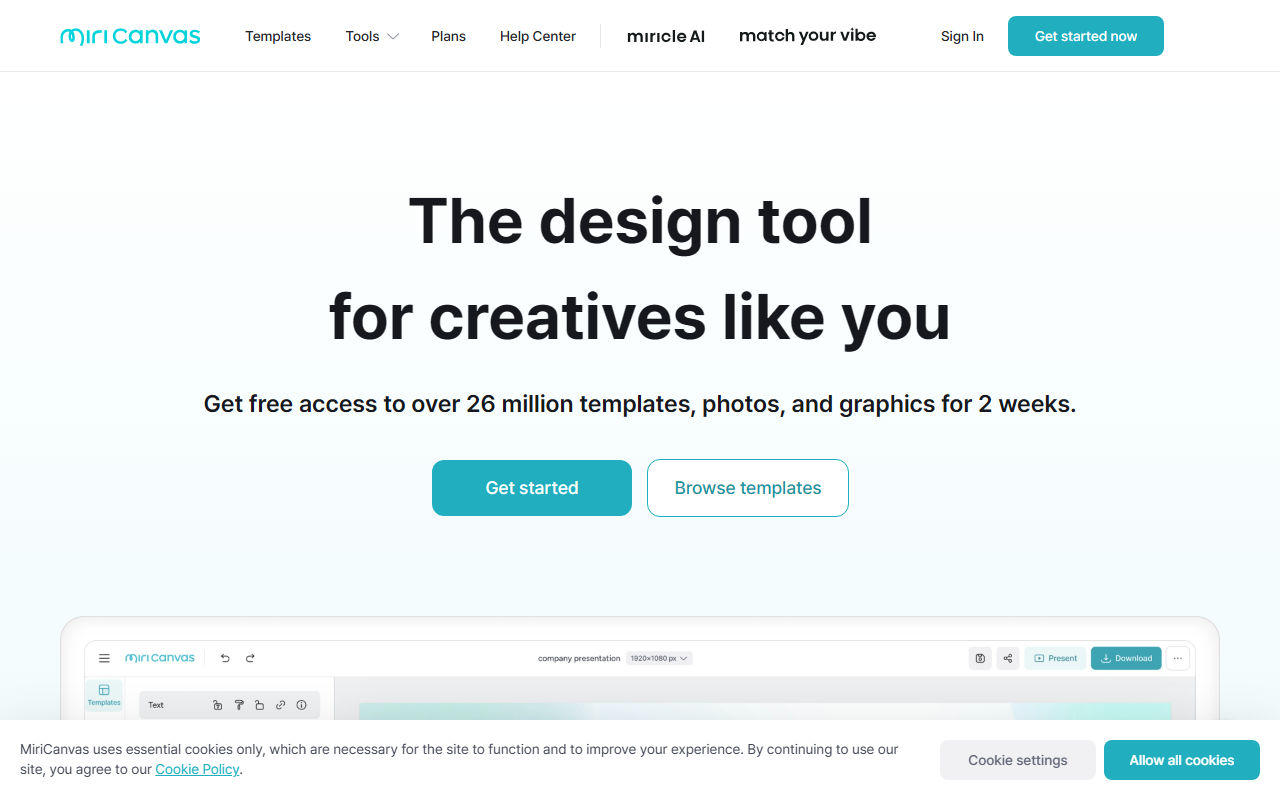
Upon visiting the MiriCanvas website, I was greeted by a clean, modern interface with prominent calls to action: “시작하기” (Start) and “템플릿 보러가기” (View Templates). The dashboard, once I quickly signed up using a Google account, revealed a familiar layout reminiscent of Canva: a left-hand sidebar with template categories and a central canvas area. The onboarding flow was smooth, guiding me through selecting a template type—presentation, video, social media, poster, detail page, or YouTube thumbnail—before diving into editing. Notably, the platform boasts “530,000+ templates” and “1,000+ million elements,” which immediately suggests a vast library.
Core Features and AI Toolset
MiriCanvas positions itself as a full-featured design platform with a strong AI component. I tested the free tier and explored the AI Presentation tool. I entered a simple topic: “Sustainable Business Practices.” Within seconds, the AI generated a 10-slide deck with title slides, bullet points, and even suggested images—though the images were pulled from the platform’s stock library rather than AI-generated. The AI Writing tool, integrated into the editor, can rewrite text, expand bullet points, or generate copy based on context. The AI Image Generation feature allows you to describe an image, but I found the outputs to be somewhat generic compared to dedicated generators like Midjourney. On the practical side, the Background Removal tool worked flawlessly: one click and the background was gone, with a preview before applying. The “Inpainting” (영역 지우개) tool also performed well, letting me erase unwanted objects from photos. The video editing templates are less robust than dedicated video tools, but fine for short social clips.
Pricing and Limitations
Pricing is not publicly listed on the website; you must create an account or view the 요금제 (Pricing) page to see specifics. After logging in, I found a clear Free plan with watermarked exports and limited storage, plus paid Pro and Enterprise tiers. Exact prices were in Korean Won, but approximate monthly costs seem competitive with Canva’s Pro tier. A significant limitation: the interface is heavily Korean-centric. While the tool supports multilingual templates, menus and help documents are primarily in Korean. This could frustrate non-Korean speakers. Another drawback: the free tier imposes a watermark on exports and limits access to premium elements. Compared to Canva (which offers deeper AI integrations via Magic Studio) and Adobe Express (stronger vector editing), MiriCanvas is best for casual users or teams in Korea who want an all-in-one design solution with local templates.
Final Verdict and Recommendation
MiriCanvas is a solid alternative for anyone needing quick, template-driven designs without a steep learning curve. Its AI presentation and writing tools are convenient for beginners, though power users may find them basic. The platform’s support for mobile and tablet—via dedicated apps—is a genuine advantage for on-the-go editing. I recommend it for Korean-speaking small businesses, educators, and social media managers. If you’re outside Korea or require cutting-edge AI generation, look at Canva or Adobe Express instead. Strengths: huge template library, user-friendly mobile apps, and robust basic AI tools. Limitations: Korean-centric UI, no publicly listed pricing, and AI image quality lags behind dedicated tools.
Visit MiriCanvas at https://miricanvas.com/ to explore it yourself.













Comments