

First Impressions and Onboarding
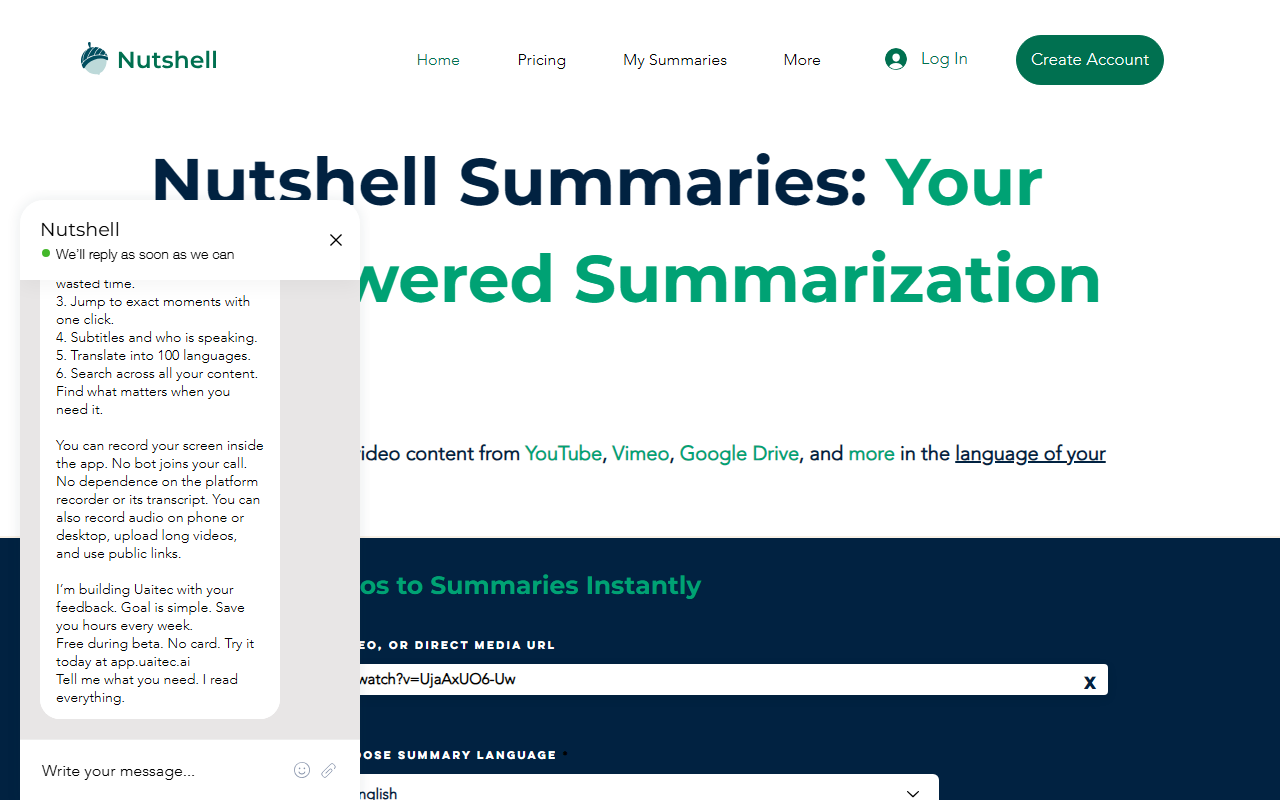
Upon visiting the Nutshell website, I was greeted by a clean, minimal interface. The homepage is dominated by a single input field where you can paste a video URL from YouTube, Vimeo, or Google Drive, along with a dropdown to choose your summary language. There is no onboarding tour or tutorial, but the process is intuitive enough that anyone can start summarizing within seconds. I tested the tool by pasting a YouTube URL and selecting English. The 'Summarize!' button is prominently placed, and after clicking, a summary appeared almost instantly. The website also offers a 'Log In' and 'Create Account' option, suggesting that summaries may be saved or that advanced features require registration.
Core Features and Performance
Nutshell’s primary function is to transform long video content into concise, readable summaries. It supports multiple platforms, including YouTube, Vimeo, and Google Drive, which is a practical advantage for users who work across different media sources. The language selection feature is particularly useful for non-native speakers or those who need summaries in a specific language. During my test, the summary was accurate and captured the main points of a 10-minute tech review. The output was a few paragraphs in plain text, without any timestamps or bullet points—adequate for quick information retrieval but not for in-depth analysis. The tool seems to rely on an AI model, but the website does not disclose which model (e.g., GPT, custom) is used. There is no option to adjust summary length or style, which limits flexibility compared to more robust tools.
Pricing and Limitations
One of the biggest challenges with Nutshell is the lack of clear pricing information. The website states 'Get free summaries' and prompts account creation, but I could not find any paid tiers, API pricing, or subscription details. This opacity raises questions about long-term accessibility. If the tool remains free, it may be ad-supported or limited in usage. I also noticed the footer includes placeholders like 'Cabeçalho 5' and 'Cabeçalho 6', suggesting the site is still under development. Additionally, Nutshell does not offer advanced features such as transcript downloads, keyword extraction, or integration with note-taking apps. For users who need more than just a quick summary, tools like TLDR This or SummarizeYT provide more granular control and visible pricing structures.
Who Should Use Nutshell?
Nutshell is best suited for casual users who want a fast, no-fuss way to grasp the core message of a video without watching the entire content. Students reviewing lecture recordings, professionals scanning meeting recaps, or content creators researching competitors will find it useful. However, if you require detailed notes, source citations, or the ability to summarize long playlists, you should look elsewhere. The tool’s simplicity is both its strength and its weakness. I recommend trying the free version for occasional use, but keep an eye on pricing changes as the service matures. Visit Nutshell at https://nutshellapp.com/ to explore it yourself.













Comments