

First Impressions and Setup
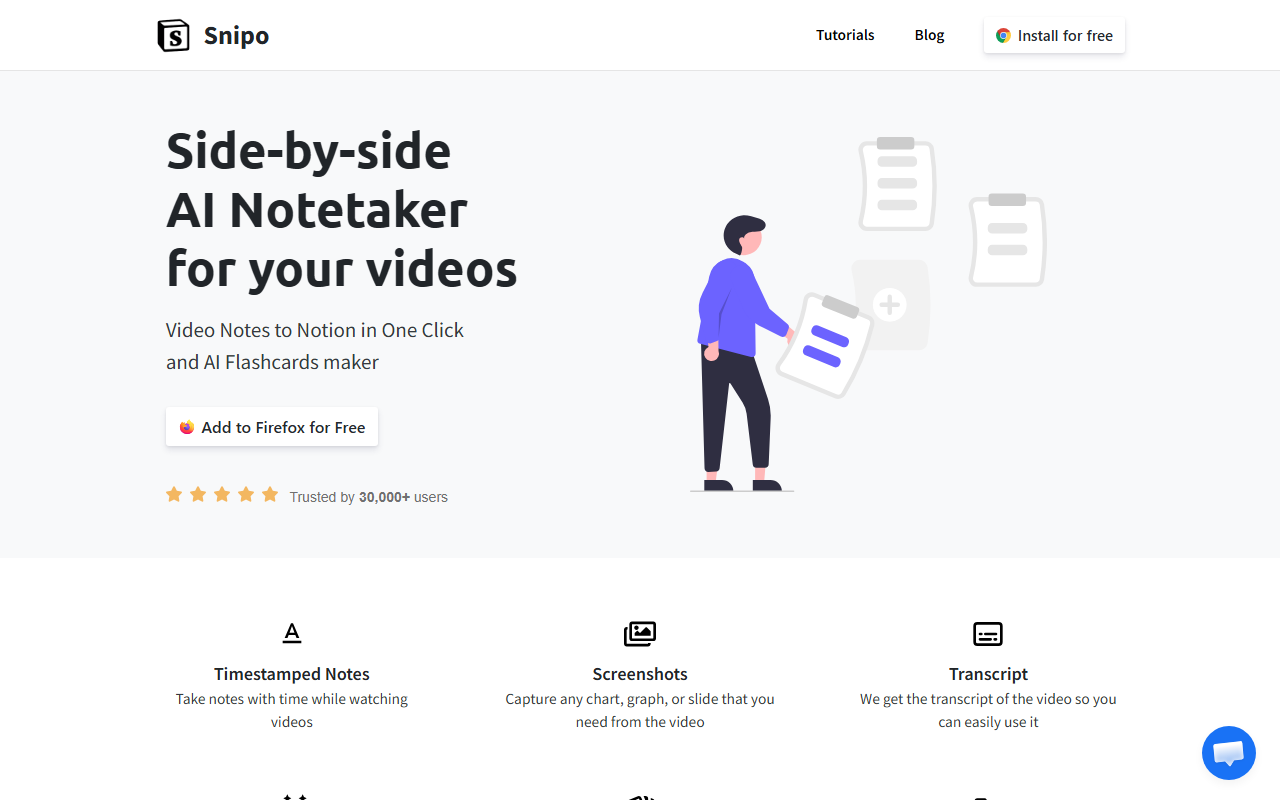
Upon visiting Snipo's website, I was greeted by a clean, minimal landing page that immediately showcased the core value proposition: taking video notes to Notion with one click. The dashboard does not exist on the website itself—Snipo is a Chrome extension. After clicking the 'Add to Chrome for Free' button, the installation took less than a minute. Trusted by over 50,000 users, the extension's popularity is evident from the glowing testimonials displayed. Once installed, a small Snipo icon appears in my browser toolbar. I opened a YouTube video on machine learning and clicked the icon—a side panel slid out, perfectly integrated into YouTube's interface without feeling intrusive.
The onboarding was smooth; I was prompted to connect my Notion workspace. After a quick OAuth authorization, Snipo was ready. I didn't need to create an account beyond my existing Notion login. The entire setup took under two minutes, which I found refreshing for a productivity tool.
Core Features and Workflow
The heart of Snipo lies in its note-taking and flashcard generation features. During my test with a 20-minute YouTube lecture, I clicked the 'Capture' button inside the Snipo panel. This automatically added a timestamp and a screenshot of the current frame into a new Notion page. The transcript feature is impressive: Snipo pulls the video's captions and displays them in the side panel. I could select any snippet and add it directly to my notes with the timestamp preserved. This is far more efficient than manually pausing and typing.
The AI Flashcards maker is a standout. After capturing several notes from the video, I clicked 'Generate Flashcards' and Snipo auto-created a set of Q&A cards based on the content. I could review, edit, and save these into custom decks. Exporting to Anki via the 'Export' button worked flawlessly. For learners who study across platforms, this bridges a gap between video consumption and spaced repetition.
Beyond YouTube, Snipo supports Udemy, Coursera, Skillshare, and LinkedIn Learning. I tested on a Coursera lesson; the experience was identical. Playlist and course syncing is a time-saver: connecting a full YouTube playlist to Notion creates a page with all timestamped notes from each video. Keyboard shortcuts (like Cmd+Shift+S for screenshot) keep hands on the keyboard.
Pricing, Limitations, and Verdict
Pricing is not publicly listed on the website; the extension is completely free to install and use. All features—transcripts, AI flashcards, export, playlist support—are available without any paywall. However, I noticed a subtle mention of 'AI Flashcards maker' being powered by AI, which may have usage limits in the future. For now, it's generous.
Despite its strengths, Snipo has limitations. It is exclusively a Chrome extension, so Firefox, Safari, or Edge users are left out. It requires an active Notion account—if you use other note-taking apps like Obsidian or Evernote, Snipo won't work. The AI flashcard generation, while useful, occasionally produced generic questions that needed manual tweaking. Also, the screenshot capture only grabs the current video frame; you cannot annotate or resize it within Snipo.
Compared to tools like Otter.ai (which focuses on real-time meeting transcription) or standard Notion web clippers, Snipo is uniquely tailored for video-based learning. If you're a student, self-learner, or professional watching courses on platforms like Udemy or YouTube, Snipo is a game-changer. For power users who need offline support or multi-app integration, look elsewhere.
Visit Snipo at https://snipo.io/ to explore it yourself.













Comments