
First Impressions and Onboarding
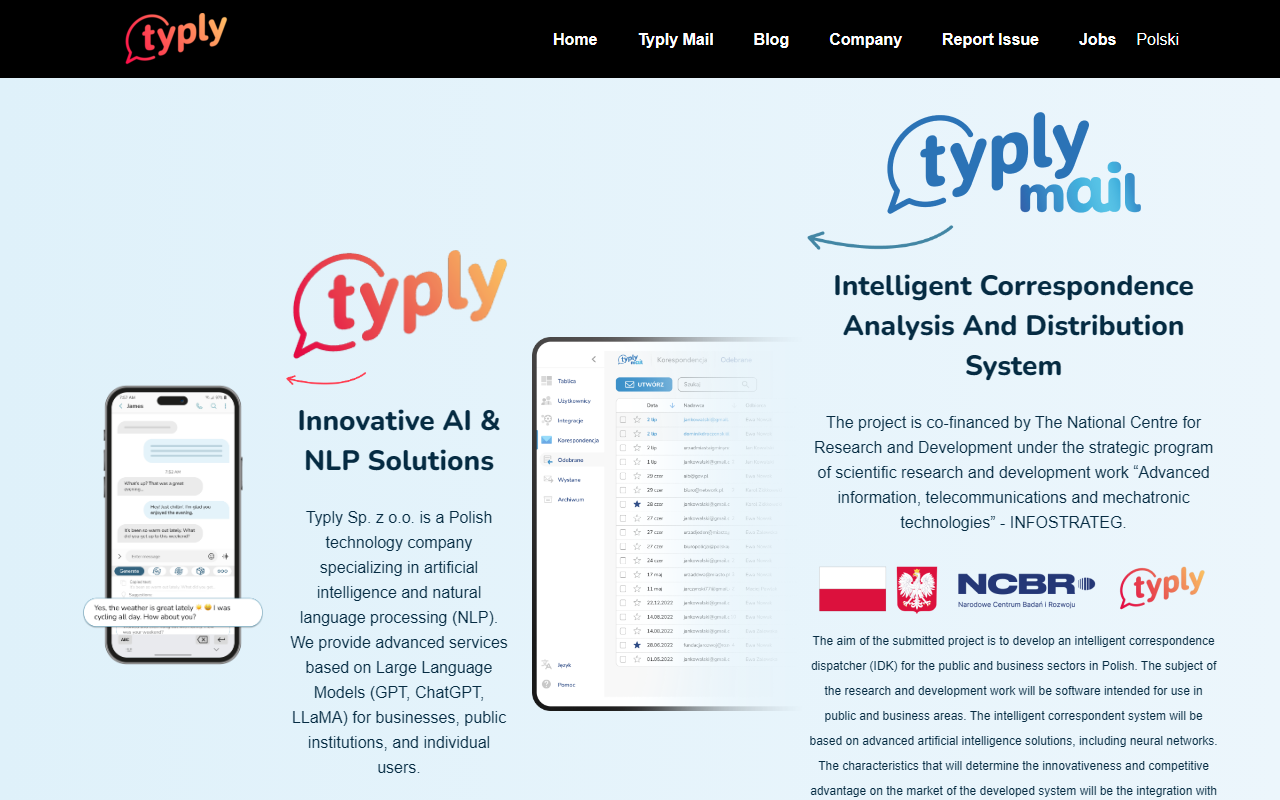
Upon visiting the Typly website, I found a clean layout that immediately emphasizes the product as an "ultimate cutting edge AI keyboard." The page highlights a promo video and app store badges for Apple and Android. Unlike many AI writing tools that target desktop browsers, Typly is strictly a mobile application. I downloaded the free tier on my Android device to test the onboarding flow. The setup process asks you to enable the Typly keyboard in your system settings and grant accessibility permissions for contextual analysis — a step that privacy-conscious users should note. The dashboard then shows a simple interface with a floating button that expands into the main features: Generate, Reply, Processing, and Bundles.
Core Features and Performance
Typly’s primary function is Generate. When you copy or type a message into any app, the keyboard suggests full-sentence replies that match the conversation context. I tested it by pasting a friend’s text asking about weekend plans. Within seconds, Typly offered three options: a casual affirmative, a fun suggestion to visit a new café, and a more formal acknowledgment. The responses felt natural, though occasionally generic. The Reply function takes this a step further by analyzing incoming messages and providing a curated set of prompt categories — “Yes,” “No,” “Explain,” “Pretend to be a lawyer,” etc. Each category spawns personalized sentence templates. Processing is my favorite: you can paste a long article and ask Typly to summarize, correct grammar, or bullet-point key ideas. The AI handled a 500-word tech news snippet efficiently, condensing it into three bullet points without losing critical details. Bundles offer pre-written phrases from movies, songs, and common scenarios (e.g., icebreakers for dating apps). These are fun but feel less useful for daily work.
Typly also includes a dedicated Dating Function for Tinder and Badoo, which suggests playful or romantic openers. I tried it on a mock conversation and received witty responses, though the tone was sometimes overly enthusiastic. The Translate feature translates your typed text into over 40 languages, then generates suggestions in that target language — a neat addition for bilingual chats. The keyboard itself has a state-of-the-art layout with responsive keys and adjustable illumination, but it lacks swipe-to-type, which heavy typers may miss.
Pricing and Market Position
Pricing is not publicly listed on the website. After installing the app, I found a subscription model with a 7-day free trial: $9.99 per month or $59.99 per year. Compared to competitors like Grammarly Keyboard (free with premium at $12/month) and Microsoft SwiftKey (free with optional AI features), Typly is competitively priced for its specialized AI reply generation. However, it lacks a desktop version, limiting its appeal for professionals who write emails or reports on laptops. The company, Typly Sp. z o.o. from Poland, has secured government co-financing (over 2 million PLN) for its intelligent correspondence system, indicating institutional trust. Its primary niche is mobile-first users drowning in messaging notifications.
Strengths and Limitations
Typly’s biggest strength is its context-aware response generation. Unlike traditional keyboard predictors that only suggest the next word, Typly reads the entire conversation history and proposes complete, varied replies. The variety of prompts (lawyer, doctor, native speaker) adds personality. The Bundles feature is a creative addition for entertainment value. However, limitations are clear: the keyboard is only available on mobile devices, and the accessibility permission required raises privacy concerns. During my test, the Generate function sometimes misinterpreted sarcasm or produced off-topic suggestions. The user profile feature, which learns your writing style, requires significant usage before improvements become noticeable. The app’s reliance on cloud AI (GPT-like models) means responses can be slow on weak internet connections.
Typly is best suited for individuals who send dozens of messages daily and want to maintain engagement without typing each reply. It is less ideal for professional writers, researchers, or anyone who primarily works on desktop. If you’re a heavy instant messenger user or active on dating apps, Typly can save hours. For everyone else, alternatives like Grammarly’s keyboard offer more comprehensive proofreading.













Comments